Filestage is a solid tool for reviewing files. You upload a design, a video, or a PDF, your team and clients mark it up, and specific people approve it. Its site also lists live websites among the things you can review.
But lots of marketing teams review more than files. Social posts live in one tool, landing pages in another, and the PDFs and videos in a third. Each one has its own comments and its own approval history, so when something goes wrong, nobody can say who approved what.
If that sounds familiar, you may be looking for a Filestage alternative. Below we compare 3: Gain, PageProof, and Ziflow. For each one, we cover what it’s best for, where it falls short, and what it costs.
When Filestage is a good fit, and when it isn’t
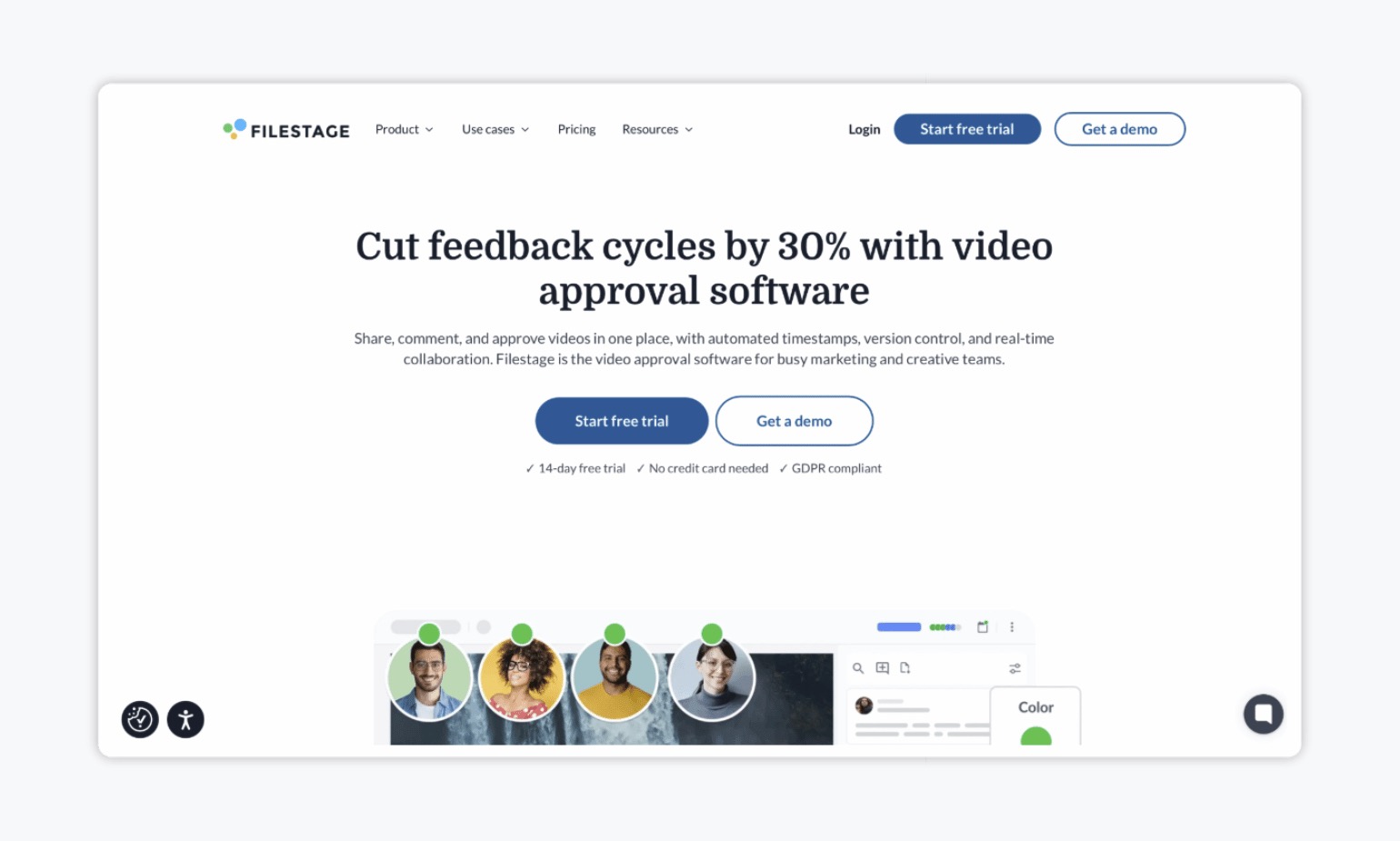
Filestage is built around reviewing files. Its site lists artwork, packaging and labels, videos, documents and PDFs, designs and images, and live websites. You upload once, collect feedback in one place, and track approval status. It also offers custom approval workflows, multi-stage reviews, version tracking, and password-protected links for external reviewers.
For a team that mostly reviews creative files, that can be all you need. Filestage’s pricing page lists a free plan, then Starter at $199 a month and Business at $329 a month, with custom pricing for Enterprise. On the Free plan, reviewers don’t need an account.
Here’s where teams tend to look elsewhere:
- Social posts and publishing. Filestage’s site doesn’t list social post approval, scheduling, or publishing. If you approve social posts in one tool and files in another, you’re still running two systems.
- Plan limits. On Filestage’s pricing page, Free and Starter include two reviewer groups, and Business includes three. Templates, review checklists, webhooks and API access, and automations start on Business.
- One record across everything. If your approvals cover posts, PDFs, videos, and web pages, you may want a single history for all of them instead of one per tool.
Filestage alternatives at a glance
The biggest difference is content types. Here’s what each tool covers, based on each vendor’s own site, as of November 9, 2026.
| Tool | Content types | Social post approval and publishing | Starting price (USD) |
|---|---|---|---|
| Gain | Social posts, files (PDFs, videos, images, presentations), text documents, and web pages | Yes. Approved posts publish to 9 platforms | $99/month, flat rate, unlimited reviewers and approval workflows |
| Filestage | Artwork, packaging, videos, documents and PDFs, designs, live websites | No | Free plan; Starter $199/month; Business $329/month; Enterprise custom |
| PageProof | Images, print, documents, HTML emails, web banners, live and staging websites, video, audio | Lists “social media” among file types, but no social post workflow or publishing | Team $249/month; Team Plus $499/month; Enterprise quote |
| Ziflow | 1,200+ file types, including design files, videos, and live websites | No | Free plan; Standard $199/month; Pro $329/month (billed annually); Enterprise custom |
Prices and features change, so check each vendor’s pricing page before you decide.
1. Gain: Best for teams that approve more than files
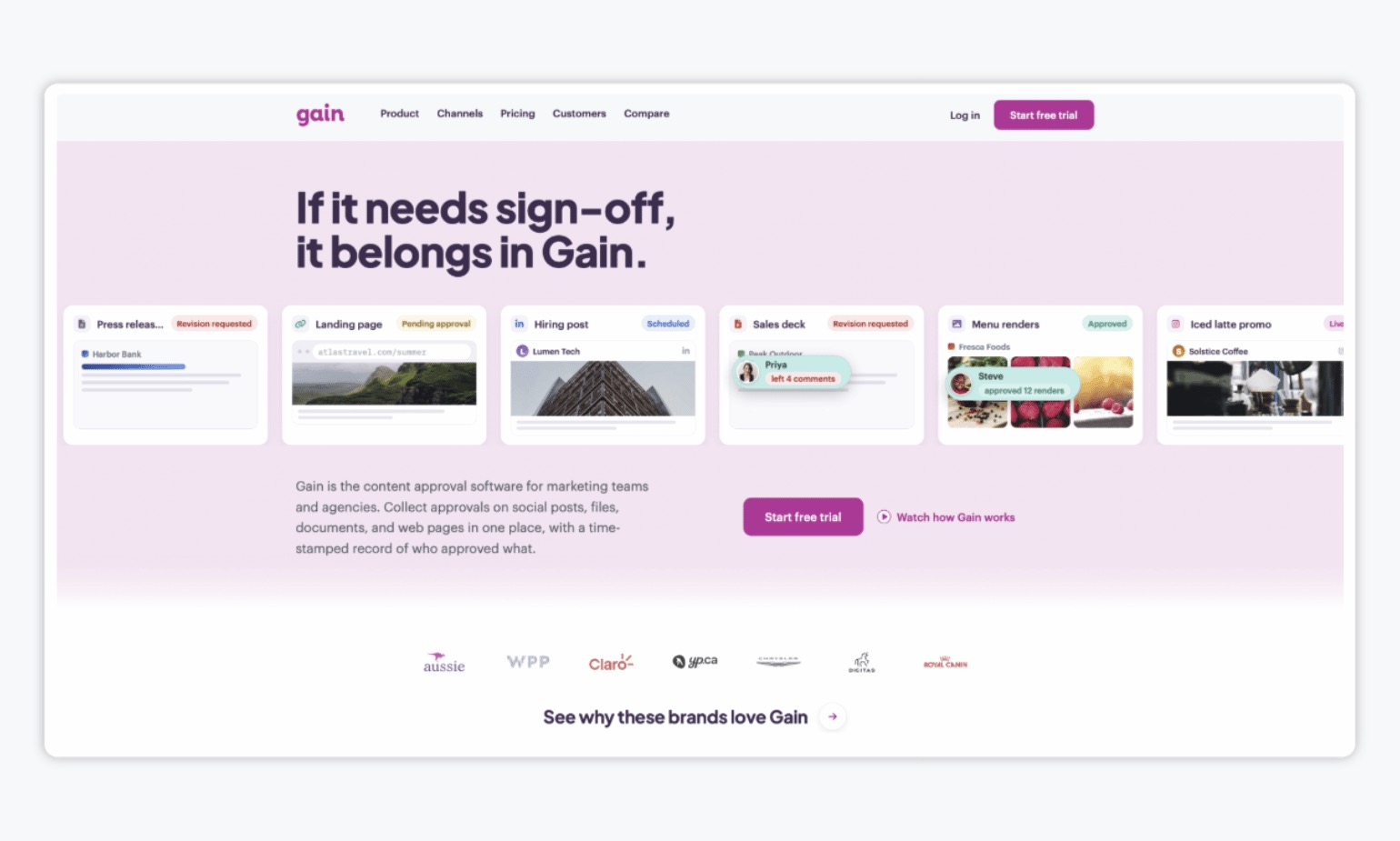
Gain is a content approval platform. Social posts, files like PDFs, videos, images, presentations, text documents, and web pages all go through the same approval process. Instead of running one tool for files and another for social posts, your team and your clients review everything in one place.
What stands out:
- One workflow for every content type. You build a multi-step approval flow with multiple stages and reviewers once, then route any kind of content through it, in the right order. There’s no limit on stages or reviewers.
- Publishing built in. Once the right people approve a social post, Gain can schedule and publish it to 9 platforms. Only approved content goes out.
- A workspace for each client or brand. Each one gets its own calendar and content channels, and people only see the workspaces they need.
- Easy for clients. External approvers can sign off with a magic login and approve with one click, without needing to do any set up.
- A clear record. Every approval is time-stamped and tied to a version across all content types and you can download the feedback and approval history.
- Flat pricing. Plans start at $99 a month, with unlimited approval workflows and unlimited reviewers, so adding another approver never increases your bill.
Where it’s different from Filestage: Gain is an approval tool, not a deep proofing tool. If your main need is deep, specialized proofing, such as detailed markup on packaging artwork or content-heavy design files, a proofing-first tool may be a better fit. Gain’s Embed feature also works as an approval checkpoint for web content, not as a replacement for website proofing tools.
2. PageProof: Best for marketing and creative teams that need detailed proofing
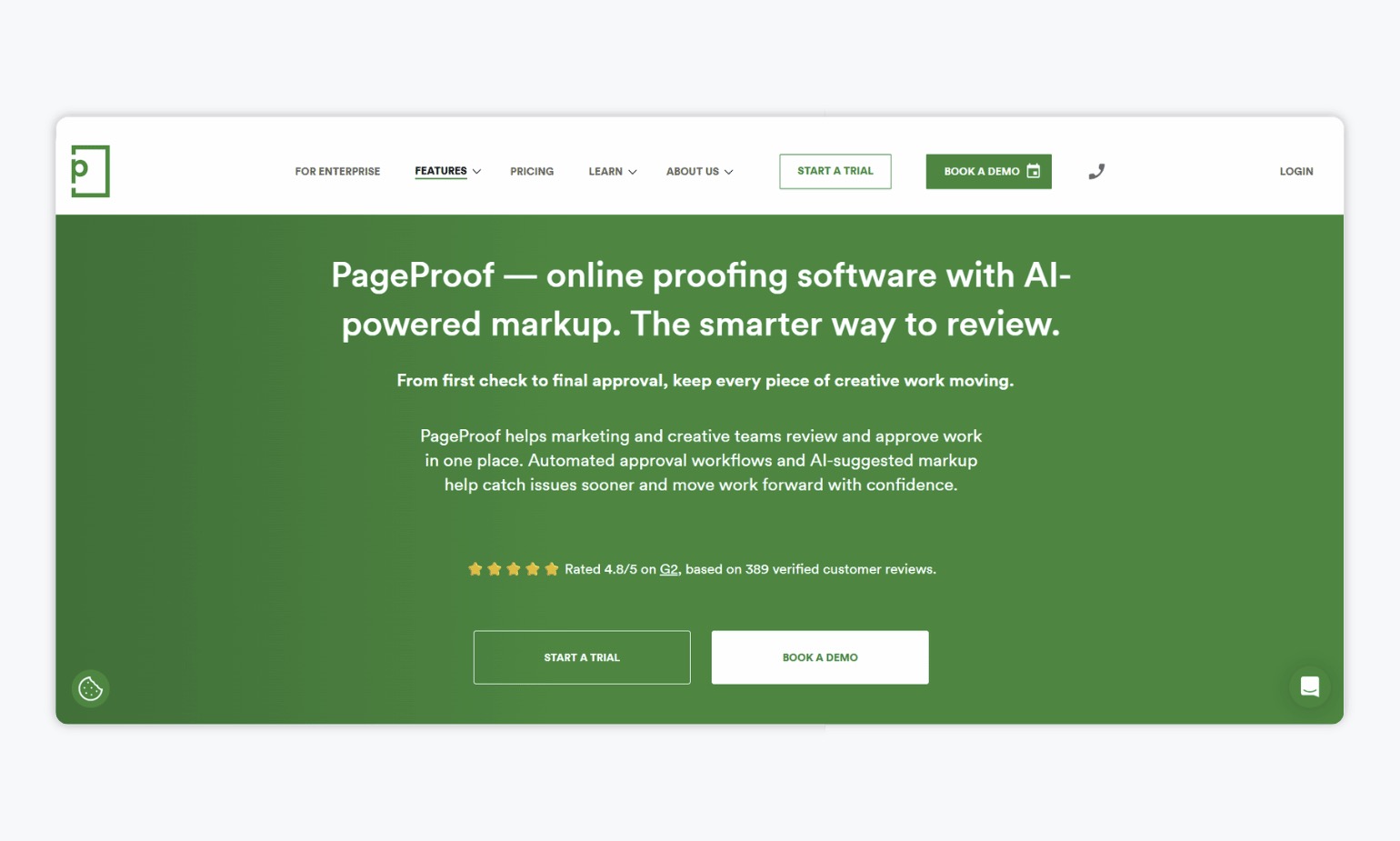
PageProof says it helps marketing and creative teams review and approve work in one place. Its site lists a wide range of content: images, print, packaging, documents, HTML emails, web banners, live and staging websites, video, and audio.
What stands out:
- Approval rules. Workflows route proofs to specific people, and decision thresholds set how many approvals a proof needs before it moves on.
- Reminders and audit trails. PageProof sends automatic reminders and logs every decision and action.
- Easy review. Reviewers can open a proof from an email invitation in a browser without an account.
- Delivery of final files. Approved files can be sent to connected storage, work management tools, and digital asset platforms.
Pricing: According to its pricing page, Team costs $249 a month ($2,499 a year) and Team Plus costs $499 a month ($4,999 a year). Both include unlimited reviewers, proofs, and storage. Single sign-on, scheduled proofs, and comment labels start on Team Plus. Digital signing and full audit and compliance export are Enterprise features, which are priced by quote. PageProof also offers a free trial.
Where teams look elsewhere: PageProof lists “social media” among the types of files you can proof, but its site doesn’t describe a social post approval workflow or publishing. Its entry price is also higher than Filestage’s and Ziflow’s.
3. Ziflow: Best for creative teams reviewing a wide range of file types
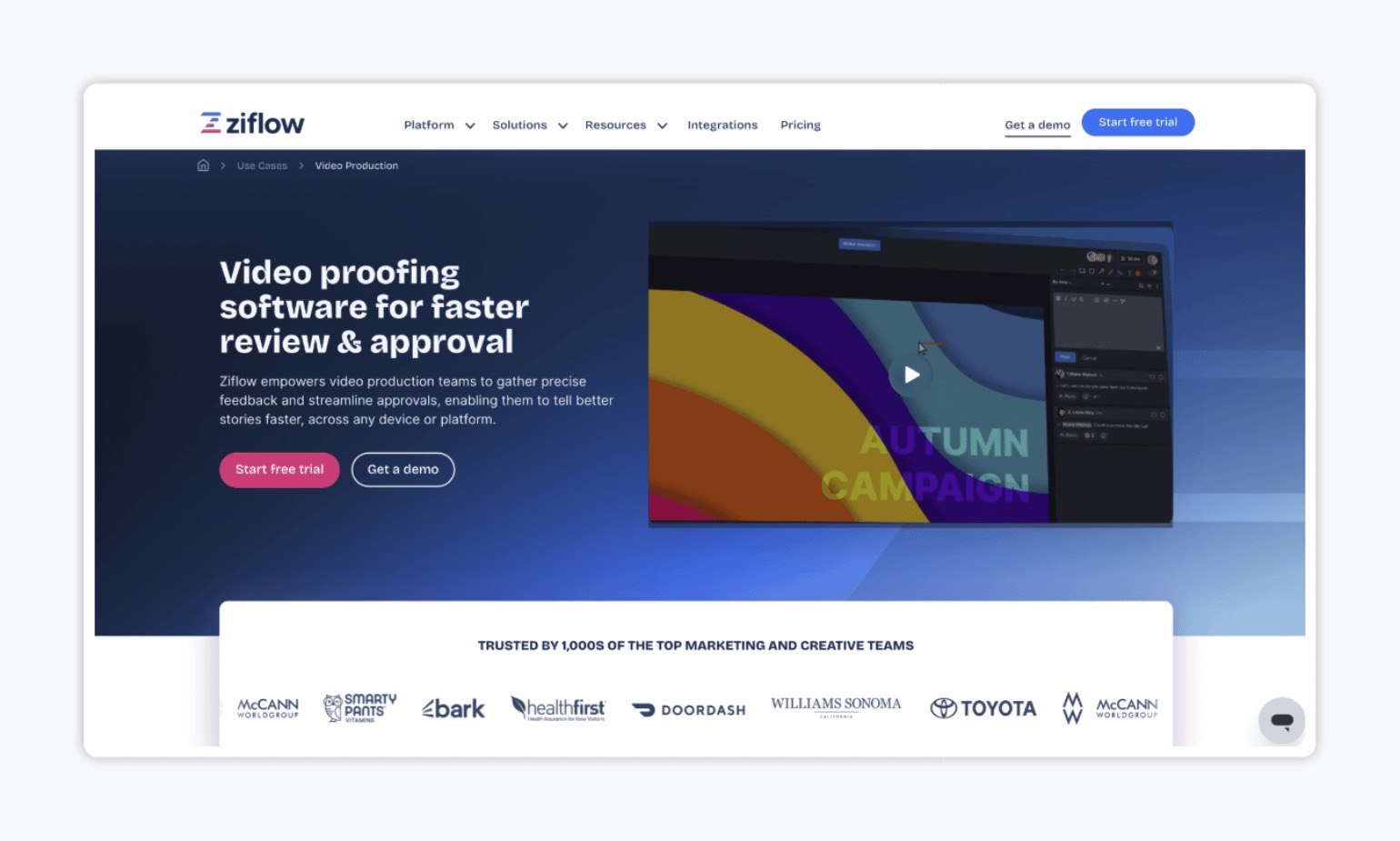
Ziflow says teams can review “design files, videos, live websites and everything in between,” and its pricing page cites 1,200+ file types. It’s aimed at marketing teams, in-house creative, creative operations, and legal and compliance, as well as agencies.
What stands out:
- Review tools. Reviewers work in one interface with markup tools and checklists for consistent feedback.
- Custom workflows. Assets move to different reviewers in sequence, with a central place to track status, feedback, and approvals.
- ReviewAI. An automation feature that checks checklist items and brand standards, with people keeping the final say.
- Integrations. Adobe Creative Cloud, monday.com, Asana, Jira, Slack, and others.
Pricing: According to its pricing page, Ziflow has a free plan for 2 users, Standard at $199 a month, and Pro at $329 a month, both billed annually, plus custom Enterprise pricing. All plans list unlimited reviewers and proofs. Plan limits are worth reading closely. Workflow stages go from 1 on Free to 2 on Standard, 3 on Pro, and unlimited on Enterprise, and Standard and Pro include one active workflow template. Audit trail retention is 3 months on Standard, 1 year on Pro, and lifetime on Enterprise.
Where teams look elsewhere: Ziflow’s site doesn’t mention social post approval or publishing, and its use cases center on advertising, packaging, video, web design, and print.
How to choose a Filestage alternative
Before you switch tools, it helps to answer a few questions. For example:
- What do you approve most often? If it’s almost all content-heavy design files, a proofing-first tool like Filestage, PageProof, or Ziflow may be all you need. However, if your mix includes social posts, documents, and web pages, a tool built around approvals across content types like Gain will save you the juggling.
- Do approved posts need to be published? If so, check whether the tool can schedule and publish to social media networks, or whether you’ll copy content into yet another tool.
- How many people review? Look at how each plan treats reviewers and workflow limits, such as reviewer groups or workflow stages, since those can change what you pay as your process grows.
- How much markup detail do you need? Teams working on packaging or content-heavy artwork often need very detailed markup. A social or content team usually needs a clear yes or no from the right people.
- Do you need one record? If someone asks who approved a post, a PDF, and a landing page for the same campaign, can you answer from one place?
Whichever tool you pick, start a free trial with a real project. It’s the quickest way to see whether your reviewers actually use it!
The bottom line
Filestage, PageProof, and Ziflow are all strong for reviewing creative files. If that’s most of what you approve, any of them can work.
But if your team also approves social posts, documents, and web pages and needs them published once approved, Gain gives you one approval flow and one record for all of it, plus publishing. Plans start at $99 a month, with unlimited reviewers, unlimited workspaces, and unlimited approval workflows.
Want all your approvals in one place? Try Gain free.