The Gain Blog
  • Categories
    • Agency Talk
    • Marketing & Social Media
    • News
    • Productivity
    • How-To
  • What is Gain?
  • Customer Stories
  • Try Gain Free
  • Facebook
  • Twitter
  • Instagram
  • YouTube
  • LinkedIn
In Marketing & Social Media

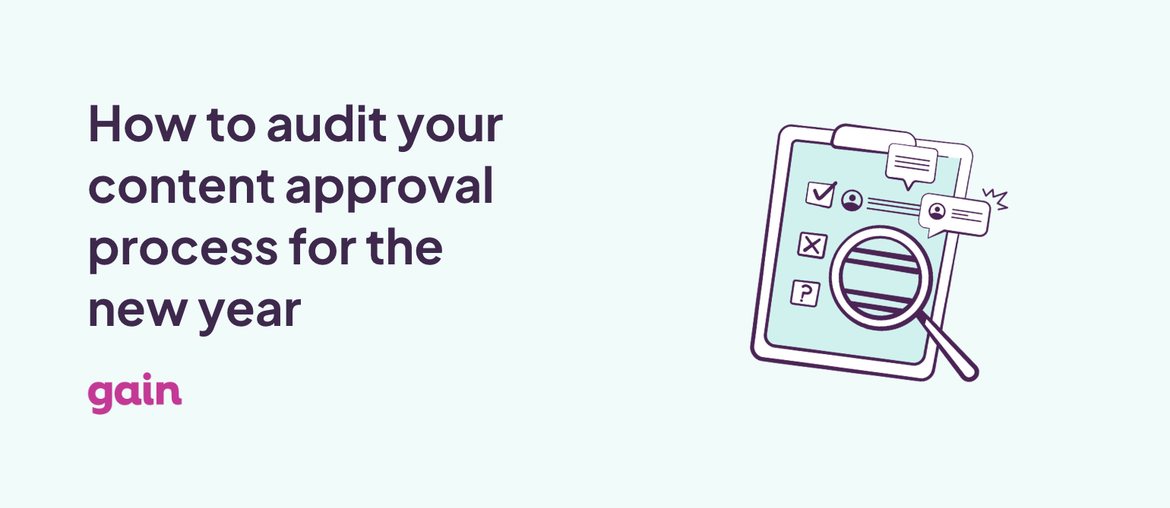
How to audit your content approval process for the new year

November 25, 2026 6 Mins Read

Your content approval process probably grew by accident. Answer ten questions, score each one, and see what to fix first before the new year.
Read More
Marketing & Social Media November 25, 2026

How many tools does the average marketing team use heading into 2027?

Most teams have never counted their tools. Here are nine stats on how big marketing stacks have grown, and why more software hasn’t made content approvals any simpler.

News November 23, 2026

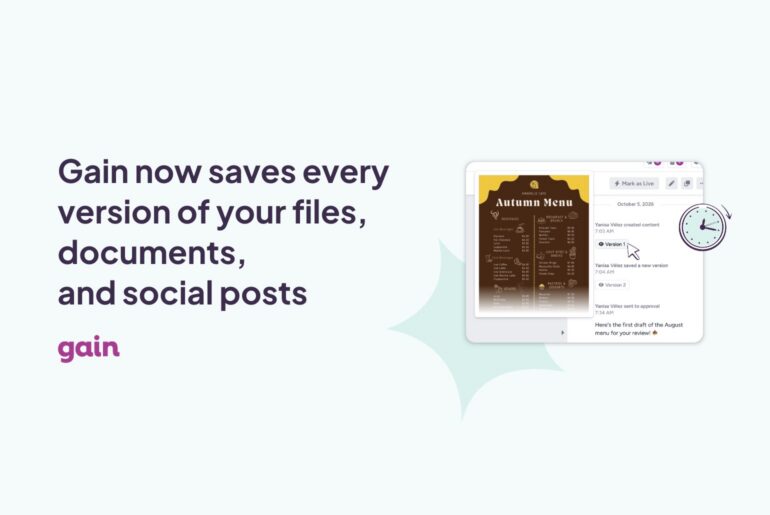
Gain now saves every version of your files, documents, and social posts

Every content approval process has the same moment. A client presentation goes out for review, feedback comes in, and someone…

Marketing & Social Media November 19, 2026

Best tools for gathering marketing feedback

Social posts, files, videos, and web pages each need a different kind of feedback. Here are the best tools for each, and how to avoid juggling three.

Marketing & Social Media November 19, 2026

3 best Filestage alternatives to consider in 2026 (with pricing)

Need more than file proofing? Compare Gain, PageProof, and Ziflow as Filestage alternatives, including social post approvals and publishing.

Load More

Marketing & Social Media

Marketing & Social Media November 25, 2026

How to audit your content approval process for the new year

Your content approval process probably grew by accident. Answer ten questions, score each one, and see what to fix first before the new year.
Marketing & Social Media November 25, 2026

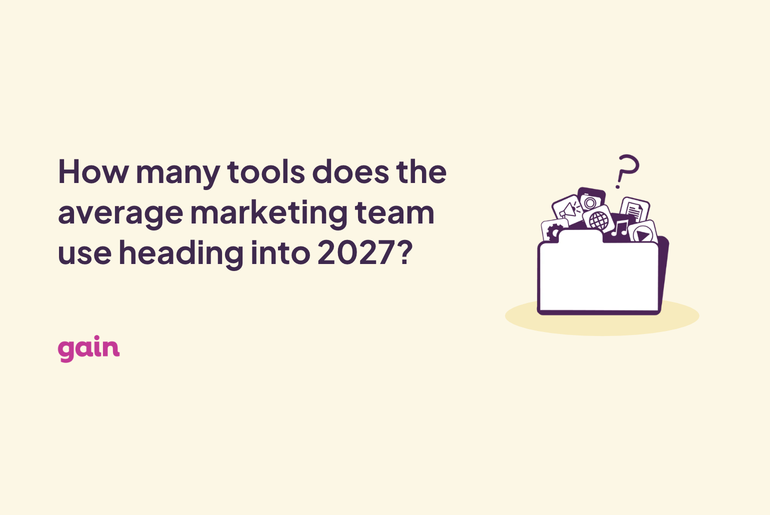
How many tools does the average marketing team use heading into 2027?

Most teams have never counted their tools. Here are nine stats on how big marketing stacks have grown, and why more software hasn’t made content approvals any simpler.
Marketing & Social Media November 19, 2026

Best tools for gathering marketing feedback

Social posts, files, videos, and web pages each need a different kind of feedback. Here are the best tools for each, and how to avoid juggling three.

Load More

Productivity

content approval metrics
Marketing & Social Media October 15, 2026

7 Content Approval Metrics Every Marketing Team Should Track

As a marketer, you track plenty of metrics once content goes live: clicks, conversions, engagement, leads, and 20 other KPIs.…

Productivity October 1, 2026

6 Best Content Approval Tools for Marketing Teams in 2026

Content approval software sounds like a straightforward category until you start comparing the tools. Some platforms are built primarily for…

what is content approval software
Productivity September 24, 2026

Content Approval Software: What It Is, How It Works, Who Needs It

Getting your marketing content approved is anything but simple. Marketing teams typically create all kinds of content, including social media…

Load More

News

News November 23, 2026

Gain now saves every version of your files, documents, and social posts

Every content approval process has the same moment. A client presentation goes out for review, feedback comes in, and someone…

News June 29, 2026

Introducing Embed: Approve Web Content in Gain, Right Alongside Everything Else

Your social posts are in Gain, moving through approvals. But the landing page? You emailed the URL to your client…
News November 30, 2025

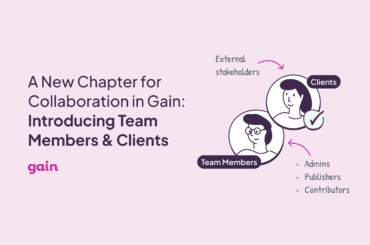
A New Chapter for Collaboration in Gain: Introducing Team Members & Clients

If you’ve ever worked on content at a marketing or social media agency (or with any cross-functional marketing team for…
Load More

How-To

how to organize marketing materials
How-To September 17, 2026

How to Organize Marketing Materials and Assets Effectively

As a marketing agency owner or marketer, you know how quickly one misplaced file or an outdated version floating around…

content edits
How-To September 10, 2026

How to Manage Content Edit Requests Without Losing Your Mind

Do your content edit requests look something like this? You get a Slack message saying, “Blog post edits are in.…

content feedback loops
How-To August 20, 2026

How to Manage Marketing Feedback Loops With Internal and External Stakeholders

If you’re an agency working with multiple clients, you know too well that managing feedback is the hardest part of…
Load More

Agency Talk

Agency Talk May 27, 2026

Gain Stories: How This Content Marketing Specialist Manages Approvals at Scale

We sat down with Cooper Chwialkowski, Content Marketing Specialist, to talk about his experience managing content approvals for multiple clients…

hoyden branding
Agency Talk November 4, 2024

How Hoyden Branding Uses Gain to Speed Up Approvals and Keep Clients Happy

Say hello to Hoyden Branding! They’re a Gain Agency Partner headquartered in Holt, Michigan, with a knack for creating powerful…

A book with various colour schemes to create unique branding assets.
Agency Talk September 20, 2022

What Are Branding Assets and How to Keep Them Consistent

Struggling to maintain a cohesive brand identity? We’ll explain the concept of branding assets to help you get it right.

Load More
  • Categories
    • Agency Talk
    • Marketing & Social Media
    • News
    • Productivity
    • How-To
  • Product
    • What is Gain?
    • Features
      • Creating, Uploading and Importing Content
      • Managing and Organizing Content
      • Collaborating with Team Members and Clients
      • Giving Feedback and Approvals
    • Customer Stories
    • Pricing
  • About Us

    Gain is a collaboration tool designed to bring content producers and their clients together in a seamless workflow. Content for more than 7,000 brands in 51 countries is managed in Gain.

    support@gainapp.com

    1101 Brickell Avenue S-800, Miami FL 33131

  • Facebook
  • Twitter
  • Instagram
  • YouTube
  • LinkedIn

© 2024 Gain is a product of Big Propeller

Top

    Type above and press Enter to search. Press Esc to cancel.