You spent an hour crafting the perfect post. The caption is tight, the visual is on-brand, and the timing is right. You hit publish on Instagram — and move on. But what about your LinkedIn followers? Your Facebook audience? The people who only ever open Threads?
If you’re a smart marketer who loves to save time, the answer is simple: cross-post your content across platforms. The problem is that doing it manually (duplicating posts, reformatting visuals, rewriting captions, scheduling everything one by one) can eat up the time you were trying to save in the first place.
The good news? There are ways to automate the whole process. In this guide, we’ll show you exactly how to cross-post your social media content and get more mileage from every post you create.
What Is Cross-posting on Social Media?
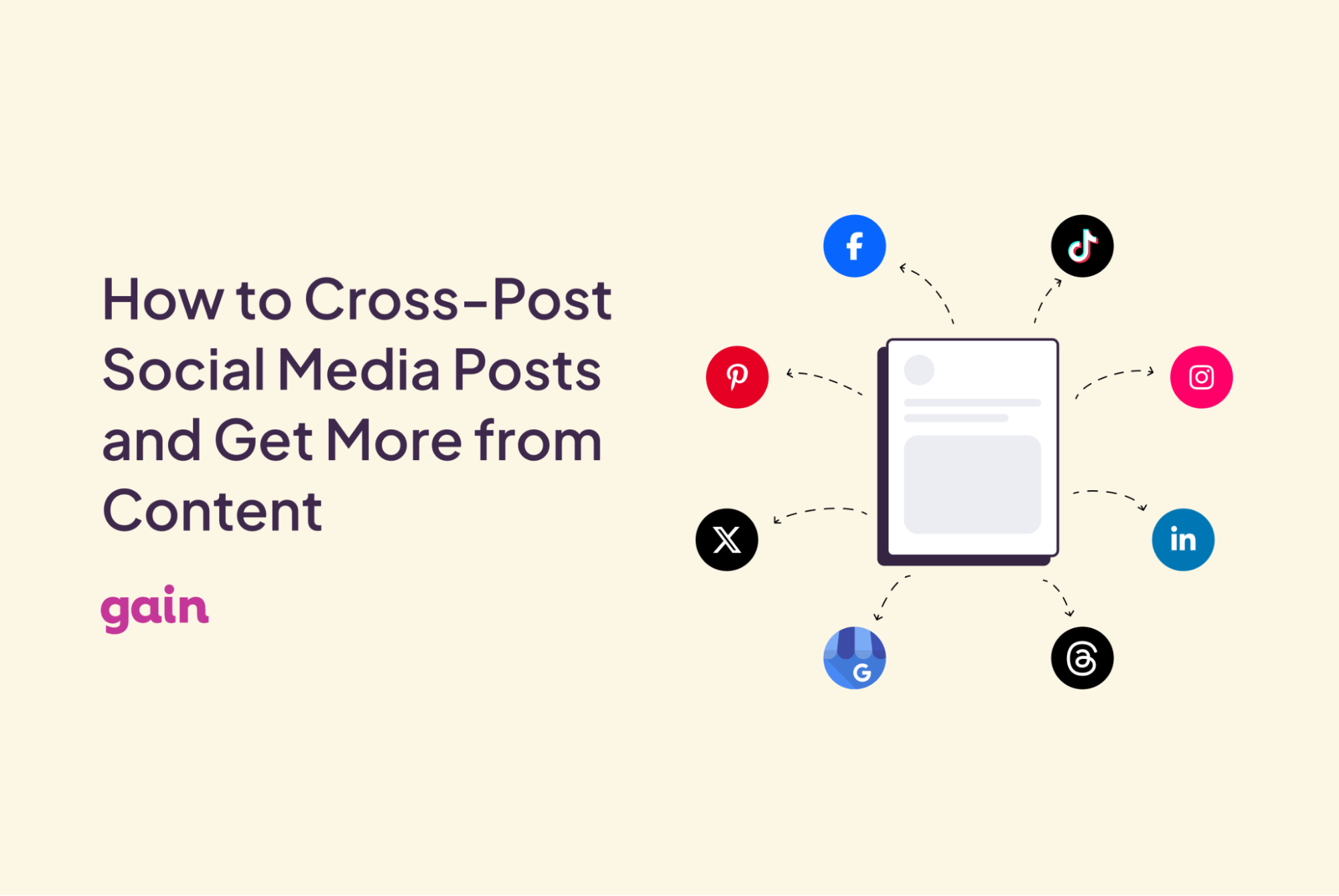
Cross-posting means sharing the same piece of content, or a slightly adapted version of it, across multiple social media platforms. Instead of creating a unique post for every channel from scratch, you take what you’ve already made and distribute it where your audience already spends time.
Why Cross-posting Works
Your audience isn’t living on just one platform, and your content shouldn’t either. Here’s why cross-posting is one of the smartest moves you can make:
➡️ It multiplies your reach. According to one study, the average internet user has accounts on more than six social media platforms. Cross-posting ensures your content finds them wherever they are.
➡️ It stretches your content budget. Working with a small social media budget? Cross-posting is a smart way to get maximum mileage out of every post you create, without spending more time or money on production.
➡️ It gives your content a second life. Not everyone saw it the first time. A post that performed well on Instagram has a whole new audience waiting for it on LinkedIn.
The Golden Rules of Cross-posting
Cross-posting can go wrong quickly if you treat it as pure copy-paste. These rules will keep your content feeling native to each platform:
- Format for the platform. Each network has its own preferred image dimensions, video lengths, and caption norms. A square image that looks great on Instagram may get cropped awkwardly on LinkedIn. Always check specs before you schedule.
📚Related Read: 15 Social Media Post Design Tips for Each Platform
- Adapt the tone, not just the text. LinkedIn skews professional. X (Twitter) skews punchy. Threads is casual and conversational. Even small tweaks like a different opener, adjusted hashtags, or a removed emoji can make a post feel like it belongs.
- Don’t post everything simultaneously. Staggering your cross-posts by a day or two prevents audience fatigue for anyone following you on multiple platforms. It also gives you time to learn what’s working before you commit to a full rollout.
- Strip platform-specific references. “Link in bio,” “swipe up,” “retweet this” — these phrases belong to specific platforms. When they appear somewhere they don’t belong, they signal to your audience that the content was made for a different platform and simply copy-pasted across.
How to Build a Simple Cross-posting Workflow for Your Social Media Content
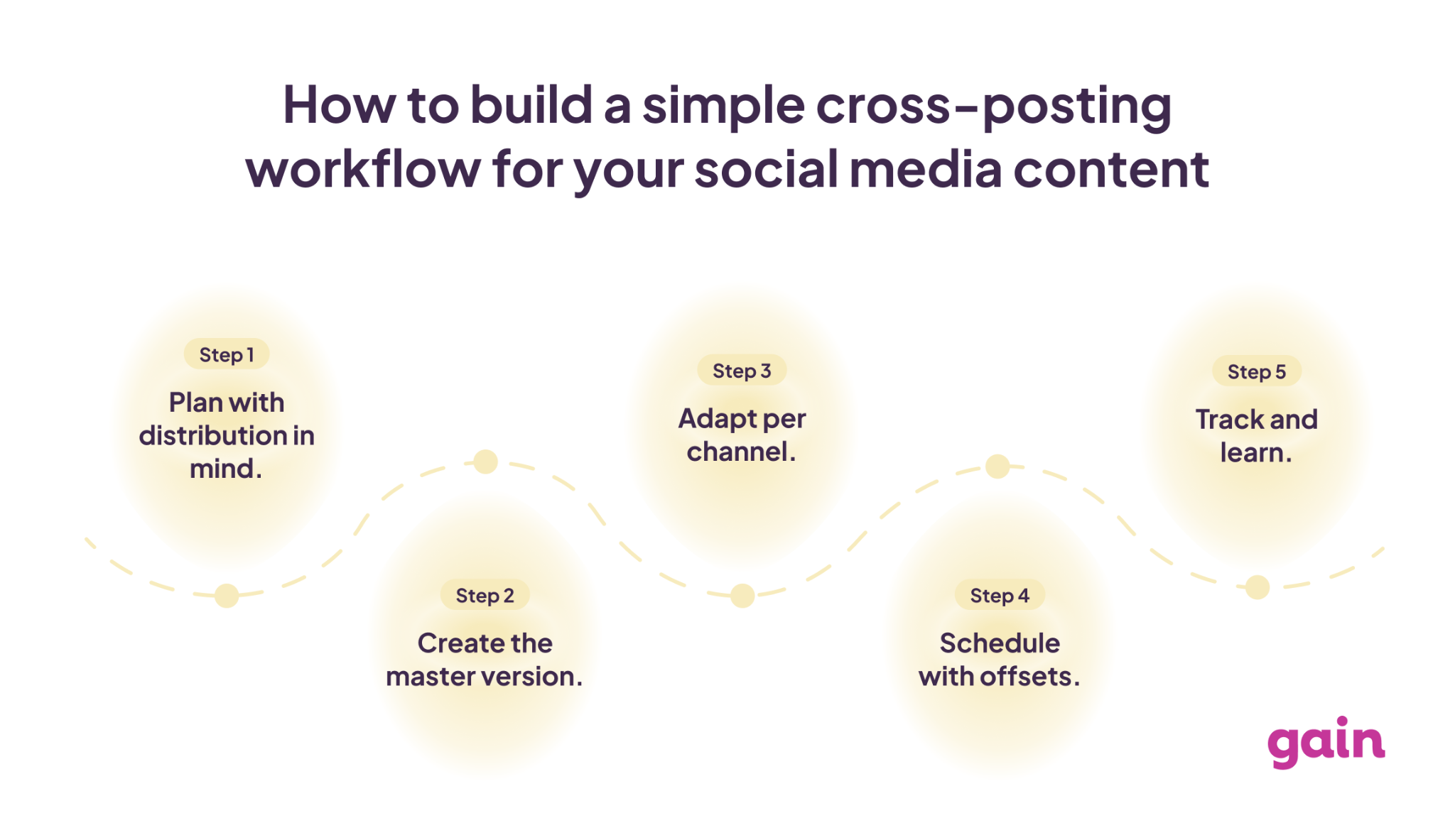
A repeatable system is what separates teams that cross-post consistently from those who do it sporadically. Here’s a simple cross-posting workflow:
- Step 1: Plan with distribution in mind. When ideating content, think from the start about which platforms it’s suited for. A quote graphic might work on Instagram, Facebook, and LinkedIn. A poll might only make sense on X (Twitter) or Threads. Build this into your content calendar upfront.
- Step 2: Create the master version. Produce the primary piece of content for your main platform first.
- Step 3: Adapt per channel. Make the necessary adjustments for each additional platform: resize visuals, rewrite captions, adjust hashtags, and tailor the CTA.
- Step 4: Schedule with offsets. Set your posts to go live at different times across platforms. Use peak engagement windows for each network, as these vary by platform and audience.
- Step 5: Track and learn. Monitor how the same content performs across different platforms. Over time, you’ll identify which content types travel best and refine your strategy accordingly.
How Gain Makes Cross-posting Effortless
For social media teams managing content at scale, the manual side of cross-posting can quickly eat up the time you were trying to save. Duplicating posts, adapting them, and scheduling everything one by one — it adds up fast. And it makes the very idea of cross-posting worthless. Well, kind of!
That’s exactly where Gain comes in. Gain is a social media management platform that combines content creation, collaboration, and automated client approvals — built specifically to help agencies and marketing teams manage more clients with less effort. And it has a smart duplication feature that takes the grunt work out of cross-posting entirely.
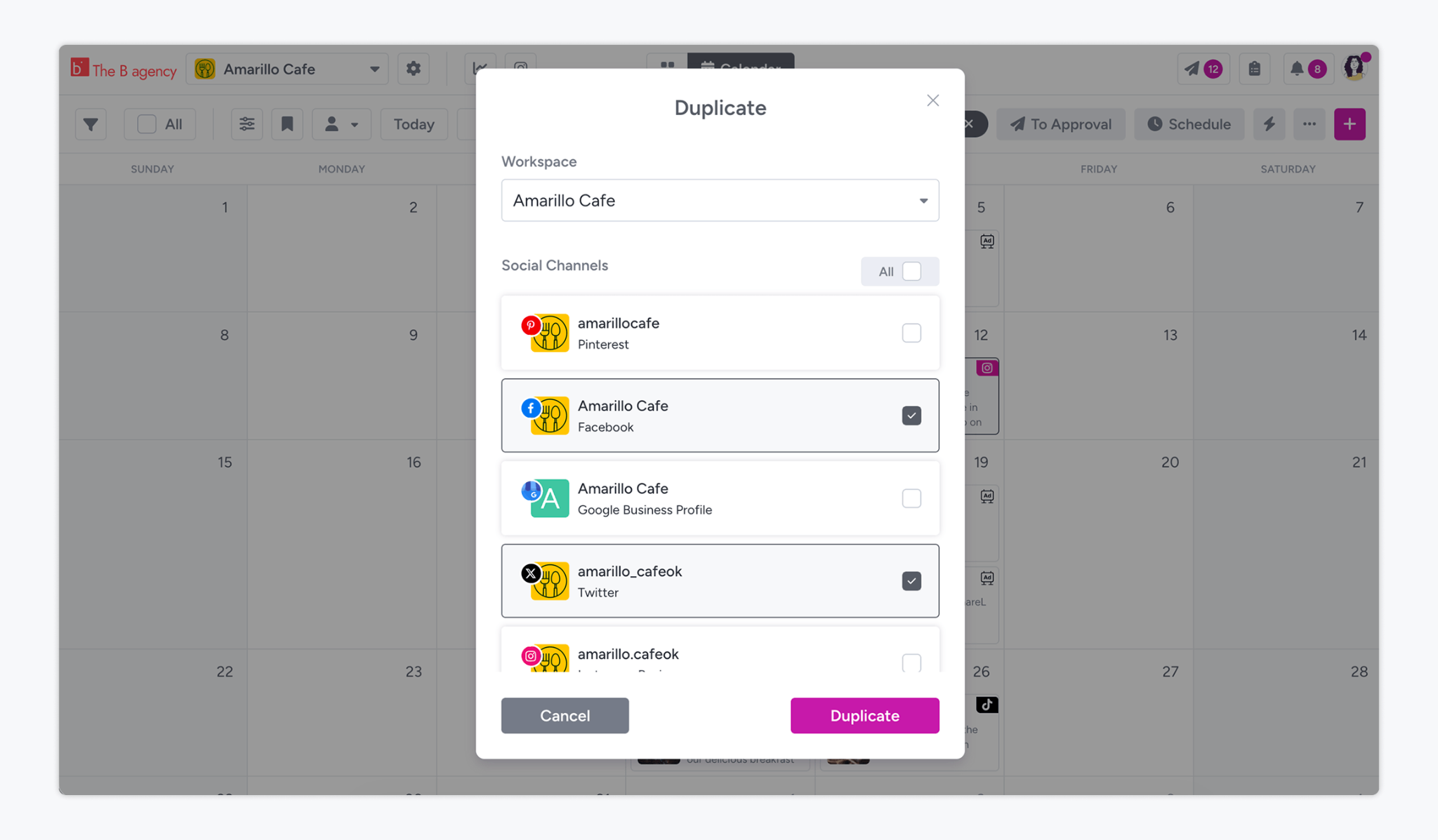
When you create a post in Gain, you can click Save and Duplicate and choose which social channels you want to replicate it on. Gain automatically adjusts your images and videos to match the dimensions of each platform, and saves all copies as drafts on the same date and time as your original. From there, you can edit captions, tweak copy, and schedule everything in bulk with a single click.
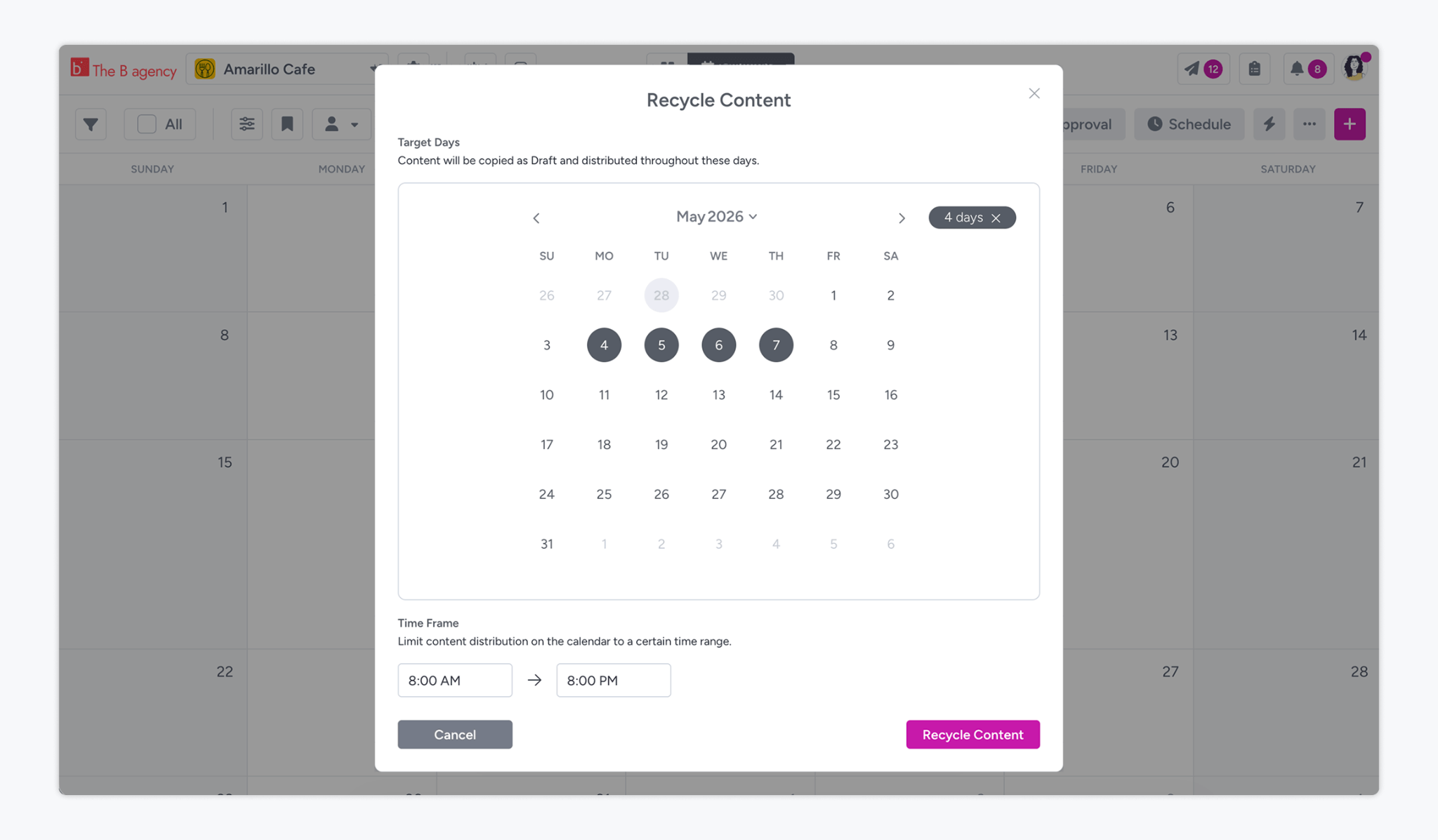
For content you want to bring back and reuse at a later date, Gain’s Recycle feature has you covered. Select any posts from your calendar or gallery, click Recycle, choose a date and time range, and Gain automatically distributes your recycled posts as drafts within those parameters.
FAQs
Yes. Cross-posting helps you reach audiences across different platforms, improves your content ROI, and keeps your calendar consistent without significantly increasing your workload.
Cross-posting is sharing your own content across multiple platforms. Reposting means resharing someone else’s content on the same platform it was originally published on.
Cross-posting means sharing the same piece of content across multiple platforms with minor adjustments to format or tone. Repurposing means transforming content into a completely different format, like turning a podcast episode into a blog post or into a series of social media quotes.
Start Getting More From Every Post
Every strong piece of content you create has the potential to reach a completely different audience on a different platform, at a different time. With the right strategy, a few simple rules, and a repeatable workflow, your team can keep the calendar full without burning out.
If you’re ready to take the manual work out of the process, Gain makes it easy to duplicate, recycle, and schedule content across platforms.
Try Gain for free today!