How many tools does it take to run one marketing campaign? For most teams, the answer is more than one. In fact, many teams rely on multiple tools that aren’t even built for the job. A good example is spreadsheets still being used to track deadlines, or email to collect stakeholder feedback and approvals.
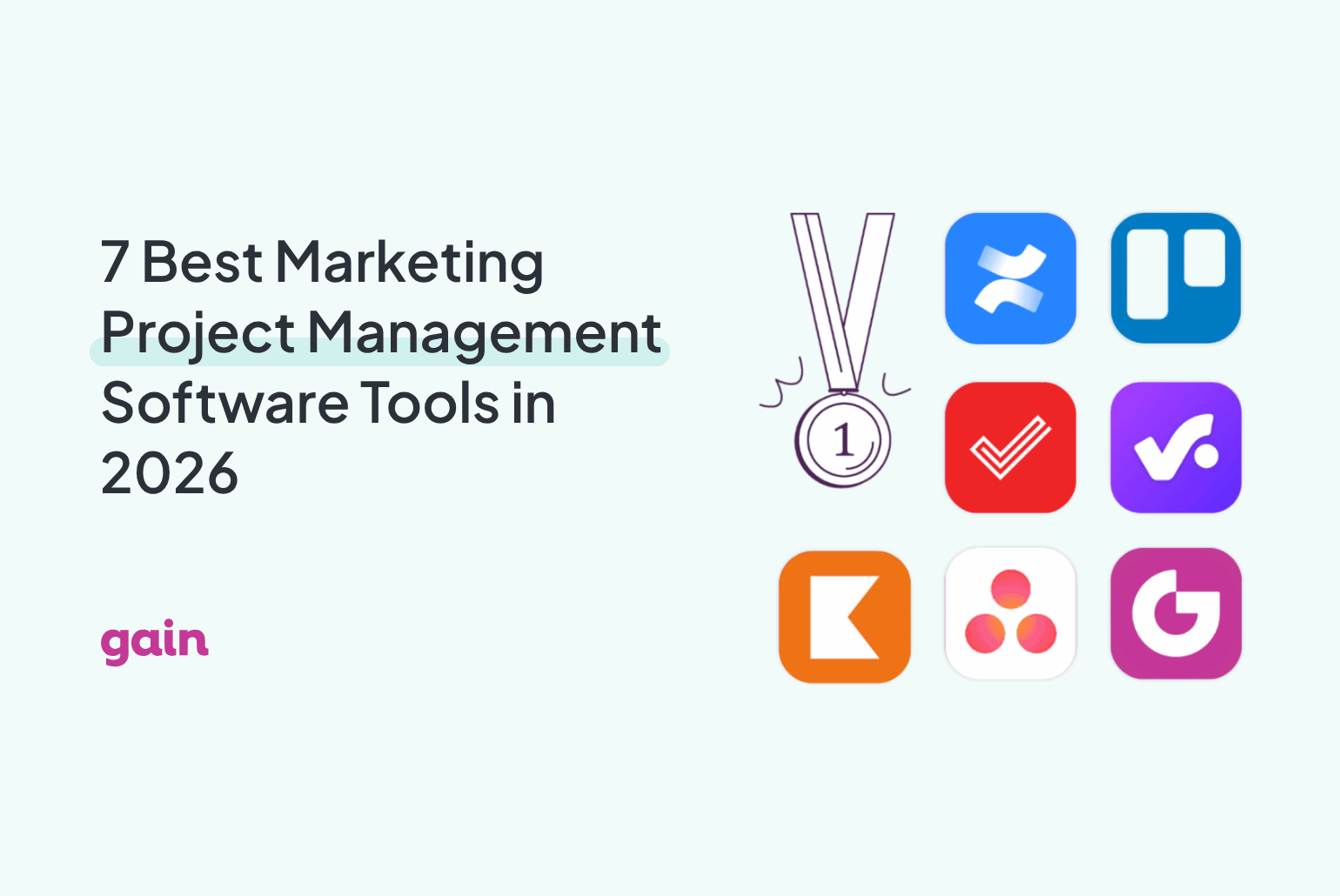
If that sounds like your team, it might be time to find a tool that can cover more than one task. In this guide, we’ve rounded up the 7 best marketing project management software tools to help you better manage your campaigns
What Is a Marketing Project Management Software?
Marketing project management software is a tool that helps you plan, execute, and track marketing campaigns from start to finish. It brings your tasks, timelines, milestones, and team communication into one place.
Benefits of Using Marketing Project Management Software
If you’ve ever scrambled to find the latest version of a campaign brief or chased three people for one content approval, you already know why a proper system matters.
Marketing project management software keeps everything (and everyone) moving in sync. Here’s how it helps:
- Faster campaign execution: No more scattered tools or endless email chains. Everything lives in one place, so you can launch campaigns faster with fewer delays.
- Smoother team collaboration: Assign tasks, share updates, and give feedback without leaving the platform. Everyone knows who’s doing what — and when it’s due.
- Clearer client & stakeholder visibility: Need a sign-off? Share timelines, assets, and progress with clients or other teams using built-in content approval workflows and real-time updates.
7 Best Marketing Project Management Tools: A Quick Overview
With so many tools out there, it can be hard to tell which ones are actually built for the way you work. Here’s a quick look at the best options for different types of marketing teams and agencies👇
| Tool | Best for | Key feature | Starting price |
|---|---|---|---|
| Productive | Full-service agencies running marketing campaigns | Campaign-level budget and profitability tracking | $10/user/month |
| Asana | In-house marketing teams | Visual campaign planning and task tracking | Free; $10.99/user/month |
| Gain | Marketing teams & agencies that need campaign content approved fast | Magic login: one-click approvals for campaign content | $99/month |
| ClickUp | Teams that want one tool to replace their whole marketing stack | Campaign templates, docs, and dashboards in one workspace | Free plan; $7/user/month paid |
| Trello | Lightweight campaign planning | Kanban boards for visual content management | Free plan: $5/user/month |
| Zoho Projects | Marketing teams that want workflows built around how campaigns actually run | Custom campaign workflows and Zia AI content assistance | Free plan; $4/user/month paid |
| Kantata | Enterprise marketing operations | Campaign forecasting and portfolio tracking | Custom pricing |
1. Productive: Best for Full-service Agencies Running Marketing Campaigns
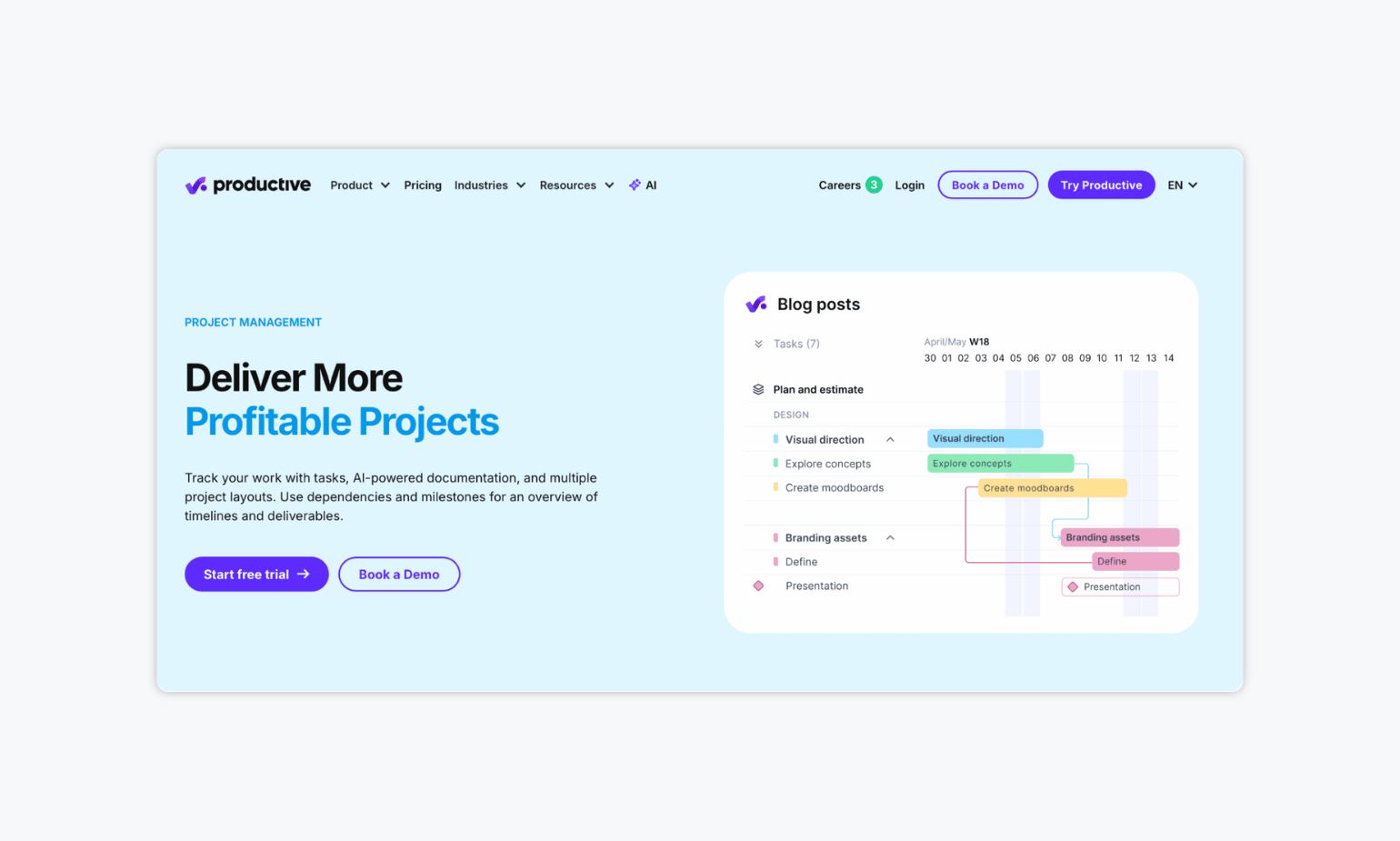
Productive is built for agencies running marketing campaigns for multiple clients at once, giving teams one place to plan the work, track creative and media budgets, and see which campaigns are actually profitable. It’s especially useful for agencies juggling several accounts, where knowing which campaign is going over budget matters as much as hitting the deadline.
✨ Key features:
- Campaign-level budget tracking: See spend and margin on each client campaign in real time, not just at the end of the month
- Resource planning across creative and marketing teams: Allocate designers, copywriters, and strategists across campaigns without overloading anyone
- Client reporting: Share campaign progress and deliverables with clients directly, without a separate status update
💰 Pricing: Plans start at $10 per user per month. A 14-day free trial available.
2. Asana: Best for In-house Teams Running Cross-Functional Marketing Projects
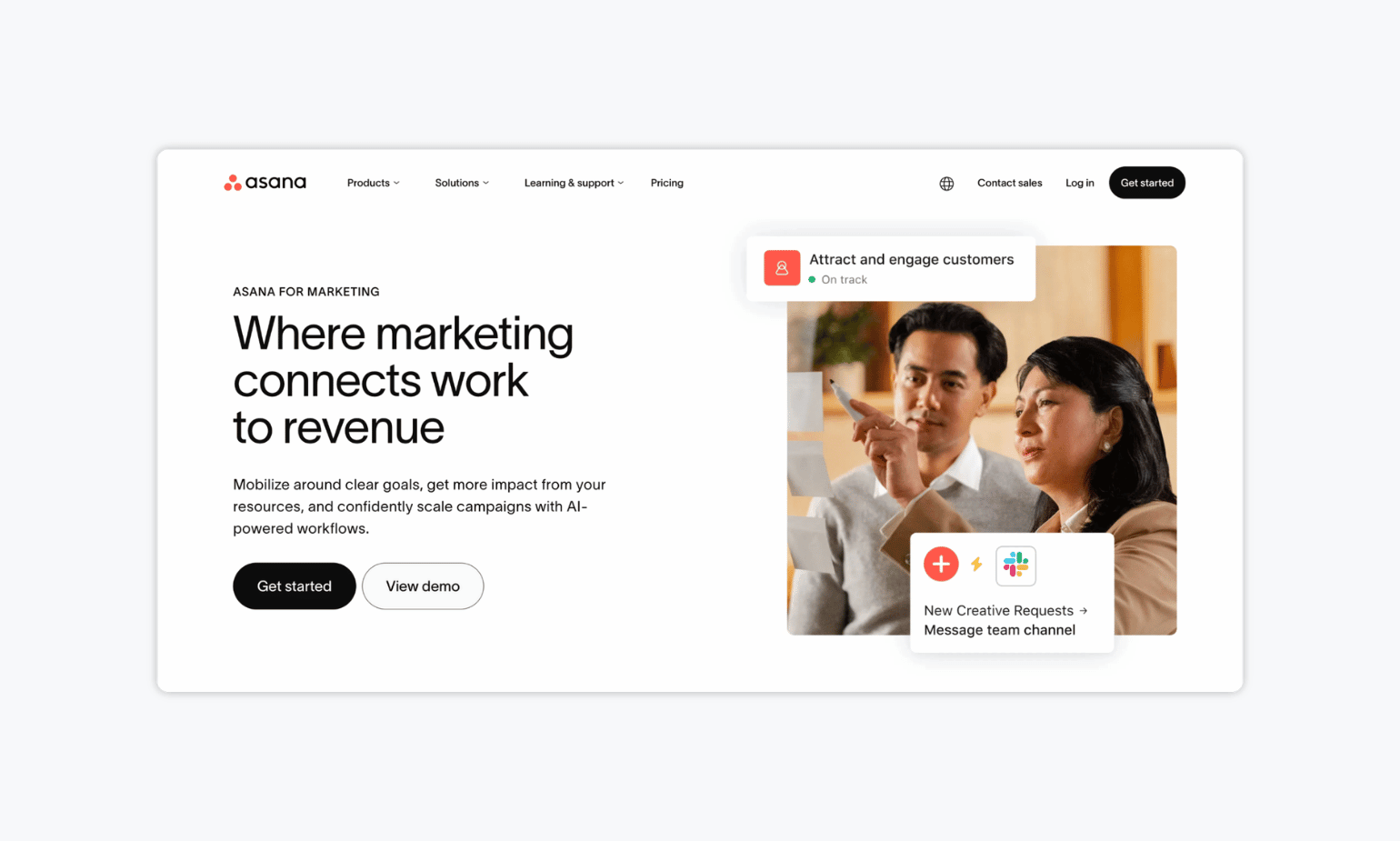
If you’re looking for more traditional marketing project management software, Asana is a great option. It’s designed to help you organize campaigns, track progress, and hit goals without losing momentum. Asana is especially useful for in-house teams collaborating across departments, with visual project planning tools, task tracking, and AI-powered features to keep work on schedule.
✨ Key features:
- Visual campaign planning: Use lists, timelines, kanban boards, and calendars to manage content workflows from idea to launch
- Goal tracking and campaign templates: Align day-to-day tasks with strategic marketing goals using built-in templates and reporting
- AI work assistant: Let AI handle campaign setup, progress tracking, and work recommendations to save time
💰 Pricing: Asana offers a free plan (up to 2 users). Paid plans start at $10.99 per user per month (billed annually).
3. Gain: Best for Collaboration on an Entire Marketing Campaign in One Place

Marketing campaigns rarely involve just one asset. You might be coordinating social posts, email campaigns, landing pages, ad creatives, blog posts, and videos, all with different stakeholders reviewing different pieces at different times. Gain brings all of that together in one place, helping marketing teams and agencies organize campaign content, collaborate with clients and stakeholders, and keep every asset moving toward publication.
Rather than relying on spreadsheets, email threads, and separate review tools, Gain gives every client or brand its own workspace where your team can organize content, manage feedback, track activity, and keep approvals moving without losing visibility into the wider campaign.
✨ Key features:
- Dedicated workspaces: Give every client or brand their own workspace with a separate calendar and content channels, so nothing gets mixed up
- Customizable approval workflows: Define exactly who reviews what, in what order, for every content type your team produces
- Complete approval log: Every revision, comment, and decision is logged automatically with a name and timestamp, so you always know who approved what
💰 Pricing: Plans start at $99/month, including 3 team members, 6 client workspaces, and unlimited reviewers and approval workflows. A 14-day free trial available.
4. ClickUp: Best for Teams That Want One Tool to Replace Their Whole Marketing Stack
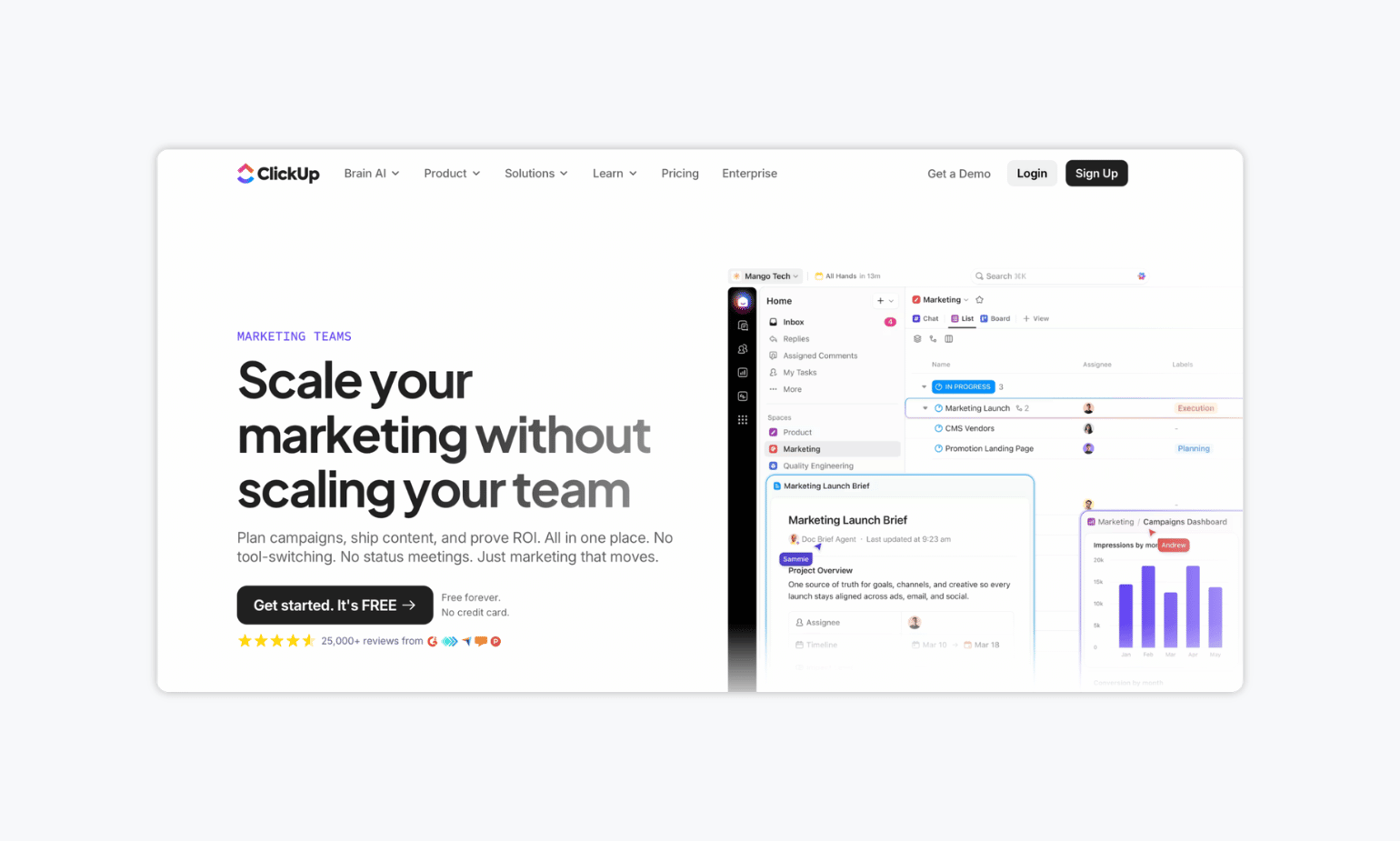
ClickUp is an all-in-one workspace that bundles campaign planning, marketing docs, and reporting dashboards into a single tool. It’s a strong fit for marketing teams that are tired of stitching together several apps and want one customizable system instead, though it comes with a steeper setup curve than more focused tools. Plus, it might be a bit of an overkill if you’re looking for a simpler tool and don’t need all the fancy features.
✨ Key features:
- Marketing campaign templates and customizable views: switch between list, board, calendar, and timeline for the same campaign
- Built-in docs and whiteboards for briefs, brainstorms, and campaign planning alongside your tasks
- Dashboards for cross-campaign reporting and workload visibility
💰 Pricing: A free-forever plan available. Paid plans start at $7 per user per month.
5. Trello: Best for Lightweight Campaign Planning
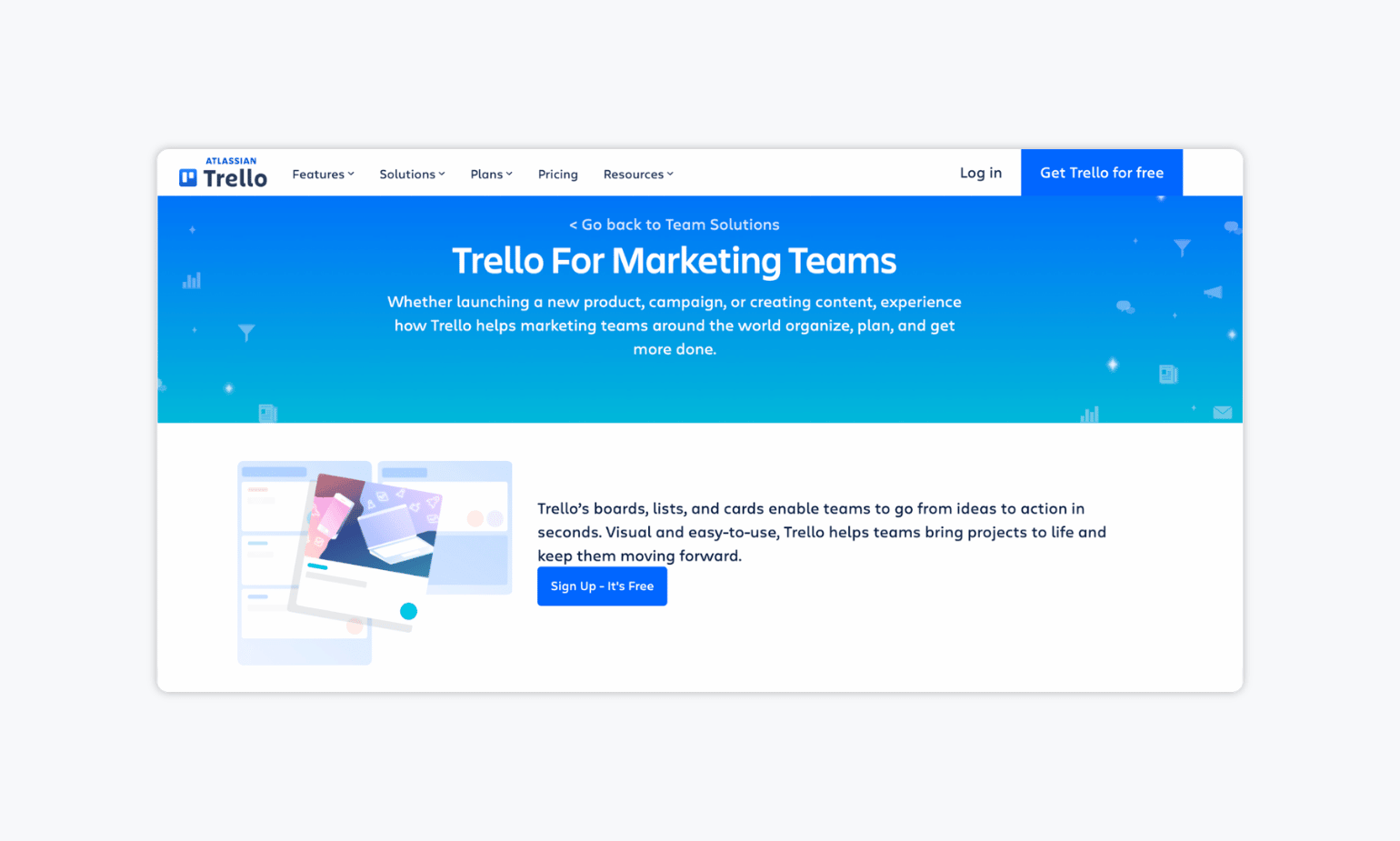
Trello is a simple, visual project management tool that helps marketing teams organize campaigns, track progress, and manage content workflows with ease. It’s especially useful for smaller teams or individual marketers who need a flexible, no-frills system to keep campaign work organized across to-do lists, boards, and calendars.
✨ Key features:
- Kanban-style boards for content: Visualize and manage every stage of a campaign using boards, lists, and cards
- Content calendar and planner view: Schedule campaign tasks and see everything at a glance
- No-code automations: Automate repetitive campaign tasks and connect Trello with tools like Slack and Google Drive
💰 Pricing: Trello offers a free plan. Paid plans start at $5 per user per month (billed annually).
6. Zoho Projects: Best for Marketing Teams That Want Workflows Built Around How Campaigns Actually Run
No two marketing teams work the same way, and Zoho Projects is built to adapt to yours instead of forcing you into someone else’s template. Rather than a generic task list, you can build custom modules for campaign briefs, asset requests, event management, or launch checklists, with fields for channel, budget, and audience.
It’s a particularly good fit if your organization already uses other Zoho apps, since everything connects natively, though it holds up fine as a standalone tool too.
✨ Key features:
- Custom campaign workflows: Build modules for briefs, asset requests, or launch checklists, with fields for channel, budget, audience, and approval stage
- Campaign dashboards: Track creative request timelines, approval bottlenecks, and content output KPIs, then share them with stakeholders
- Zia AI: Drafts and translates campaign content, suggests task links, and summarizes progress for stakeholders
💰 Pricing: Free plan available for up to 5 users. Paid plans start at $4 per user per month ( billed annually).
7. Kantata: Best for Complex Marketing Programs with High Visibility and Financial Oversight
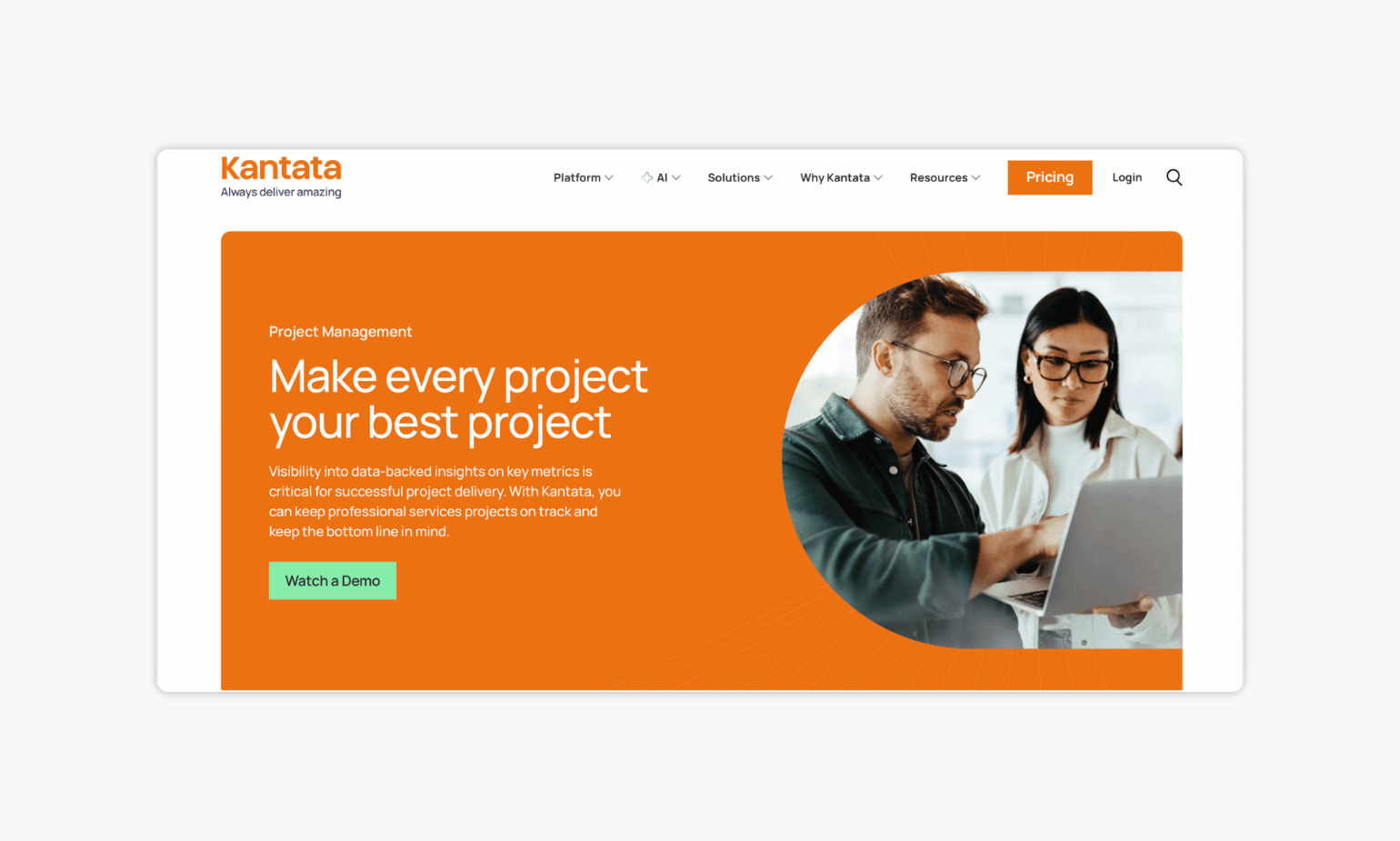
Kantata is built for professional services teams that need to run high-stakes marketing programs with precision. For marketing operations teams and agencies managing multiple campaigns, tight deadlines, and strict budgets, it provides the clarity and control to keep everything on track.
✨ Key features:
- Campaign forecasting and estimation: Build accurate campaign plans using historical data and real-time metrics to set realistic budgets and timelines
- Portfolio visibility across campaigns: Keep tabs on the health of every campaign and surface potential issues early with AI-powered dashboards
- Resource allocation: Match the right creative and marketing talent to each campaign based on skills and availability
💰 Pricing: Available upon request.
FAQs
You’ve likely outgrown your tool if managing projects feels inefficient or scattered. Signs include relying heavily on spreadsheets, struggling with version control, or lacking visibility into deadlines and responsibilities. As your team scales, you’ll need more robust features like task dependencies, centralized communication, and real-time updates to stay organized and keep campaigns on track.
The best free tool depends on your team’s size and workflow. For simple campaign planning, Trello offers an easy-to-use kanban board with basic automation and calendar views. Asana’s free plan works well for small teams needing task assignments and timeline tracking. If collaboration is your top priority, look for tools that include unlimited users, integrations, and access to templates.
For client feedback and content approvals, Gain is the top choice. It’s built specifically for marketing teams that need to share content, collect stakeholder feedback, and manage content approvals without back-and-forth. With dedicated client workspaces, native post previews, and automated content approval workflows, Gain simplifies the entire review process and keeps feedback organized in one place.
The Bottom Line
There’s no single tool that does it all, and most marketing teams end up running two or three side by side. Trello works well if you just need a simple board. Zoho Projects and ClickUp are solid picks if budget is the deciding factor. Productive earns its keep on the agency side, especially for budgeting and resourcing.
But if the thing slowing your team down is getting content approved, chasing clients for feedback, and tracking down sign-offs, Gain combines project management and content approvals into one platform, reducing the need to switch between multiple tools.