
Content approval software sounds like a straightforward category until you start comparing the tools.
Some platforms are built primarily for reviewing social media posts. Others are designed for proofing PDFs, videos, and creative files. Some focus on complex review workflows, while broader work management platforms let you build approvals into projects and tasks.
That means the best tool for your team depends on more than whether it has an “approve” button. You need to look at the types of content it supports, how reviewers give feedback, how approval stages work, and what happens once content gets the green light.
In this guide, we’ll compare six of the best content approval software tools in 2026. We’ll look at what each one is designed for, the content types it can handle, its key approval features, and pricing to help you narrow down the right fit.
What Is a Content Approval Tool?
A content approval tool helps teams review, revise, and approve marketing content before it’s published or delivered. Depending on the platform, that content might include social media posts, PDFs, images, videos, documents, ads, or web pages. These tools typically bring feedback, revisions, approval stages, and sign-off decisions into one workflow so teams can see what is ready to publish, what still needs changes, and who has approved each piece of content.
6 Best Content Approval Software Tools in 2026
| Tool | Best for | Content types supported | Starting price |
| Gain | Marketing teams and agencies approving multiple content types | Social posts, images, PDFs, documents, videos, and web content | From $99/month |
| Planable | Teams focused heavily on social content | Social posts plus other content types such as blogs and ad copy | From $33/workspace/month |
| Filestage | Creative teams that need detailed file proofing | Images, PDFs and Office documents, video, audio, live websites, and HTML | Free plan; paid plans from $199/month |
| Ziflow | Teams with complex creative review and proofing workflows | Images, Adobe files, PDFs and Office documents, video, audio, websites, and HTML5 content | Free plan; Standard from $199/month |
| ClickUp | Teams that want approvals built into their wider project management process | Proofing for images, PDFs, and videos, plus Docs and task-based review workflows | Free plan; paid plans from $7/user/month |
| GoProof | Creative teams working heavily with design assets and Adobe workflows | Images, PDFs, source files such as INDD and PSD, video, animations, and web pages | From $129/month |
1. Gain: Best for Approving Multiple Types of Marketing Content in One Place
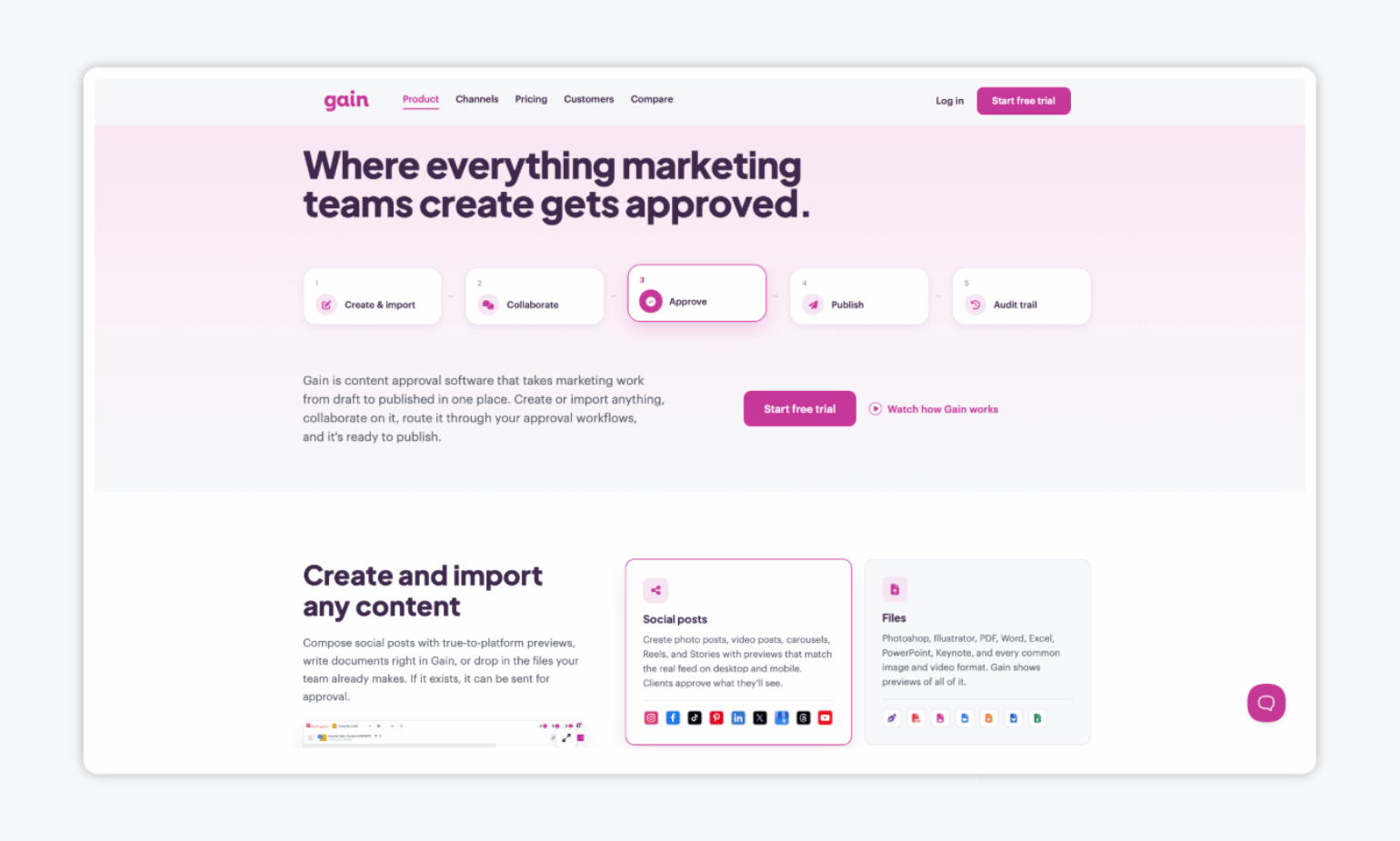
First on our list of the best content approval software tools is Gain, a platform built for marketing teams and agencies that need to review and approve more than just social media posts. Teams can manage approvals for social content, images, videos, PDFs, presentations, documents, and web pages in dedicated workspaces for each client or brand.
What makes Gain stand out from other tools is that all approved social media posts can be scheduled and published automatically, while all other content keeps a time-stamped record of comments, revisions, and sign-offs.
✨ Key features:
- Supports multiple content types: Gain lets teams review and approve social media posts, images, videos, PDFs, presentations, spreadsheets, documents, and other marketing files in one place. It also supports public web URLs, so landing pages, microsites, campaign pages, and other live web content can go through the same approval process without needing a separate website review tool.
- Automated approval workflows: Build approval flows with as many rounds and reviewers as needed, set the order in which stakeholders review content, and let Gain automatically move content forward once each stage is complete. Automatic reminders also do the chasing for you, notifying reviewers when content is ready and following up if approval gets stuck.
- Activity tracker: Every piece of content keeps a time-stamped history of comments, change requests, revisions, and approvals, so teams can always see who approved what and when. The full activity history can also be downloaded for client reporting or compliance records.
💰 Pricing: Gain starts at $99/month when billed annually for the Starter plan, which includes three team members and six workspaces. Every plan includes unlimited reviewers, approval workflows, and unlimited social accounts.
| “First and foremost is the ease of the approval process. All of my clients, regardless of how tech-savvy they are, are able to utilize Gain’s approvals easily. That guarantees the process is efficient and the client knows exactly what they are getting before any piece of content goes live. The second thing is how great the customer service is. They are always open and willing to listen, able to help with a concern, and are constantly working to upgrade and improve their platform both to serve the users’ needs and to keep things working smoothly with each social media platform.” – Phillip S. via G2 |
2. Planable: Best for Teams Focused Heavily on Social Content
Next up, we have Planable. Planable is first and foremost a social media management tool for creating, planning, approving, scheduling, and analyzing content across social networks, but it also supports approvals for broader marketing content such as blogs, newsletters, and campaign briefs through its Universal Content pages.
Its entry-level Basic plan is fairly limited, though: it caps teams at 60 posts and four social pages per workspace each month, includes only two approval types, and keeps version history for just one week, so it may not be the best choice if you need higher publishing volumes or more advanced approval workflows without moving to a more expensive plan.
✨ Key features:
- Social media creation and publishing: Create, preview, approve, and schedule content for nine social networks from one workspace.
- Approval workflows: Set optional or required approvals, control who can approve content, and use multi-level approval flows on the Enterprise plan.
- Collaboration and feedback: Leave internal comments, annotate content, suggest text edits, resolve feedback, and track version history inside each workspace.
💰 Pricing: Planable starts at $33 per workspace/month on the Basic plan, which includes unlimited users but is limited to 60 posts, four social pages, three campaigns, and two approval types per workspace.
| “It’s been a solid tool overall. The collaboration and approval features really streamlined our workflow, and the visual feed preview saves a lot of back-and-forth with the team. A few limitations here and there, but nothing that takes away from how much it simplifies social media management day to day.” – Abdalmeged A. via Capterra. |
3. Filestage: Best for Detailed File Proofing and Creative Reviews
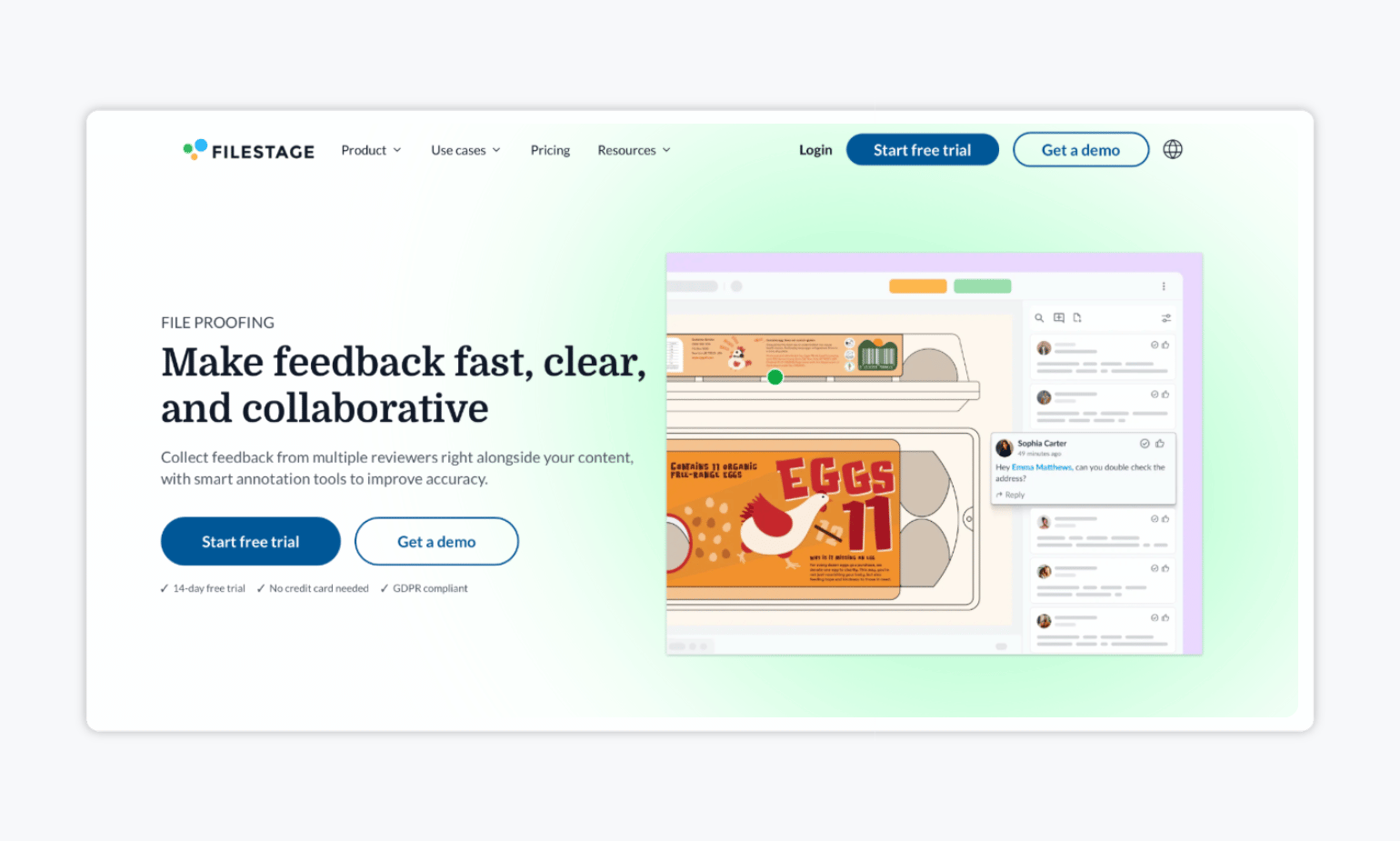
If you’re looking for approval software that allows you to review and approve creative assets in detail, you might want to consider Filestage. Filestage supports a wide range of content, including artwork, packaging, videos, animations, documents, presentations, PDFs, images, live websites, and interactive HTML.
However, its paid plans start at $199/month, so it may be harder to justify for smaller teams with relatively simple approval needs. Furthermore, unlike Gain, it doesn’t support automatic publishing of social media content, which can be a downside for social media teams.
✨ Key features:
- Broad file and content support: Review artwork, packaging, videos, animations, documents, decks, PDFs, designs, images, live websites, and interactive HTML in one platform.
- Visual proofing and version comparison: Reviewers can highlight text, draw directly on content, add comments in context, and compare versions side by side to confirm that requested changes were made.
- Structured review workflows: Organize internal and external reviewers into review groups, collect formal approvals or change requests, and use due dates, reminders, automations, and AI Review Agents on higher-tier plans.
💰 Pricing: Filestage offers a free plan, but it’s limited to one active project and five new files per month. Paid plans start at $199/month for Starter.
| “The platform is intuitive, easy to use, and makes creative reviews much more organized. Centralizing feedback and approvals in one place helped our team collaborate efficiently for several years.” – A verified user via G2. |
4. Ziflow: Best for Teams with Complex Creative Review and Proofing Workflows
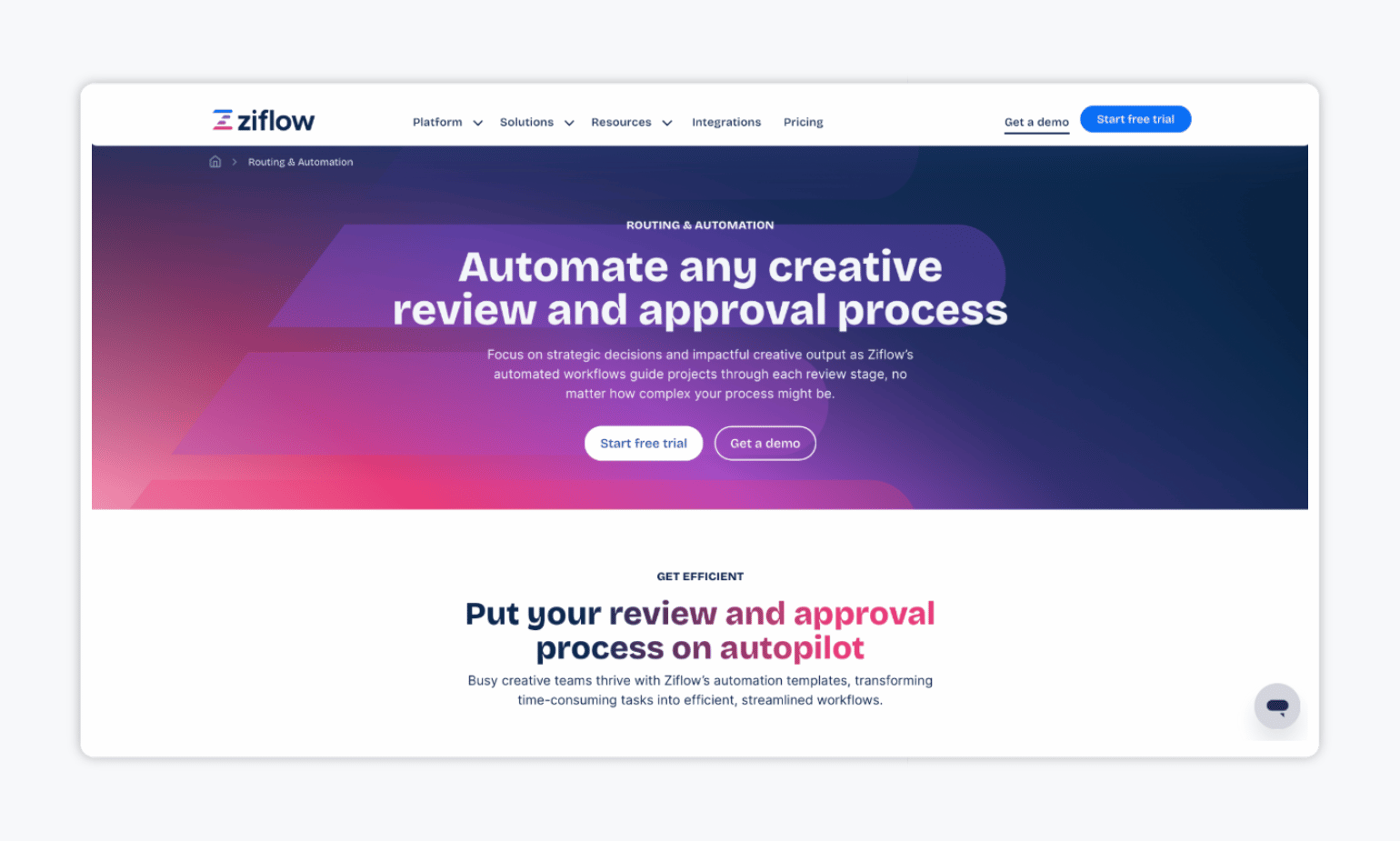
If your team needs a dedicated platform for reviewing and approving creative work across multiple departments, Ziflow is another option to consider. It supports more than 1,200 file types, including images, Adobe Creative Cloud files, documents, video, audio, live websites, HTML5 banners, and animated GIFs.
That said, Ziflow is built more broadly for creative operations, serving teams from product packaging design to video production, rather than specifically for marketing workflows.
✨ Key features:
- Broad creative file support: Review images, Adobe files, documents, video, audio, websites, HTML5 banners, and other rich media in the same platform.
- Detailed proofing and version control: Collaborate on proofs, compare versions at the pixel level, keep unlimited versions, and maintain review history and audit trails depending on your plan.
- Extensive integrations: Connect Ziflow with tools such as Adobe Creative Cloud, Asana, monday.com, Slack, Microsoft Teams, Dropbox, Google Drive, and SharePoint to keep reviews connected to the tools your team already uses.
💰 Pricing: Ziflow offers a free plan with unlimited proofs and reviewers, but it comes with tight storage limits. Paid plans start at $199/month when billed annually for Standard.
| “The Ziflow web platform provides a robust and efficient solution for managing creative reviews and approvals. Its centralized proofing environment, advanced markup tools, automated workflows, and strong version control significantly improve collaboration, streamline feedback, and reduce project turnaround times.” – Randy L. via Capterra. |
5. ClickUp: Best for Teams That Want Content Approvals Inside Their Project Management Workflow
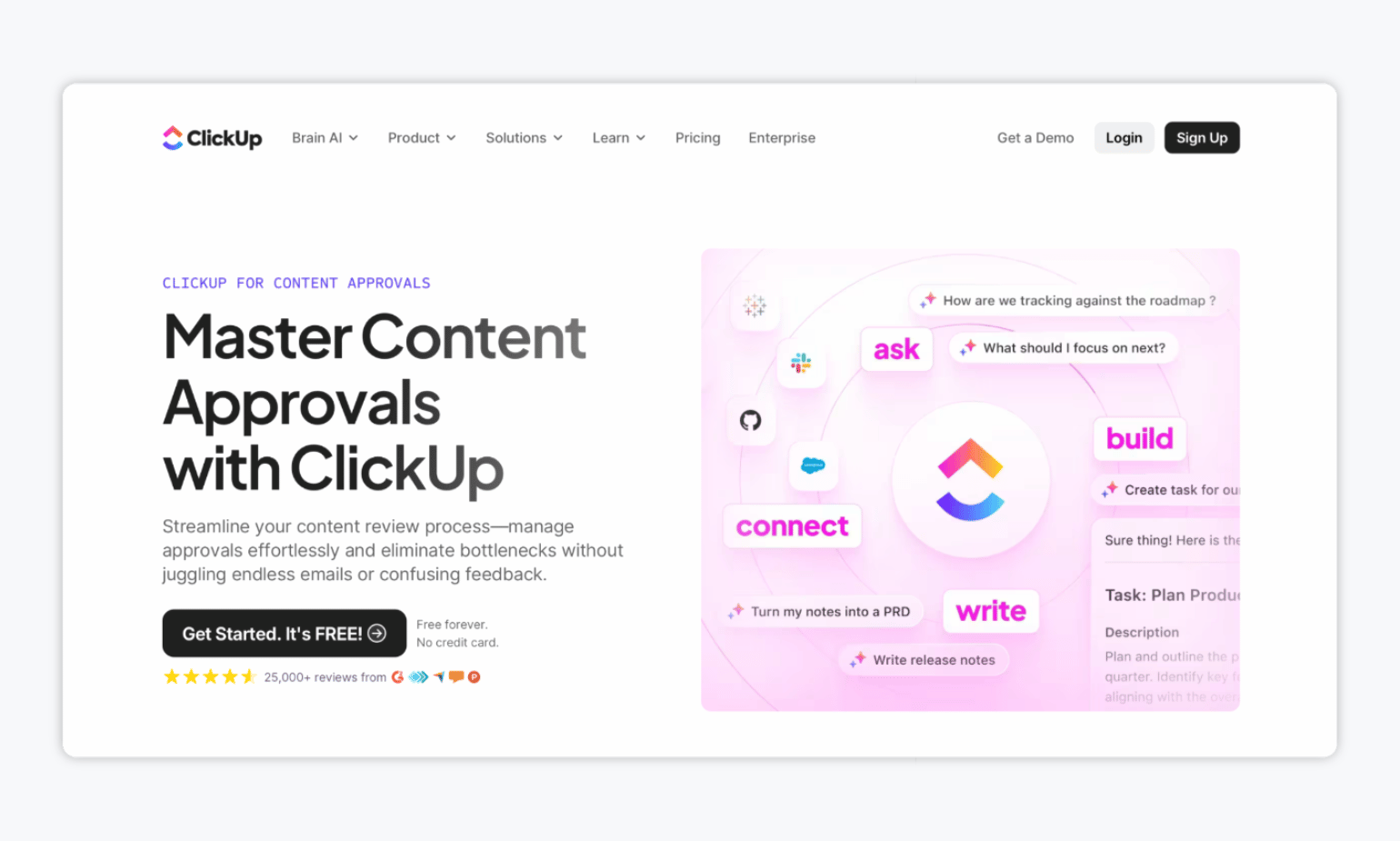
ClickUp is primarily project management software, but it also supports content approvals through customizable review stages, comments, automations, dashboards, and version tracking.
But for the same reason, since content approval isn’t ClickUp’s main focus, the tool may feel less specialized than a dedicated approval platform, especially for teams that need purpose-built review workflows across many marketing content types.
✨ Key features:
- Approval dashboards and status tracking: Use dashboards to monitor where content sits in the review process, spot bottlenecks, and see which items are waiting on feedback or approval.
- Centralized feedback and version tracking: Keep comments, revisions, approval status, and version history connected to the relevant task or document.
- AI-assisted reviews: ClickUp Brain can summarize reviewer feedback, identify key action points, and turn approval notes into follow-up tasks.
💰 Pricing: ClickUp offers a free plan, while paid plans start at $7/user/month when billed annually. Teams that need unlimited Proofing have to move to the Business plan, which costs $12/user/month when billed annually.
| “What I like best about ClickUp is how customizable and organized it allows my workflows to be. I use it daily to manage projects, artwork submissions, renewals, and internal metrics, and I love that I can tailor dashboards, statuses, and views to fit how my team actually works. The ability to track tasks by our specific processes makes it easy to see progress at a glance. I also appreciate that it integrates well with reminders, comments, and attachments, so everything from approval notes to artwork files can live in one place.” – A verified user via G2. |
6. GoProof: Best for Creative Teams Working in Adobe Creative Cloud
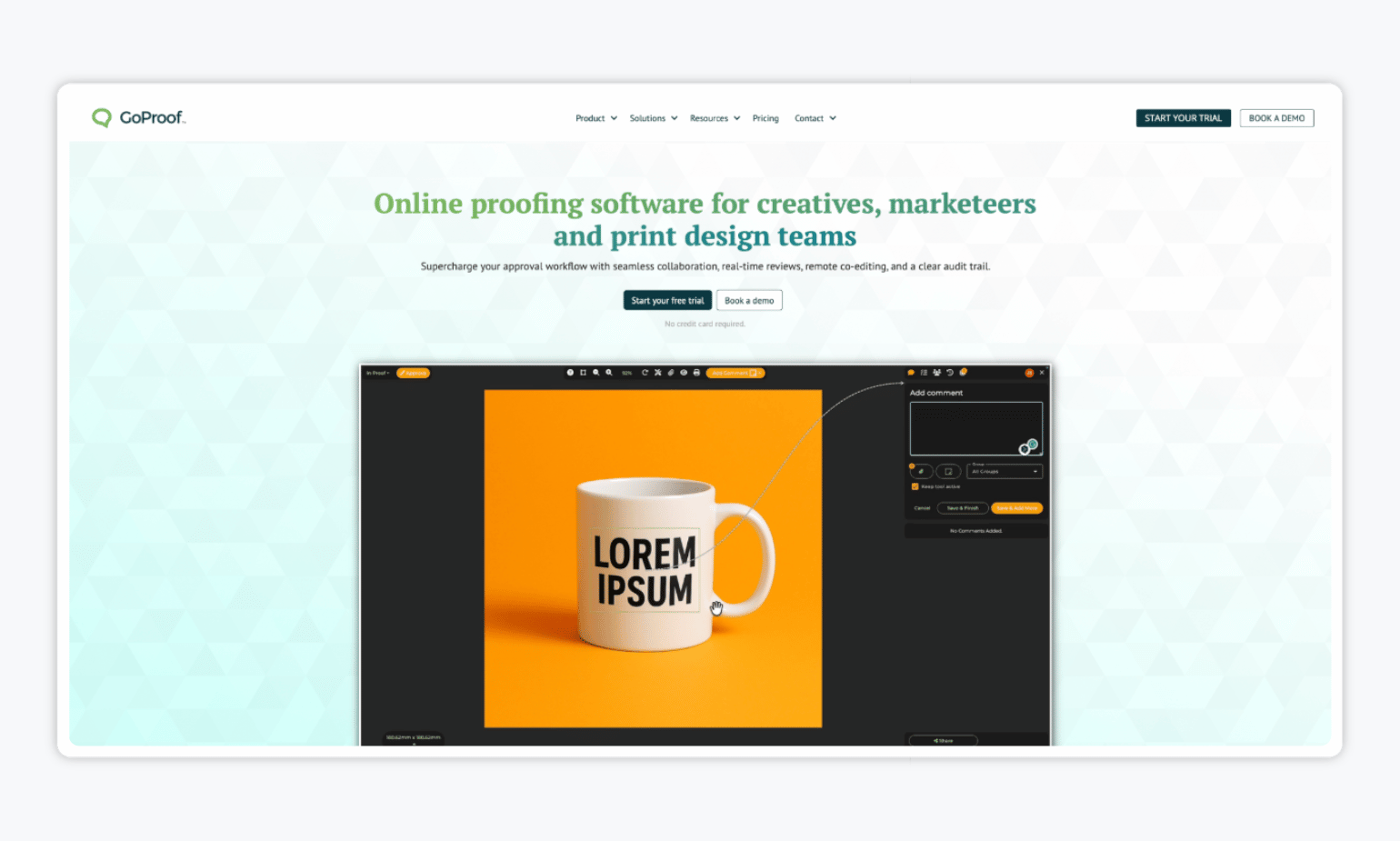
Last but not least, we have GoProof — an online proofing platform built for creative, marketing, and print design teams. It’s particularly well-suited to teams working in Adobe Creative Cloud, letting designers manage feedback and approvals directly from tools like InDesign, Illustrator, Photoshop, and Premiere Pro.
However, its focus is primarily on creative proofing and design production rather than broader marketing workflows. It may also be less suitable for teams that don’t use Adobe Creative Cloud.
✨ Key features:
- Adobe Creative Cloud integrations: Reviewers can suggest text changes on proofs, with edits flowing back into tools such as InDesign and Illustrator. Designers can also access comments and approvals without leaving their Adobe workspace.
- Version control and visual feedback: Keep comments, annotations, approvals, and version history in one place, with side-by-side comparisons to see what changed between versions.
- Multi-stage review workflows: Set up approval stages with routing, triggers, permissions, notifications, and deadlines to keep creative reviews moving.
💰 Pricing: GoProof starts at $129/month when billed annually for the Connect plan.
| “GoProof offers a collective set of easy-to-use proofing tools which gives us a simple time in proofing videos, documents and other marketing content.” – Christine M. via G2. |
Which Content Approval Software Is Right for Your Team? 🤔
The best content approval software depends on what your team actually needs to review. Planable is a strong option for social-first teams, while Filestage and Ziflow are geared more toward detailed creative proofing and structured review workflows. ClickUp makes sense if you want approvals built into project management, and GoProof is especially useful for design teams working heavily in Adobe Creative Cloud.
But if your marketing team needs to approve different types of content in one place, Gain offers a broader fit. You can manage approvals for social posts, files, documents, videos, presentations, and web content through the same platform, then automatically schedule and publish approved social posts while keeping a clear record of every decision.