If your team already has a process (and a tool) for approving social media content, why should video files require a completely different one?
Videos often need input from just as many people — your marketing team, clients, brand teams, legal reviewers, and other stakeholders — yet feedback still ends up scattered across email threads, Slack messages, shared links, and multiple file versions.
Video approval software gives teams a more structured way to review videos, request changes, and get a clear final sign-off before anything goes live. In this guide, we’ll compare five of the best video approval software tools for 2026. For each one, we’ll look at:
- Its main use case
- Key features
- Pros and cons
- Pricing
What Is Video Approval Software?
Video approval software helps teams review video content, collect feedback, request changes, and get final sign-off before a video is published or delivered. Depending on the tool, reviewers may be able to leave comments directly on the video, compare versions, set up approval stages, and keep a record of who approved what and when.
For marketing teams, the most useful video approval tools can also fit into a broader content approval workflow. That means videos can follow the same review process as social media posts, PDFs, images, and other marketing content rather than being handled in a separate system.
5 Best Video Approval Software Tools: A Quick Comparison
| Tool | Best for | Video approval | Other content types | Publishing to social media | Starting price |
| Gain | Marketing teams and agencies approving video alongside other marketing content | Yes | Social posts, files, PDFs, docs, images, presentations, and more | Yes, including YouTube videos and Shorts, TikTok, and Instagram | From $99/month |
| Ziflow | Video production teams that need detailed proofing | Yes | Images, documents, web content, and other creative assets | No direct social publishing focus | Free plan; paid from $199/month |
| Filestage | Structured multi-format review and proofing | Yes | Images, documents, websites, audio, interactive HTML, and more | No direct social publishing focus | Free plan; paid from $199/month |
| Frame.io | Professional video production and post-production teams | Yes | Primarily video and media assets | No marketing publishing focus | Free plan; Pro from $156/member/month |
| Planable | Social-first content teams | Yes | Social posts and other marketing content | Yes | Free plan; paid from $33/workspace/month |
1. Gain: Best for Marketing Teams and Agencies Approving Video Alongside Other Content
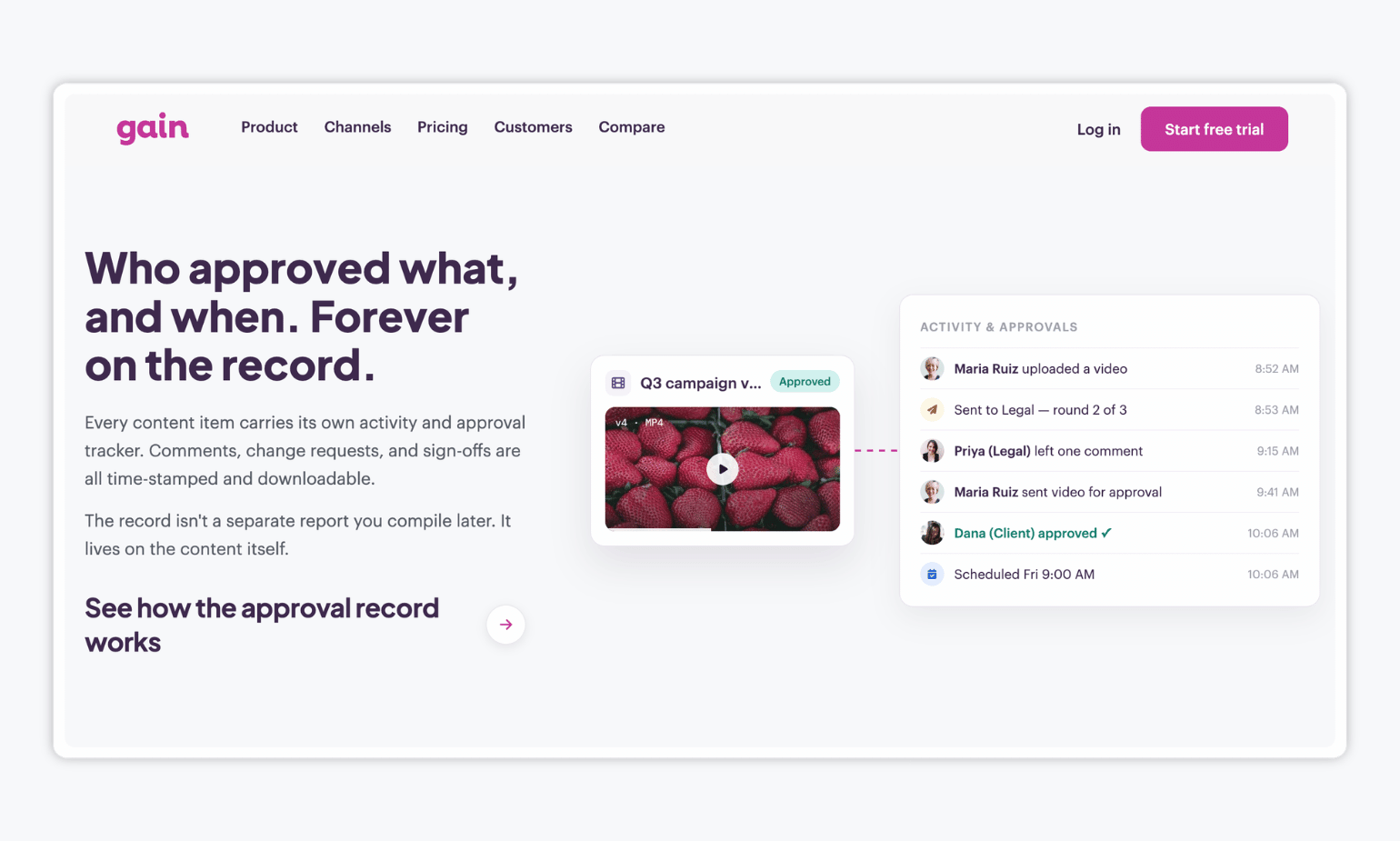
Gain is a content approval platform for marketing teams and agencies that need to review and approve video alongside the rest of their marketing content. Teams can upload common video formats such as MP4, MOV, and AVI, route them through customizable approval workflows, and keep the full review history in one place.
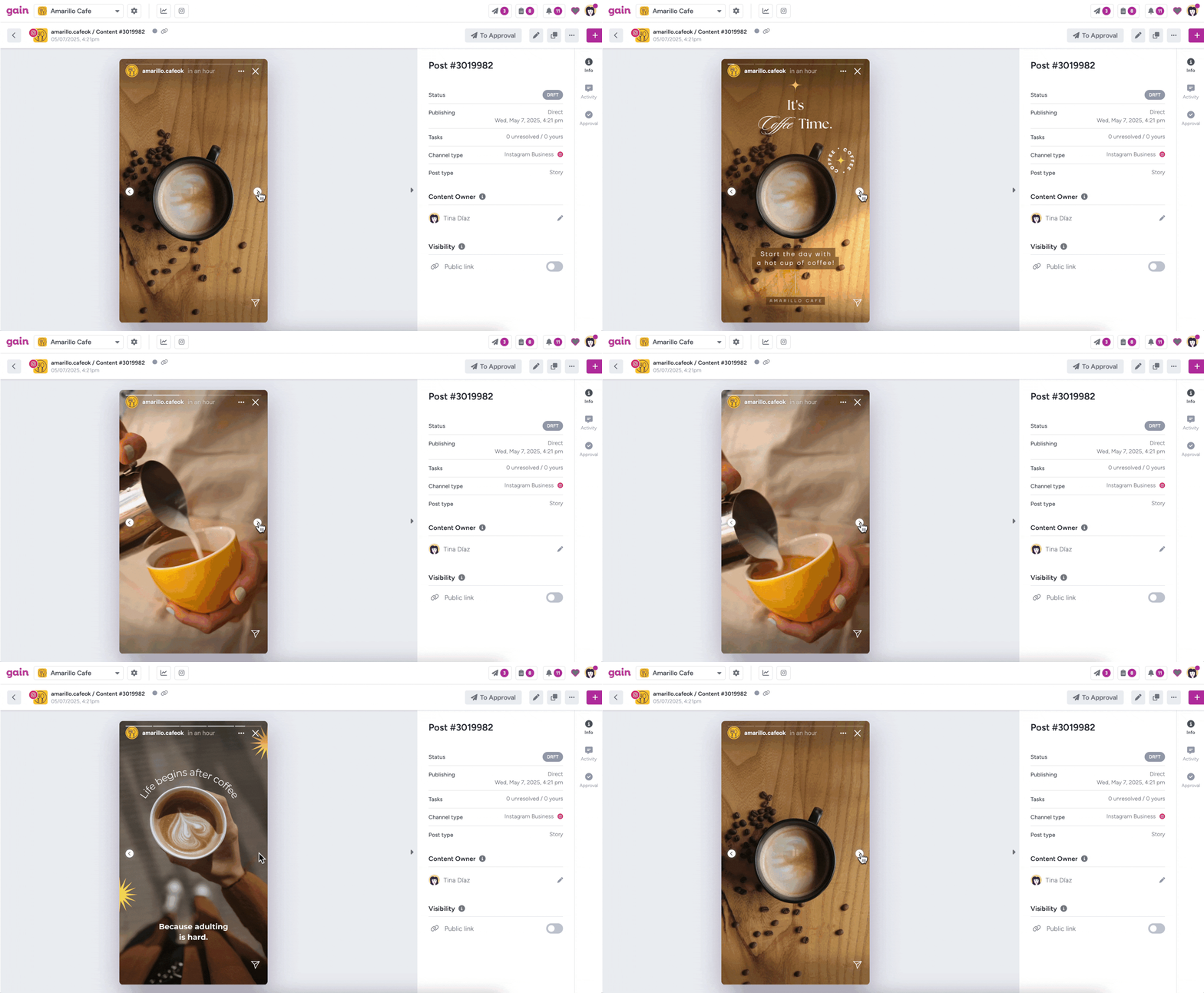
Gain also supports PDFs, images, presentations, documents, and social posts, so teams don’t need a separate approval process for each content type. For YouTube content, approved videos can also move automatically into scheduling and publishing.
Key features:
- Flexible approval workflows: Add as many review rounds and stakeholders as needed, including internal reviewers, clients, and legal teams.
- Broad file support: Approve common video formats as well as Photoshop, Illustrator, PDF, Word, Excel, PowerPoint, Keynote, and common image formats.
- Easy client approvals: Reviewers can approve through a secure magic link without creating a Gain account.
- Activity tracker: Gain keeps a time-stamped record of comments, revision requests, and sign-offs, and can publish approved social content, including YouTube videos and Shorts.
| Pros ✅ | Cons ❌ |
| Keeps video approvals in the same workflow as social posts, PDFs, presentations, and other campaign content | Not designed for advanced video post-production workflows |
| Unlimited reviewers included in all paid plans | No version control |
| Keeps a time-stamped record of comments, revision requests, and final approvals | |
| Video scheduling & publishing to social channels |
Gain’s pricing: Gain starts at $99 per month. All plans include unlimited approval workflows, while plans vary based on factors such as team size, number of workspaces, and storage. Reviewers are unlimited and included in all plans, which can be especially useful for agencies or marketing teams that regularly need approvals from multiple clients and external stakeholders. There’s also a free 14-day trial.
2. Ziflow: Best for Video Production Teams That Need Detailed Proofing
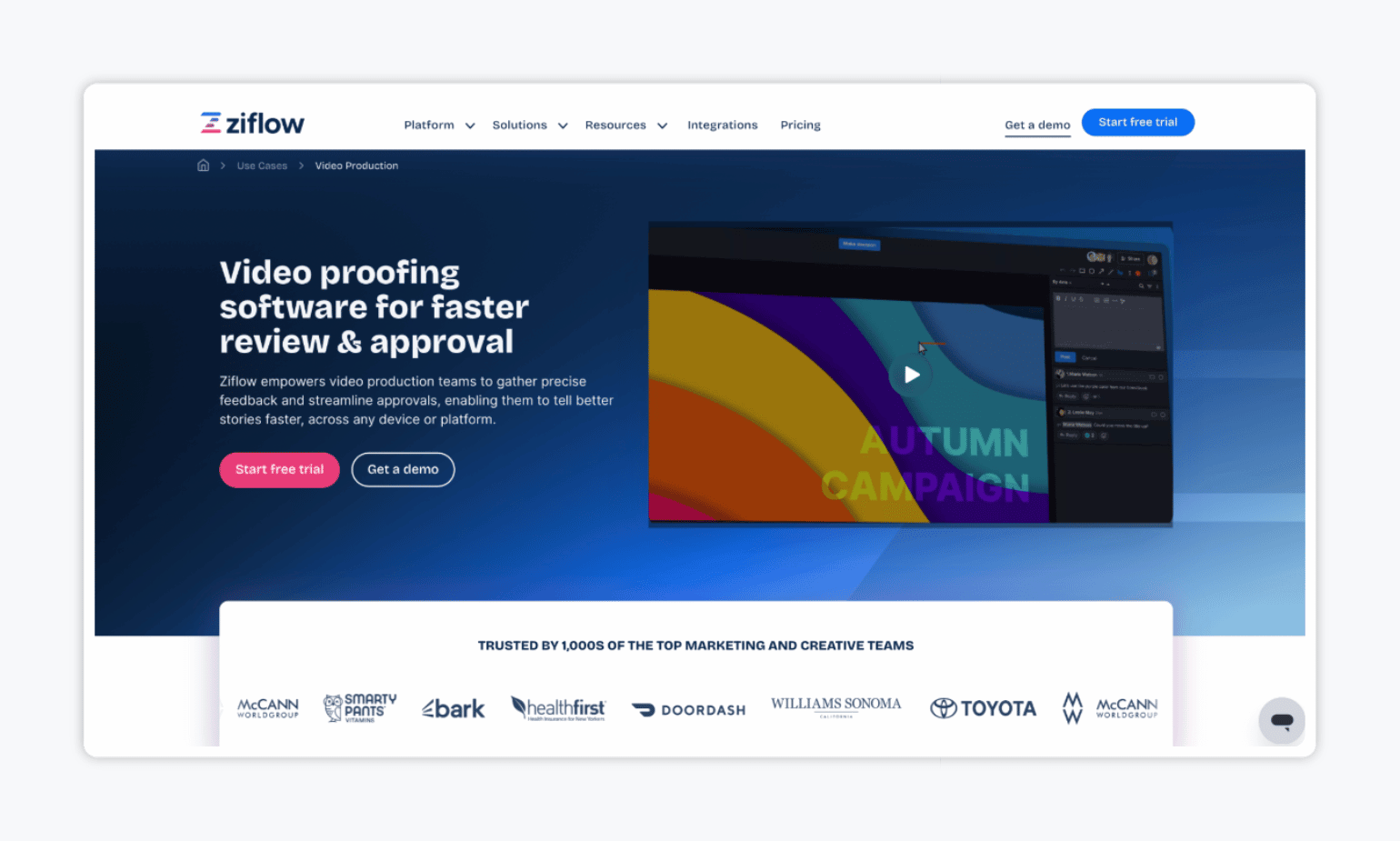
Ziflow is an online proofing and creative review platform built for marketing, creative, and production teams that need structured feedback and approval workflows. For video teams specifically, Ziflow stands out for frame-accurate feedback, version comparison, and integrations with editing tools such as Adobe Premiere Pro, After Effects, Final Cut Pro, and DaVinci Resolve Studio.
Key features:
- Frame-accurate video feedback: Reviewers can leave comments on specific frames and timestamps, making it easier to give precise editing feedback.
- Version comparison: Teams can compare different video versions and track changes across review rounds.
- Creative tool integrations: Connect review workflows with tools such as Adobe Premiere Pro, After Effects, Final Cut Pro, and DaVinci Resolve Studio.
| Pros ✅ | Cons ❌ |
| Useful for teams already working in professional video editing tools | Paid plans are relatively expensive compared with other approval tools |
| Works well for teams already invested in Adobe and other professional creative tools | More advanced workflow features are available only on higher-tier plans |
| Broad file support makes it practical for mixed-media campaigns |
Ziflow’s pricing: Ziflow offers a free plan, while the Standard plan starts at $199 per month when billed annually. You can try the tool for free with a two-week trial.
3. Filestage: Best for Structured Video Reviews Across Teams
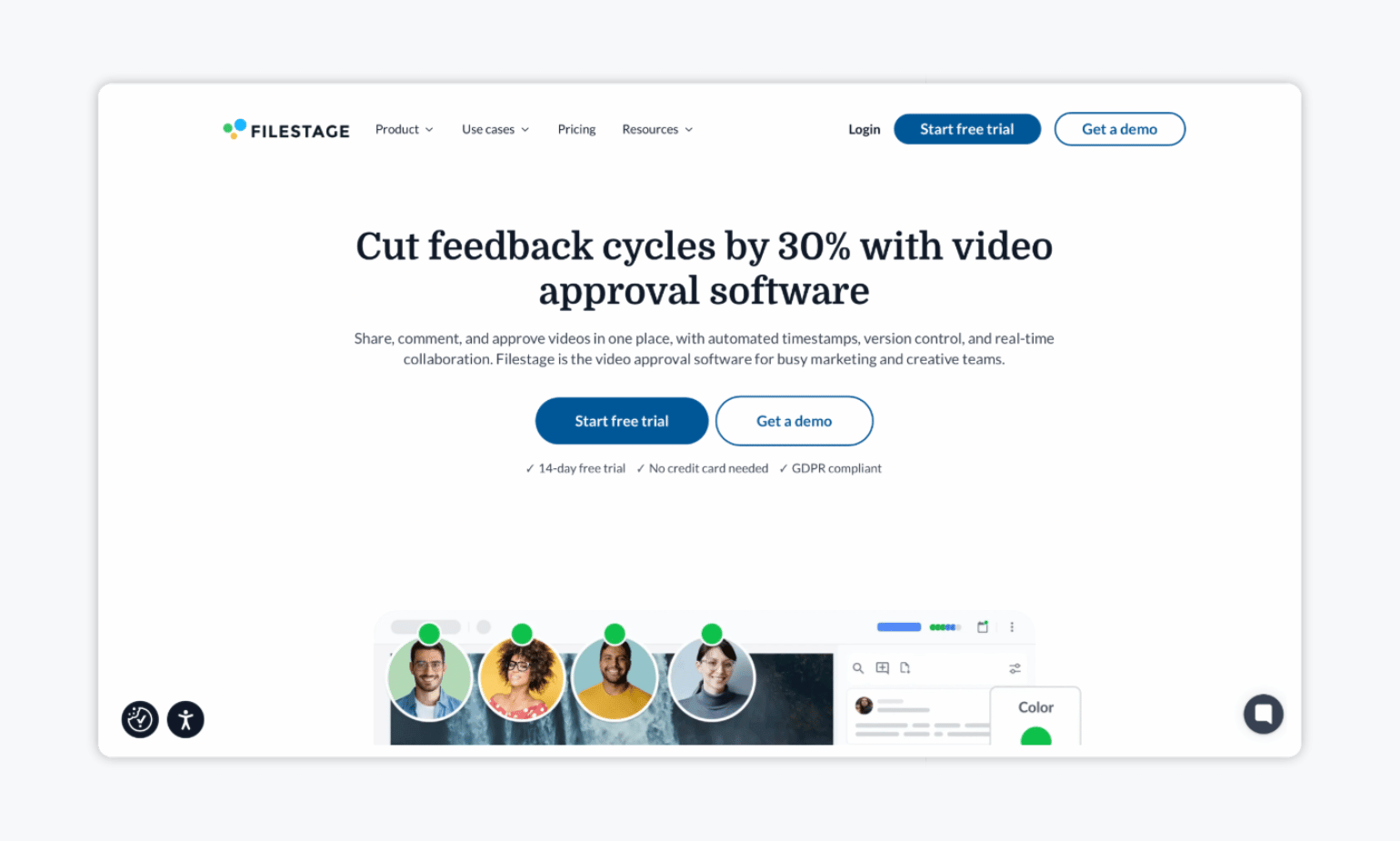
Next up, we have Filestage — an online proofing platform built for teams that need to collect detailed feedback and manage review rounds on creative assets. Its video review tools focus on frame-accurate comments, timestamped feedback, version management, and clear approval stages. This makes it especially useful for creative and production teams that want to tighten the review process from first cut to final sign-off.
Key features:
- Frame-accurate video feedback: Reviewers can leave comments directly on specific moments in a video, making feedback easier for editors to act on.
- Version comparison: Teams can compare versions side by side and keep track of changes across review rounds.
- Review Agents: AI-assisted review can flag issues such as brand inconsistencies, technical errors, or compliance risks before human reviewers begin.
| Pros ✅ | Cons ❌ |
| Clear approval status makes it easy to see what’s still waiting on review | Can feel like overkill for teams that only need simple video sign-off |
| Good fit for teams that need a formal, repeatable video review process | More proofing-oriented than campaign-management-oriented |
| Strong visual proofing experience for detailed creative feedback |
Filestage’s pricing: Filestage offers a free plan. The entry-level paid plan costs $199 per month. There’s also a 14-day free trial available.
4. Frame.io: Best for Professional Video Production and Post-production Teams
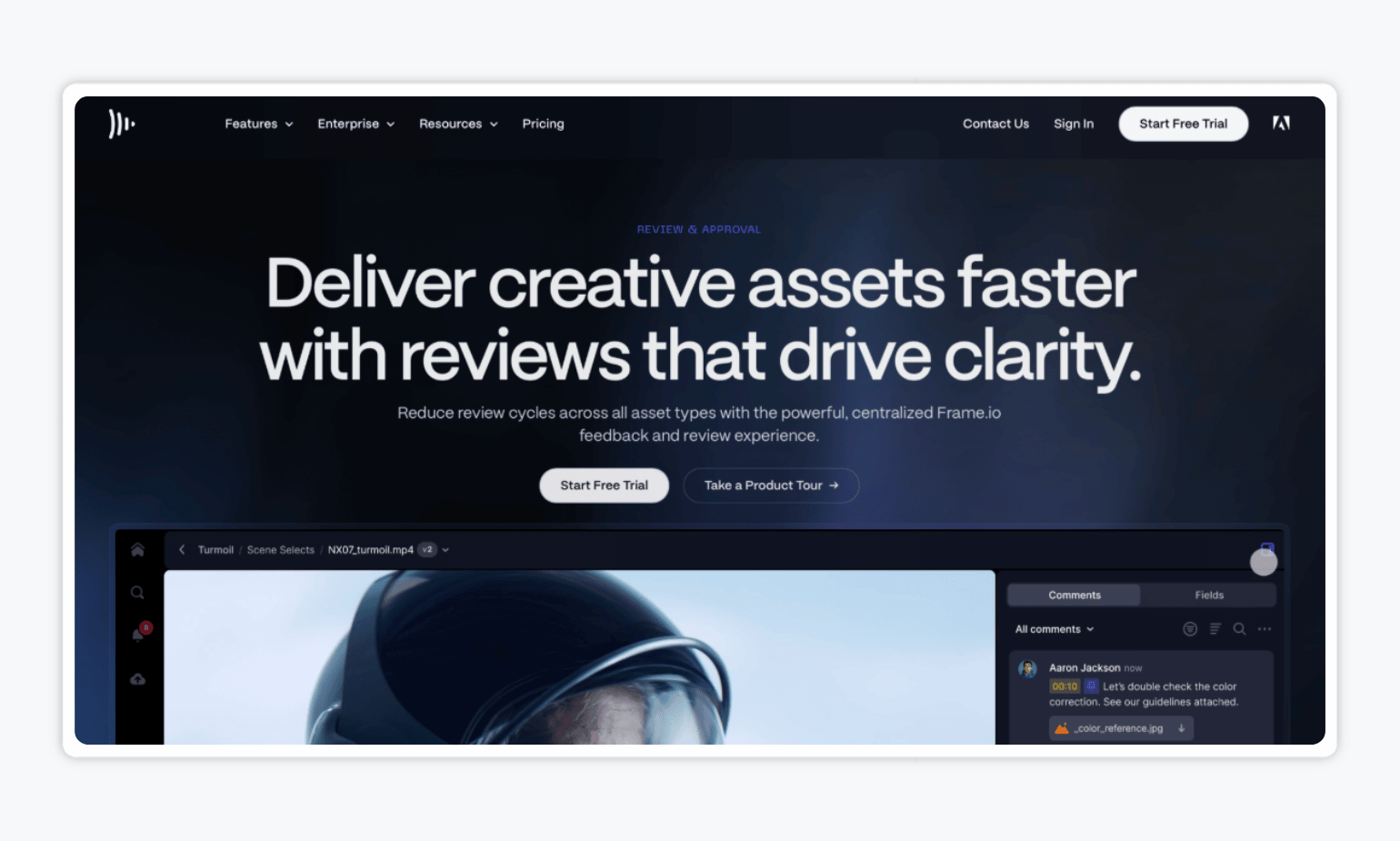
If you’re looking for frame-accurate video approval software, you might want to check out Frame.io. Frame.io is a creative collaboration platform from Adobe built for video production and post-production teams, with tools for precise commenting, version comparison, and high-quality playback. It also integrates directly with Adobe Premiere Pro and Final Cut Pro, so editors can review and act on feedback without leaving their editing workflow.
Key features:
- Frame-accurate and range-based comments: Reviewers can leave feedback on exact frames or specific sections of a video.
- High-precision playback controls: Hover previews, scrubbing, zoom, and high-quality playback help reviewers inspect content in detail.
- 4K UHD playback: Review high-resolution video with better playback quality on paid plans.
| Pros ✅ | Cons ❌ |
| Excellent fit for professional video production and post-production workflows | Less suited to teams that need approvals across a broad mix of marketing content types |
| Ability to compare different versions of a video side by side during review | More focused on creative production than structured marketing approval and publishing |
| You can send footage from supported cameras directly into Frame.io for faster production workflows |
Frame.io’s pricing: Frame.io offers a free plan, while Pro costs $156 per member per year. There’s also a free trial available.
5. Planable: Best for Approving and Scheduling Social Video Content
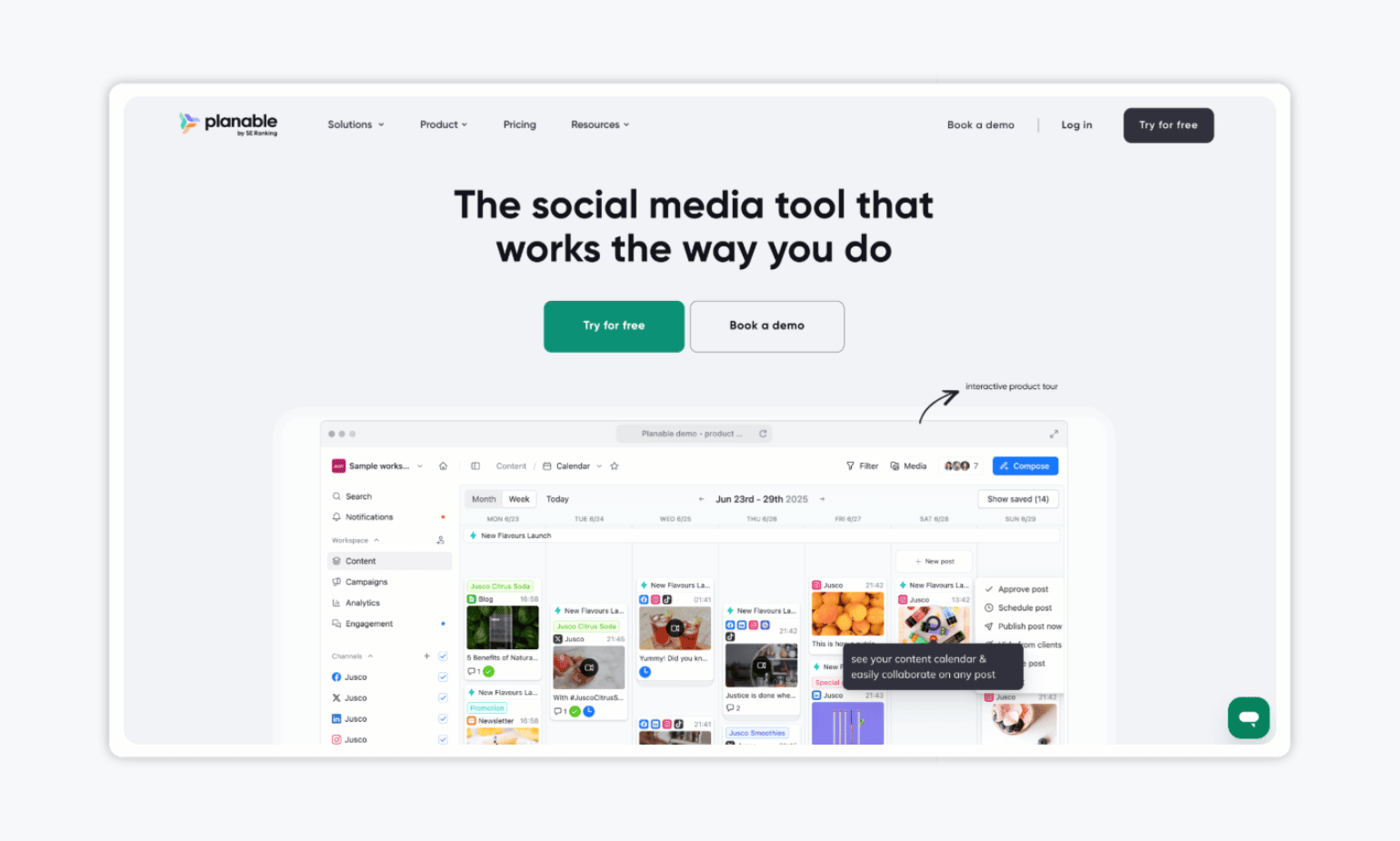
To round out the list, we’ve got Planable — a social media management platform built around content creation, collaboration, approvals, and scheduling. For video content, it’s best suited to teams managing social-first workflows, where videos need to be reviewed, approved, and then scheduled across social media channels.
Key features:
- Recurring posts: Schedule evergreen video content to publish repeatedly where appropriate.
- Grouped posts: Create content for several platforms at once, then make channel-specific edits where needed.
- Built-in media editing: Make basic edits to images and videos directly in the post composer.
| Pros ✅ | Cons ❌ |
| Visual planning tools help teams see where video fits into the wider content calendar | Less suitable for standalone video assets that are not intended for social publishing |
| Makes it easier to adapt one video campaign for several social platforms | Multi-level approvals are only available on the Enterprise plan |
| Good fit for teams focused more on publishing than detailed video proofing |
Planable’s pricing: The Basic plan starts at $33 per workspace per month when billed annually. Planable also offers a free allowance of 50 posts to try the platform.
FAQs
Video proofing focuses on reviewing the video itself. Reviewers can typically leave comments on specific frames or timestamps, compare versions, and give editors precise feedback. Video approval software covers the wider process of routing a video to the right people, managing review rounds, and recording final sign-off.
The two often overlap. A production team may prioritise detailed proofing, while a marketing team may need video approvals to fit alongside its social posts, images, and other campaign content.
Start with the kind of feedback your team needs. If editors regularly make precise changes, look for timestamped or frame-accurate comments and version comparison. If your main challenge is getting sign-off from clients or other stakeholders, prioritise clear approval stages, easy access for external reviewers, and a record of decisions.
Also consider what happens after approval. Teams working across several content types may benefit from a tool that handles video, images, documents, and social posts in one workflow. If you publish videos to social media, check whether the tool can schedule them too.
What’s Your Pick?
Here you have it — five of the best video approval software tools to consider in 2026. You’ll likely prefer Ziflow, Filestage, or Frame.io if your priority is detailed proofing, frame-accurate feedback, and production-focused review workflows.
However, if your team needs an approval tool for video and the rest of your marketing content, Gain is the strongest all-around option. It lets you review video alongside social posts, PDFs, presentations, documents, and other campaign assets, so you can keep approvals in one place instead of adding another tool to your stack.