
A social caption gets approved in a Slack thread. A PDF gets marked up in an email chain. A video gets “a few small notes” in a call, and the landing page gets a screenshot with arrows drawn on it. Four pieces of content, four places feedback lives, and one person trying to piece it all together before launch.
That’s the everyday reality of gathering marketing feedback. The good news is there are tools for every kind of content. The catch is that most of them focus on just one.
This guide covers the best tools for gathering feedback on social posts, on files and videos, and on live web pages. We also look at what to do when your team needs all three.
What to look for in a marketing feedback tool
A good feedback tool does more than collect comments. Before you compare options, check for these:
- Fit with your content. A tool built for web pages won’t help much with a social calendar, and the other way around. Start with what you review most.
- Comments on the content itself. Feedback pinned to the exact spot, such as a word, a frame, or a button, is much easier to act on than “the third paragraph.”
- Easy for outside reviewers. Clients and stakeholders are more likely to respond if they don’t need to create an account first.
- A clear decision. Comments aren’t approvals. Look for a way to say “approved” or “changes requested,” and to see who said it and when.
- Pricing that fits how many people review. Some tools charge per user, per workspace, or per project, so the bill can change as your team and client list grow.
Tools for social post feedback
Social posts are short, visual, and tied to a publishing calendar. Feedback tools in this category let reviewers see a post as it will look, comment on it, and approve it before it goes live.
Planable

Best for: teams and agencies that want a social calendar with built-in approvals.
Planable is a social media calendar where clients and other stakeholders can review content. On its pricing page, Basic ($33 per workspace per month) offers none or optional approvals, Pro ($49 per workspace per month) adds required approvals, and multi-level approvals are listed on Enterprise, which is priced by quote. Both paid plans include unlimited users.
Keep in mind: Plans are priced per workspace and limited by posts per month (60 on Basic, 150 on Pro), so cost grows with the number of clients or brands you manage.
Loomly
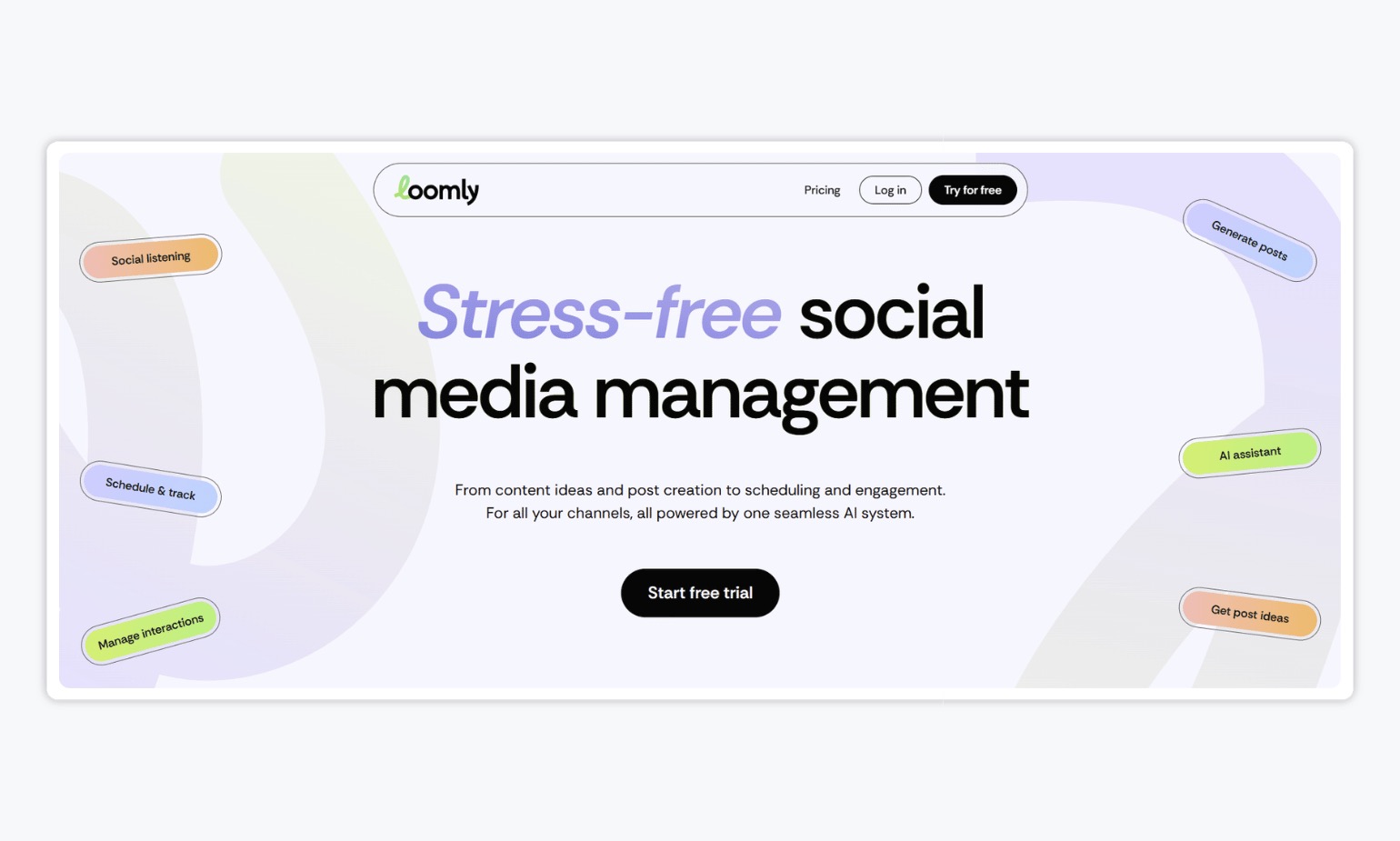
Best for: small teams that want scheduling, analytics, and approvals in one social tool.
Loomly lists approval workflows and roles on both its Starter and Beyond plans. Starter is $65 a month billed monthly, or $49 a month billed yearly, and includes 12 social accounts and 3 users. Beyond is $332 a month billed monthly, or $249 a month billed yearly, and includes 60 social accounts and unlimited users.
Keep in mind: Loomly is a full social management tool, so you’ll pay for features like analytics even if you only need approvals. Its pricing page doesn’t mention client reviewers.
Tools for file and video feedback
Design files, PDFs, and videos need feedback in context, such as a comment on a specific frame or a note on a specific part of a layout. These tools are built for that.
Frame.io
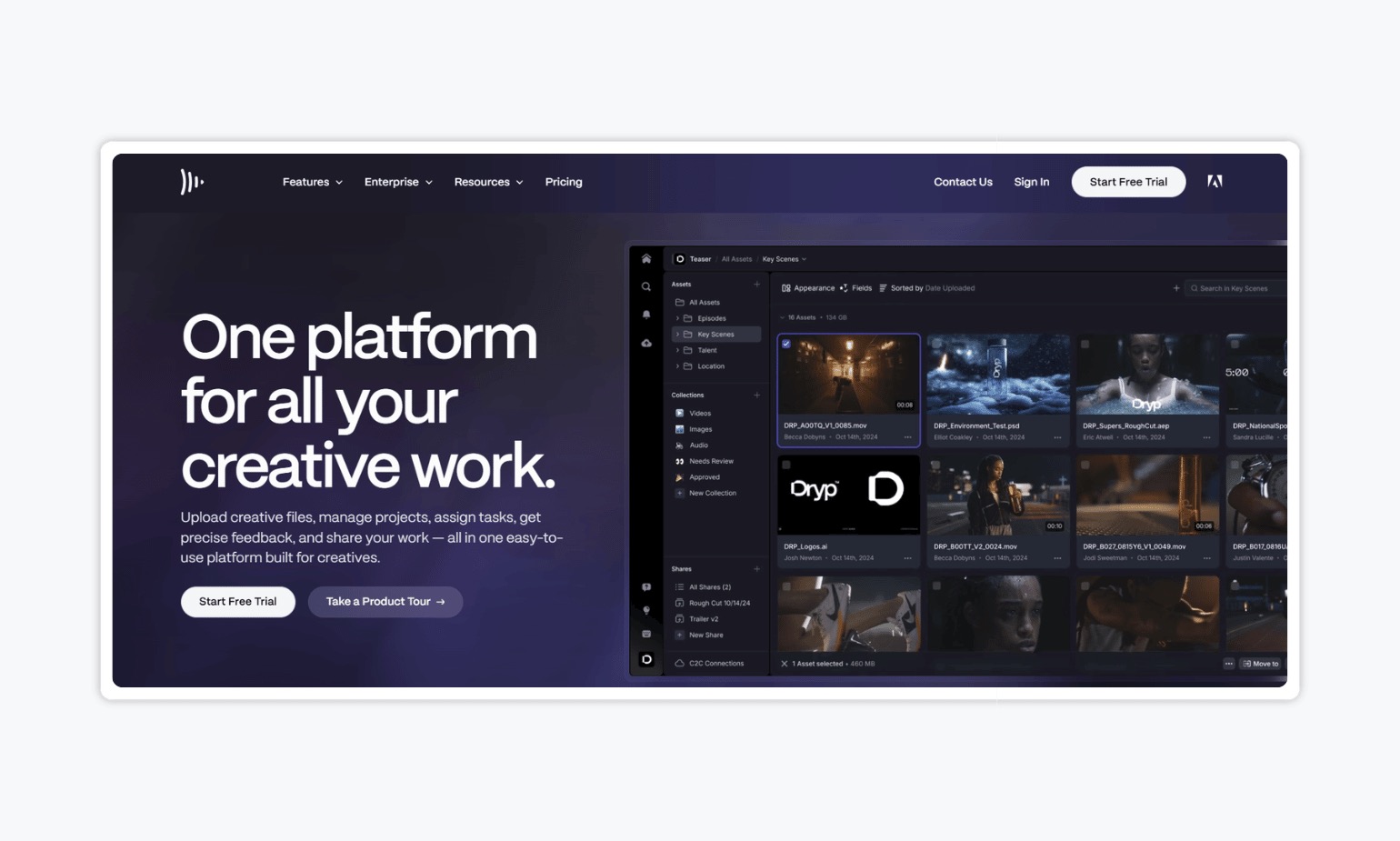
Best for: video teams that need frame-accurate comments.
Frame.io lists frame-accurate and range-based comments on video, 4K playback, and annotations on images, plus document markup. It has a free plan for 2 members and 2 projects. Pro is $15 per member per month and Team is $25 per member per month, and Team adds internal comments that keep client conversations separate from internal ones.
Keep in mind: Pricing is per member, so costs rise with team size. Its pricing page lists video, images, documents, and 3D assets, but not social posts or web pages.
Filestage
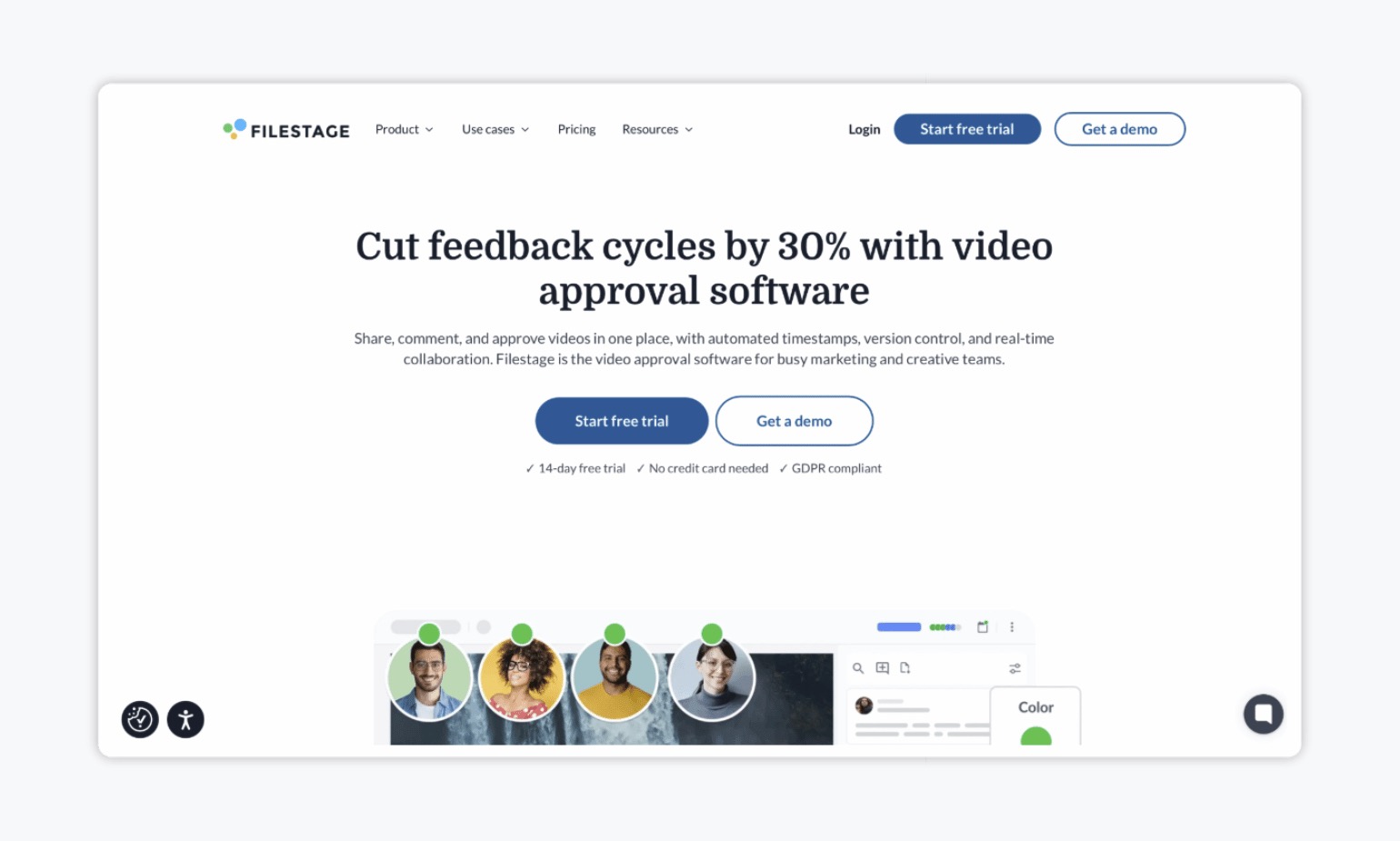
Best for: marketing teams that review a mix of creative files and need structured approvals.
Filestage lets you review artwork, packaging, videos, documents and PDFs, designs, and live websites in one place, with custom approval workflows, multi-stage reviews, and version tracking. Its pricing page lists a free plan, Starter at $199 a month, and Business at $329 a month.
Keep in mind: Filestage’s site doesn’t list social post approval or publishing. Features like templates, checklists, and automations start on the Business plan.
Ziflow
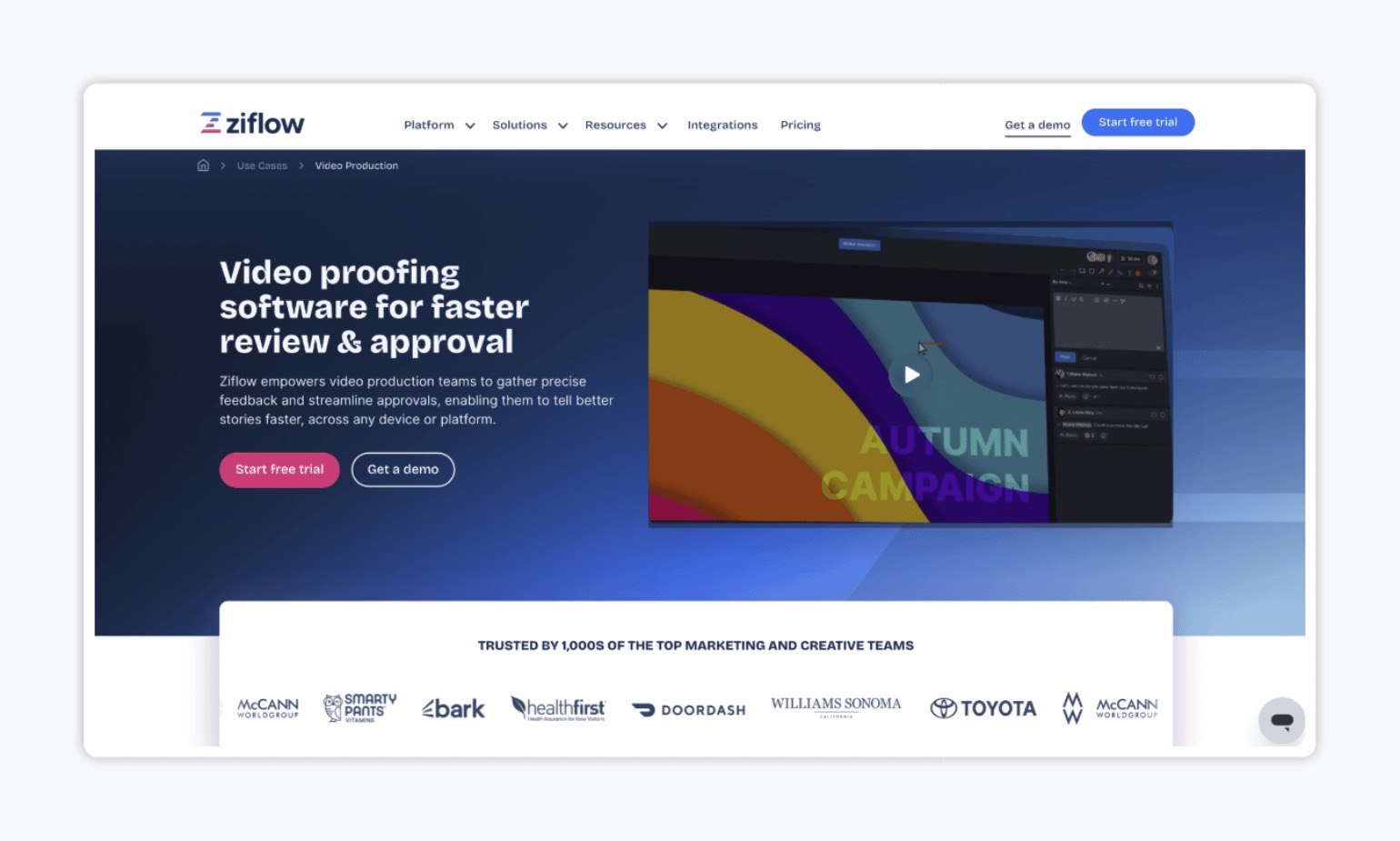
Best for: creative teams reviewing a wide range of file types, including video and design files.
Ziflow cites 1,200+ file types and offers markup tools, checklists, and custom workflows. Its pricing page lists a free plan for 2 users, Standard at $199 a month, and Pro at $329 a month, both billed annually. All plans list unlimited reviewers.
Keep in mind: Workflow stages are capped by plan (2 on Standard, 3 on Pro), and Ziflow’s site doesn’t mention social post approval or publishing.
Tools for live web page feedback
Web page feedback has its own needs. Reviewers want to click on the exact button or line of text that’s wrong, and developers want to know the browser and screen size where they saw it. Here are three tools built for that.
BugHerd

Best for: agencies and web teams collecting client feedback on websites.
BugHerd is built for website feedback. Its pricing page lists screenshots and technical data with each comment, annotation, and feedback on Figma designs, PDFs, and images. All plans include unlimited client users and unlimited projects. Standard is $50 a month ($42 a month billed yearly) for 5 members, Studio is $80 a month for 10 members, and Premium is $150 a month for 25 members. It offers a 7-day free trial.
Keep in mind: Features like feedback deadlines and project management integrations start on Premium.
Pastel
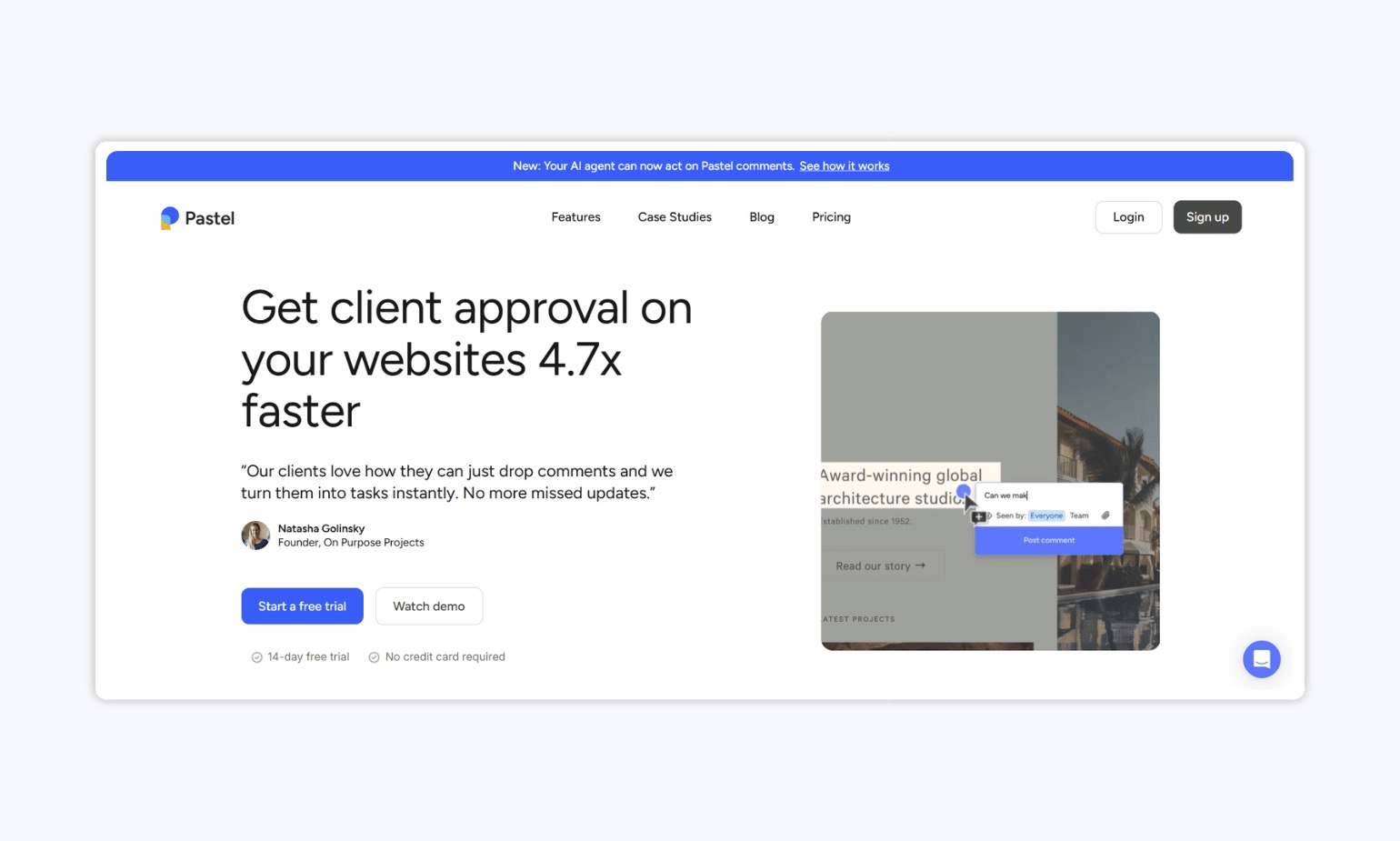
Best for: designers, developers, and agencies who want clients to mark up a live site without logging in.
Pastel says clients can leave comments directly on the page with no login needed. Its plans page lists a free plan for 1 user and 1 canvas, Pro at $35 a month for 2 users and 3 canvases, and Team at $119 a month for 5 users. All plans list unlimited reviewers, and guest reviewers can leave comments and replies. It also supports files such as PDFs, images, and videos.
Keep in mind: Plans limit the number of active canvases and users, so check the numbers against how many clients you work with.
Markup.io

Best for: teams that want one tool to mark up websites and many file types.
Markup.io supports websites and all file types, with unlimited users and unlimited comments on every plan. Its pricing is based on how many “MarkUps” you create each month. Pro starts at $79 a month for 50 MarkUps, and Business starts at $499 a month for 200 MarkUps. Extra MarkUps cost $4 each. It offers a 14-day free trial.
Keep in mind: Because pricing is tied to usage, costs depend on how many pages and files you review each month.
The hidden cost of too many tools
Each tool above is good at its own job. The trouble starts when your campaign includes all three kinds of content. Social posts go through one tool, files and videos through another, and the landing page through a third. Each one has its own logins, its own comments, and its own approval history. That gets expensive and messy fast.
Gain: All your content, one place to review it
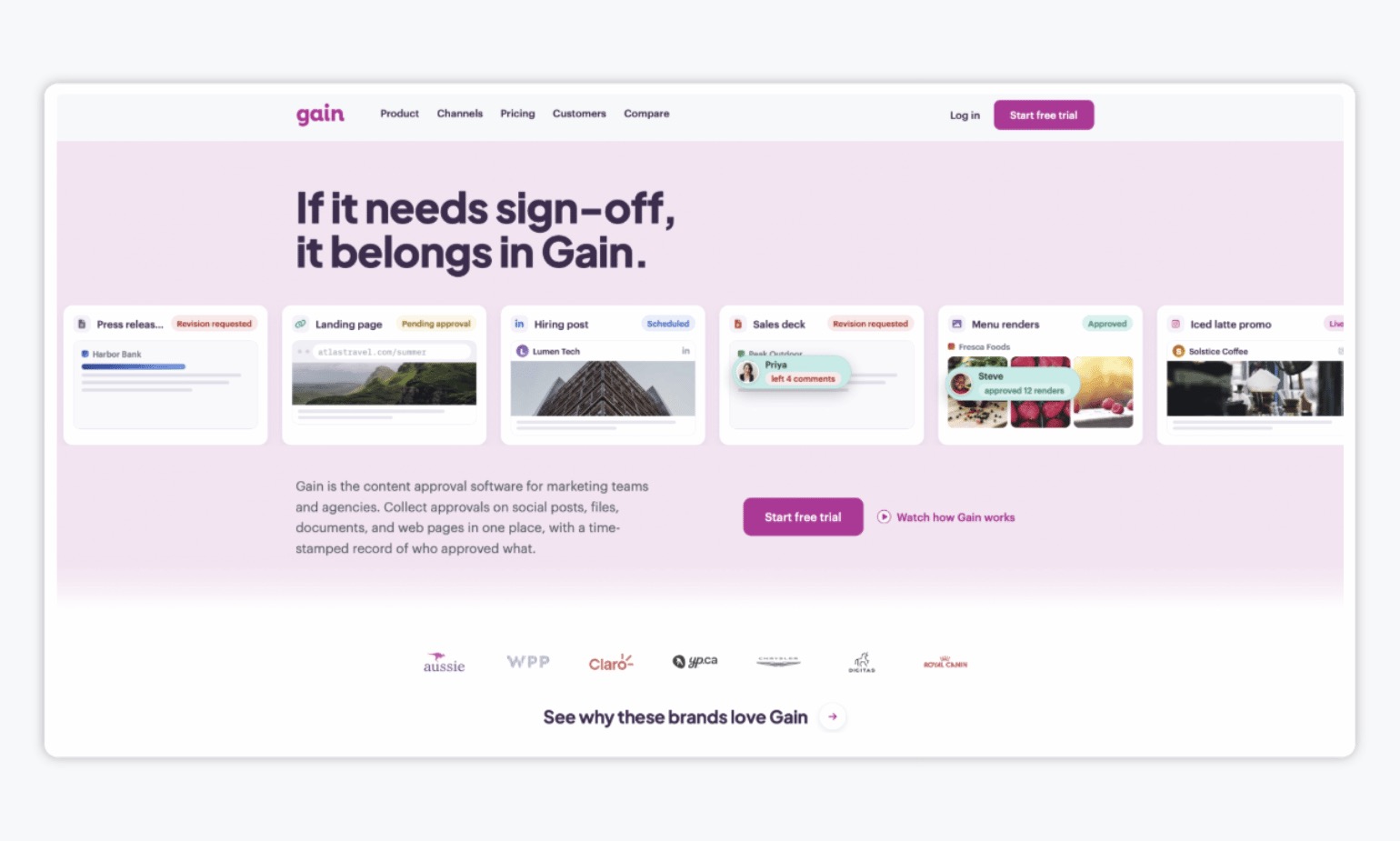
Gain takes a different approach. It’s a content approval platform where social posts, files like PDFs, videos, images, presentations, text documents, and web pages all go through the same approval flow. Here’s what that looks like in practice:
- One place for feedback and approvals. Your team and your clients review everything together, with mentions and tasks to keep people aligned.
- A workspace for each client or brand. Each one has its own calendar and content channels, and people only see what they need.
- Easy for reviewers. External approvers can sign off with a magic login and approve with one click, with no new account to set up.
- A single record. Every approval is time-stamped and tied to a version, across all content types.
- Publishing once approved. Approved social posts can be scheduled and published to 9 platforms, so only signed-off content goes out.
- Flat pricing. Plans start at $99 a month, with unlimited reviewers, workspaces, and social channels.
Gain’s Embed feature works as an approval checkpoint for web content, but not detailed markup. For that, a more robust website feedback tool may still be the better fit.
Marketing feedback tools at a glance
Here’s how the tools compare, based on each vendor’s own pages. Prices are the lowest paid plan listed (USD), and a free plan is noted where one exists.
| Tool | Best for | Content it covers | Lowest paid plan |
|---|---|---|---|
| Gain | Approvals across all content types | Social posts, files, documents, web pages | $99 a month, unlimited reviewers, workspaces, and social channels |
| Planable | Social calendars with approvals | Social posts | $33 per workspace per month |
| Loomly | Small teams managing social | Social posts | $49 a month billed yearly ($65 monthly) |
| Frame.io | Video review | Video, images, documents, 3D | $15 per member per month (free plan available) |
| Filestage | Mixed creative file review | Files, video, PDFs, live websites | $199 a month (free plan available) |
| Ziflow | Wide range of file types | 1,200+ file types, live websites | $199 a month billed annually (free plan available) |
| BugHerd | Client feedback on websites | Websites, plus Figma, PDFs, images | $50 a month ($42 billed yearly) |
| Pastel | Login-free feedback on live sites | Websites, PDFs, images, video | $35 a month ($29 billed yearly) (free plan available) |
| Markup.io | Websites and files in one tool | Websites and all file types | $79 a month for 50 MarkUps |
The bottom line
The best marketing feedback tool depends on what your team reviews most.
If your campaigns include all of it and you’d rather have one approval flow and keep a record of feedback in one place instead of three separate tools, try Gain. Plans start at $99 a month, with unlimited reviewers, workspaces, and social channels.
Tired of juggling marketing content feedback tools? Try Gain free.