
Planable is a solid choice for teams that need to collaborate on social media content, collect stakeholder feedback, and get posts approved before publishing. But depending on how your team works, it might not be the best fit.
Maybe you’re managing multiple clients and finding that per-workspace pricing adds up quickly. Or perhaps your team needs to approve more than just social posts, including PDFs, videos, design files, and other marketing content, with a clear record of who approved what and when.
Whatever your reason for exploring other options, there are plenty of Planable alternatives worth considering. Some offer affordable social media scheduling, others specialize in advanced analytics and engagement tools, and a few focus on making content approvals easier to manage.
In this guide, we’ll compare six of the best Planable alternatives in 2026, covering their key features, pricing, pros, and cons to help you find the right fit for your team.
What Is Planable?
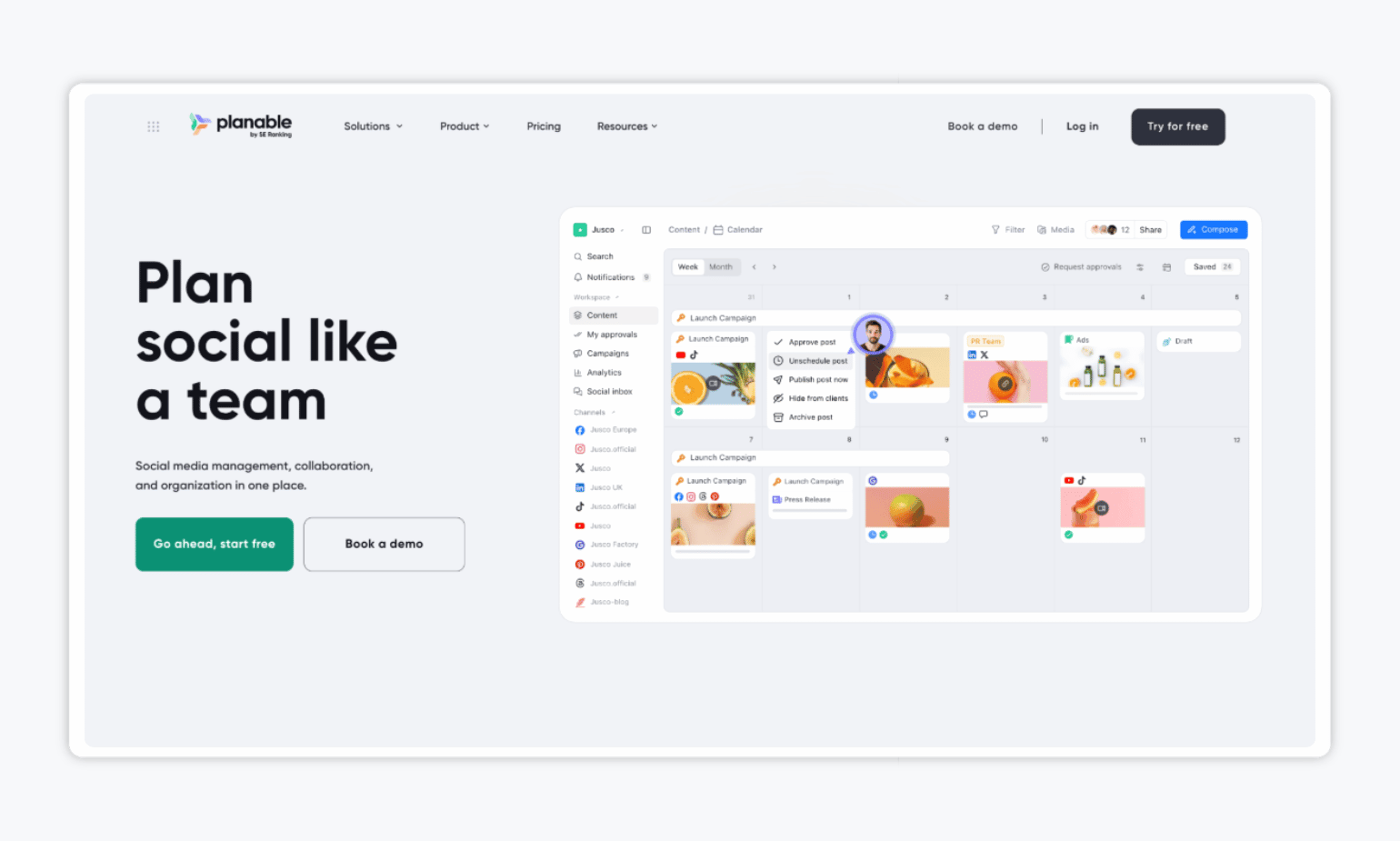
Planable is designed for teams that want to collaborate on social content before it goes live. Think of it as a visual sandbox where marketers, clients, and stakeholders can see posts exactly how they’ll appear on different platforms, then comment, suggest edits, and approve with a single click.
In August 2025, Planable was acquired by SE Ranking, an SEO software company, as part of its expansion into broader digital marketing solutions.
Key features:
- Content collaboration and approvals: Leave comments, suggest edits, and set up approval workflows, including multi-level approvals on Enterprise plans.
- Visual content calendar: Organize and preview posts using feed, calendar, grid, and list views.
- Content creation and publishing: Create social posts with AI writing assistance, collaborate on other marketing content, and schedule posts across nine social networks.
Planable pricing: Planable offers a free plan with 50 posts total. Paid plans start at $33/workspace/month for Basic (60 posts, four social pages, and optional approvals) and $49/workspace/month for Pro (150 posts, 10 social pages, and required approvals), billed annually. Enterprise offers custom pricing with unlimited posts and multi-level approval workflows.
Why Look for Planable Alternatives
Planable makes content collaboration and social media scheduling easier, but it might not meet every marketing team’s needs, especially as approval processes become more complex.
For example, if your content needs sign-off from multiple departments or stakeholders in a specific order, Planable reserves multi-level approval workflows for its Enterprise plan. Its per-workspace pricing can also add up when you’re managing content for several brands or clients.
Other teams may find themselves looking for more advanced analytics, smoother publishing, or a better way to manage approvals across different types of marketing content.
💬 What users think about Planable:
Alana G., a Marketing & Brand Director, shared her frustration with approval workflows:
“While I like that I can request approvals from multiple people, I do wish there were ‘levels’ of approval. For example, I’d love for my manager to see and approve content/suggest edits first and then be able to send it to the CEO for final sign-off rather than having to assign it to both of them at the same time. I don’t find the AI-generated content to be accurate or helpful.”
Rachel L., a Founder & CEO, pointed to limitations in analytics:
“The analytics can definitely be a bit more robust and provide more value than it currently has.”
A verified user via G2 also raised concerns about pricing:
“The price! For small business owners, it is quite a bit once you start adding people and workspaces.”
Top 6 Paid and Free Planable Alternatives in 2026
| Tool | Best for | Free trial? |
| Gain | Marketing teams and agencies managing approvals across all content types | ✅ |
| Buffer | Small teams wanting affordable, simple scheduling | ✅ |
| Hootsuite | Teams needing comprehensive social media management and analytics | ✅ |
| Sprout Social | Marketing teams prioritizing advanced social analytics and customer engagement | ✅ |
| ContentStudio | AI-powered content discovery & curation | ✅ |
| SocialPilot | Teams managing multiple social media accounts at scale | ✅ |
1. Gain: Best for Marketing Teams and Agencies That Need to Approve All Types of Content
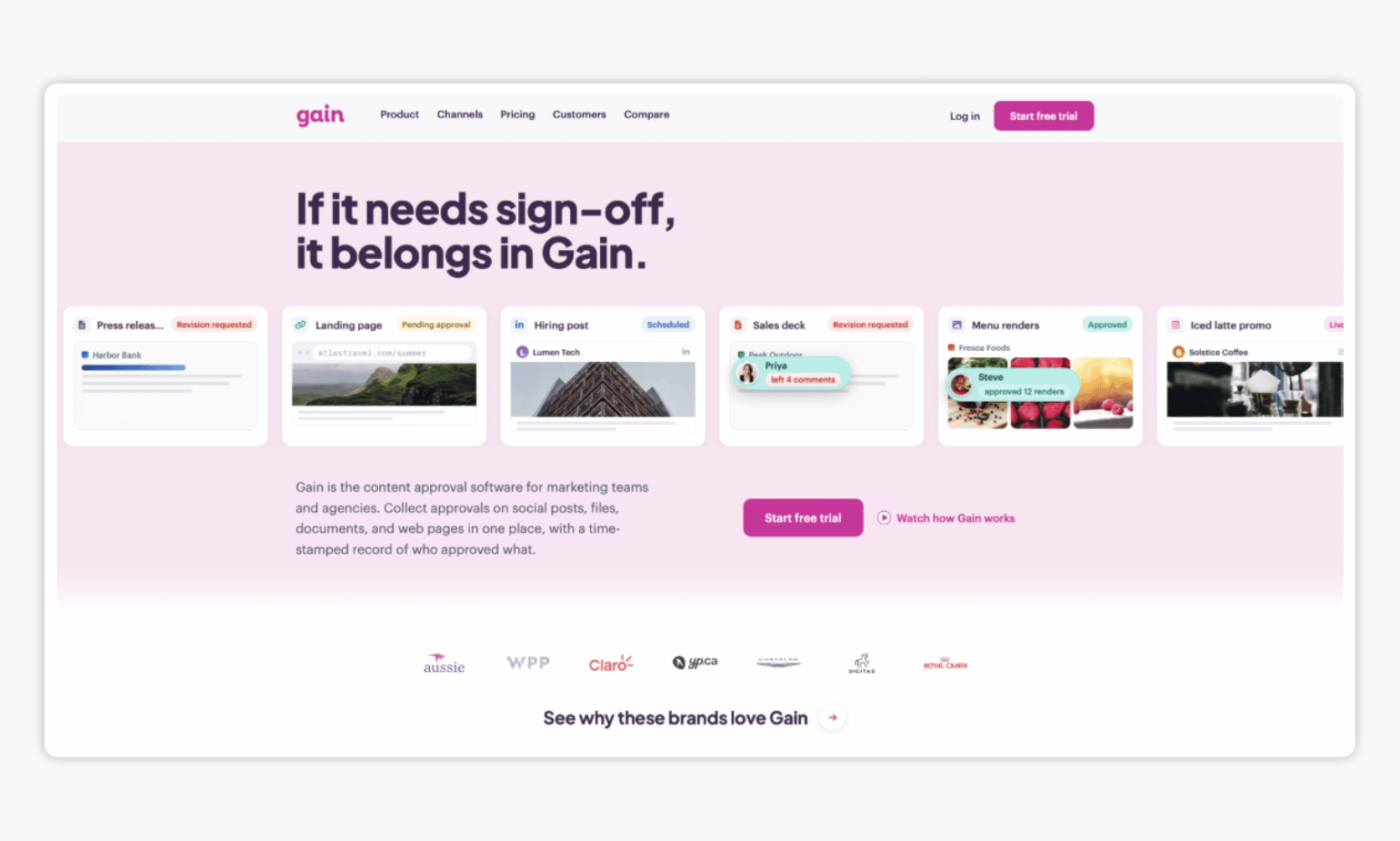
If your team needs to approve more than just social media posts, Gain is a great Planable alternative to consider.
Gain is a content approval platform that brings reviews, feedback, and sign-offs for social posts, PDFs, videos, design files, documents, and web content into one place. While Planable supports collaboration across different content types, Gain offers customizable, multi-round approval workflows on every plan, so you can route content through marketing, legal, leadership teams, or clients in the right order.
Every revision, comment, and approval is recorded in a time-stamped, downloadable activity history, making it easy to confirm who approved what and which version received the final sign-off.
Pros and cons:
| Pros ✅ | Cons ❌ |
| Unlimited reviewers and approval workflows on all plans. | Analytics are lighter than enterprise-focused tools. |
| Dedicated client or brand workspaces and automatic publishing of approved social posts. | |
| Flat-rate pricing makes managing multiple brands and clients more affordable. |
Gain pricing: Starter starts at $99/month (three team members and six workspaces), Agency at $199/month (six team members and 12 workspaces), and Agency Premium at $399/month (20 team members and 30 workspaces), billed annually. Enterprise pricing is custom. All plans include unlimited reviewers and approval workflows, plus a 14-day free trial.
💬 What users think about Gain:
“First and foremost is the ease of the approval process. All of my clients, regardless of how tech-savvy they are, are able to utilize Gain’s approvals easily. That guarantees the process is efficient and the client knows exactly what they are getting before any piece of content goes live.
The second thing is how great the customer service is. They are always open and willing to listen, able to help with a concern, and are constantly working to upgrade and improve their platform both to serve the users’ needs and to keep things working smoothly with each social media platform.” – Phillip S.
2. Buffer: Best for Small Teams Wanting Simple Scheduling
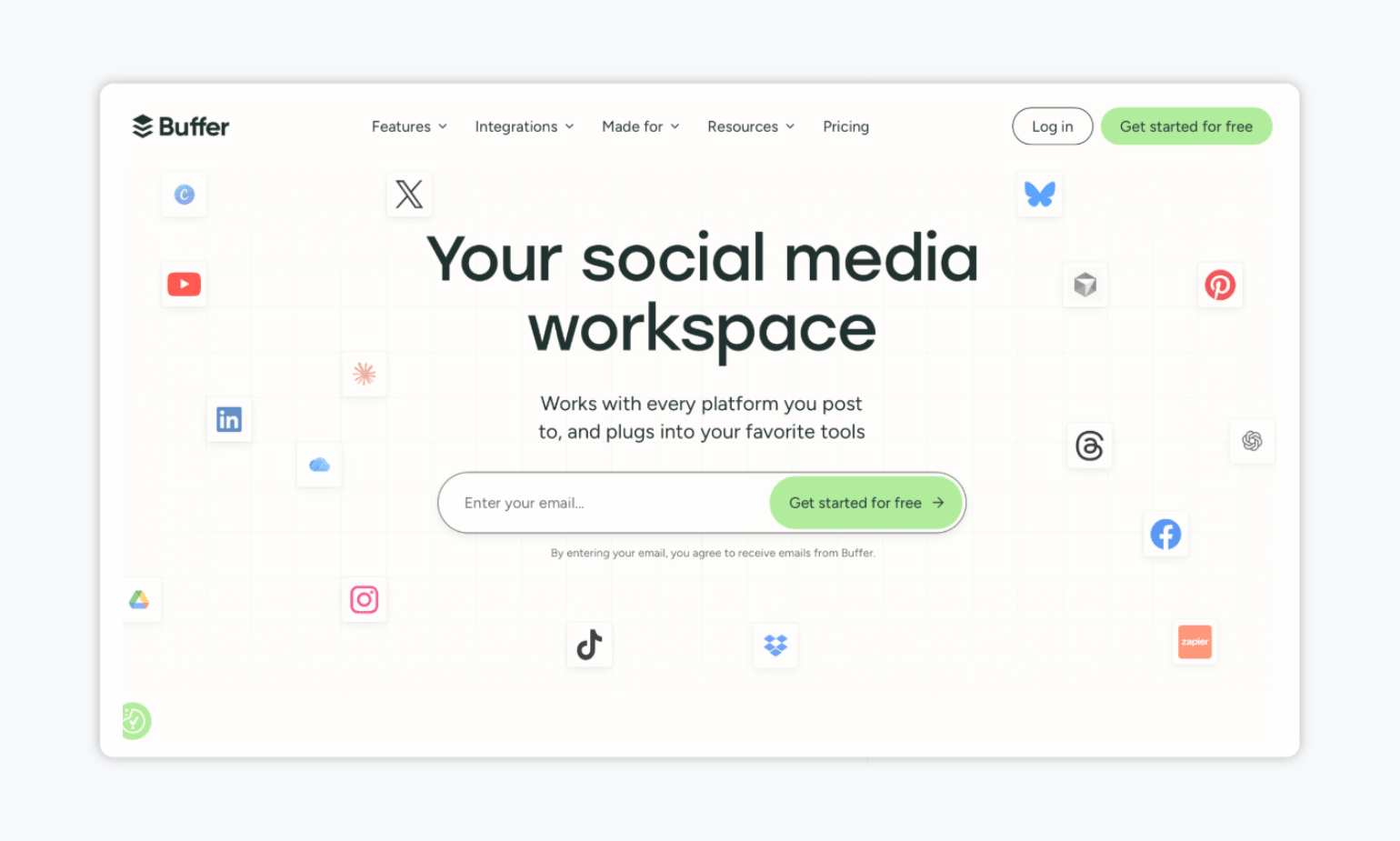
Buffer has long been a go-to social media scheduling tool for creators, small businesses, and marketing teams thanks to its clean interface and affordable pricing.
It lets you create, schedule, and analyze content across platforms like Instagram, TikTok, LinkedIn, Threads, and Bluesky. Its visual calendar and publishing queue make it easy to organize posts, while the built-in AI assistant helps generate ideas and repurpose content.
Unlike Planable, which emphasizes collaborative content planning and approvals, Buffer focuses more on straightforward scheduling and publishing.
Pros and cons:
| Pros ✅ | Cons ❌ |
| Free forever plan with support for up to three social channels. | Approval workflows available under the Team plan only. |
| Simple scheduling with calendar and queue views. | |
| Supports a wide range of social platforms, including Threads and Bluesky. |
Buffer pricing: Buffer offers a Free plan with up to three channels and 10 scheduled posts per channel. Essentials starts at $5/month per channel with unlimited scheduling, advanced analytics, and one user. Team starts at $10/month per channel and adds unlimited team members, approval workflows, custom permissions, and branded reports. Prices are based on annual billing, and both paid plans include a 14-day free trial.
💬 What users think about Buffer:
“My go-to app for basic social media management. I’ve been using Buffer for years (free plan) to automate social media postings, and it’s been working really well for basic features (without using advanced features or AI).” – Mate K.
3. Hootsuite: Best for Comprehensive Social Media Management and Analytics
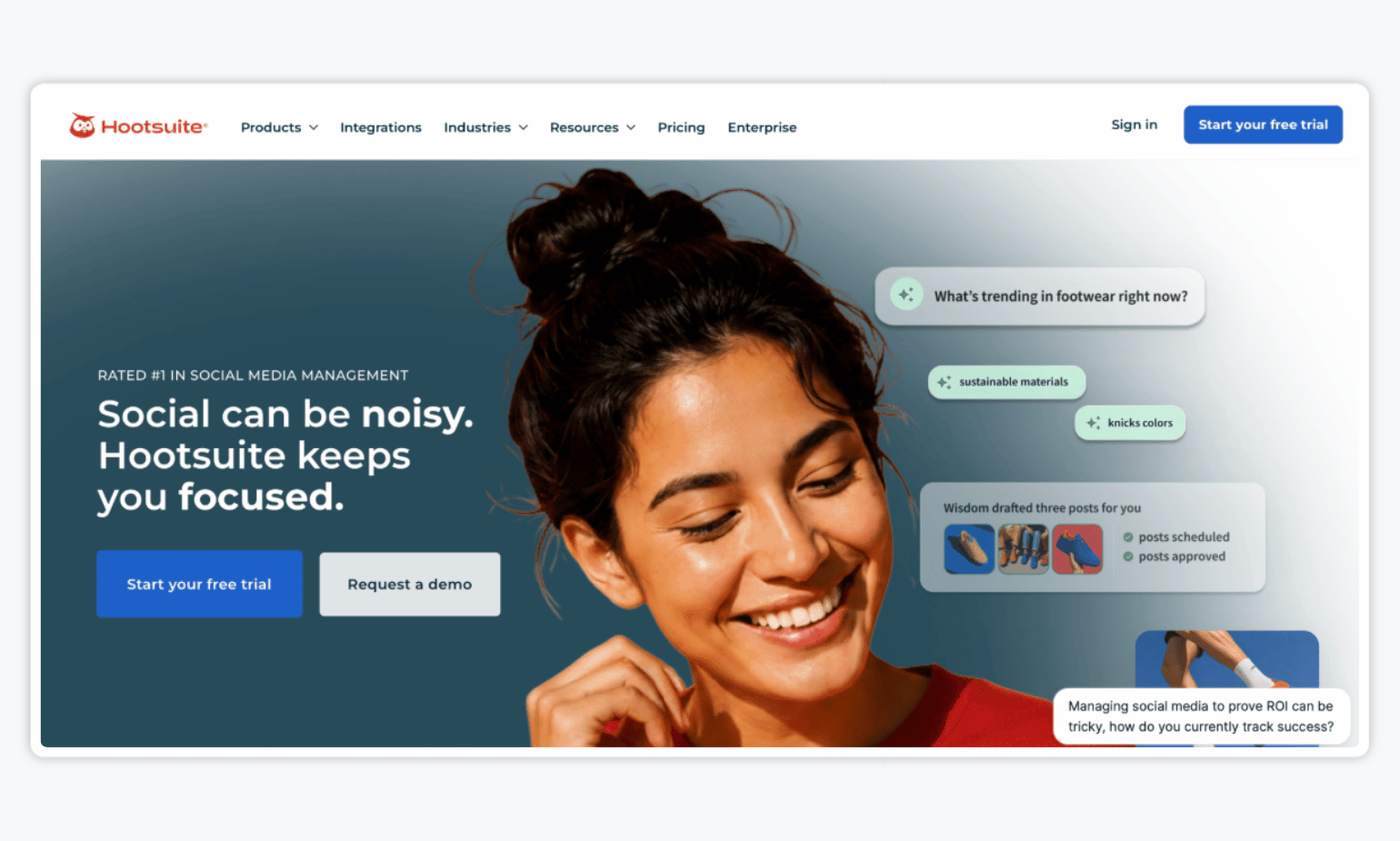
Next up, we have Hootsuite — one of the most established names in social media management, trusted by large companies and agencies for its depth of analytics and ability to manage multiple brands at scale. It supports all major networks, plus robust features like social listening, employee advocacy, and ad management, making it a true all-in-one platform.
Pros and cons:
| Pros ✅ | Cons ❌ |
| Advanced analytics, customizable reports, and competitor benchmarking. | On the expensive side. |
| Extensive integrations and tools for managing multiple social accounts. | Heavier UI than other tools on the market. |
| Social listening and a unified inbox for customer engagement. |
Hootsuite pricing: Standard starts at $99/user/month, Professional at $199, and Advanced at $399 with approval workflows. Enterprise pricing is custom. Prices are based on annual billing, with a 14-day free trial on paid plans.
💬 What users think about Hootsuite:
Rina Bharath, M., shared her experience after 10 years of using the platform:
“I have always found Hootsuite easy to use and have seen many updates to features over the years. The spelling checker and reminders to tag accounts or attach graphics (for LinkedIn) are great. I also like the scheduling facility and ease of editing scheduled posts.”
4. Sprout Social: Best for Marketing Teams Prioritizing Advanced Social Analytics and Customer Engagement
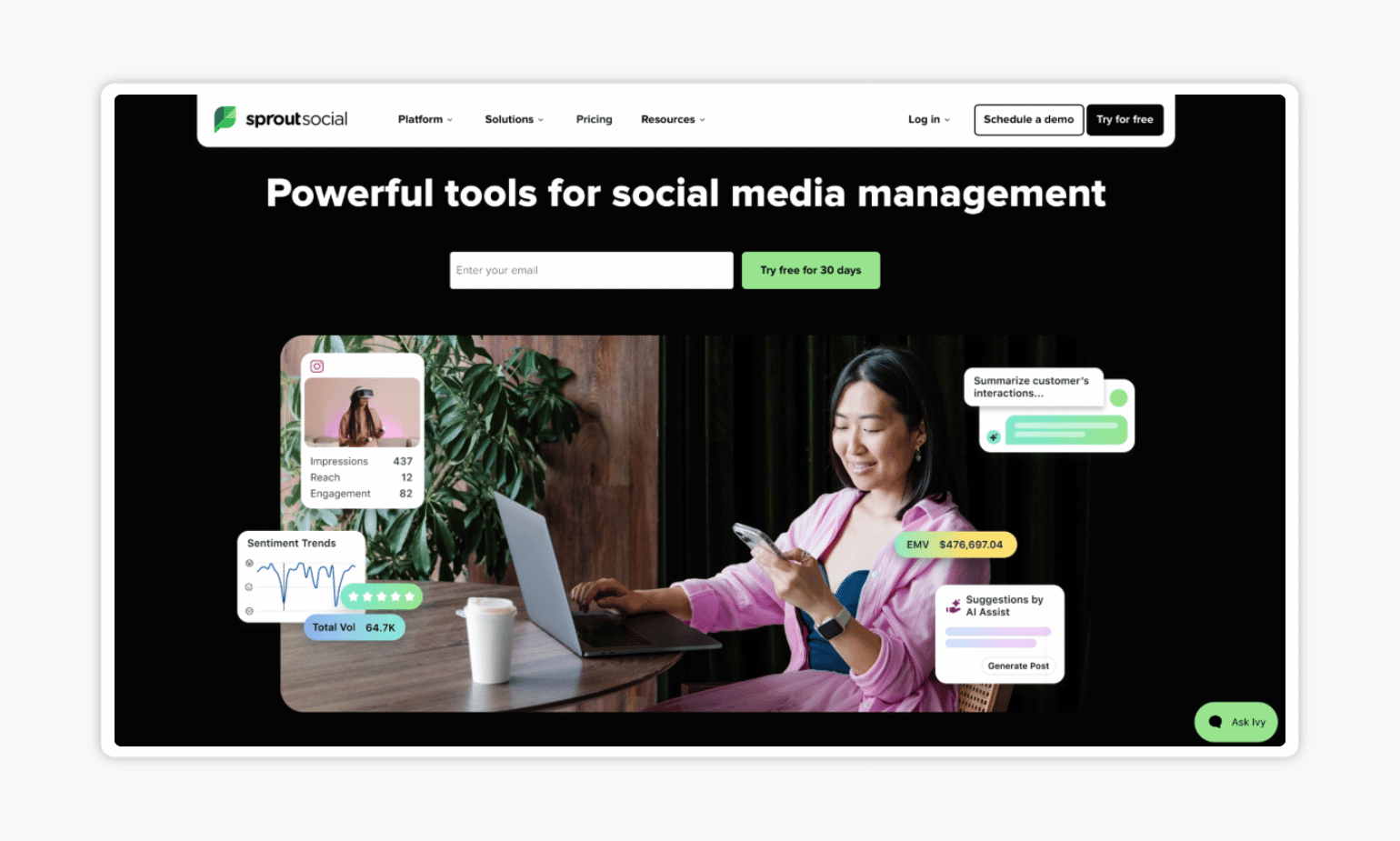
Sprout Social combines social media publishing, advanced analytics, social listening, and customer engagement in one platform. It helps marketing teams track performance, monitor competitors, and manage customer conversations through its Smart Inbox.
While Planable focuses on content planning and collaboration, you’ll find that Sprout Social puts more emphasis on what happens after publishing, with detailed reporting, audience insights, and AI-powered engagement tools.
Pros and cons:
| Pros ✅ | Cons ❌ |
| Unified Smart Inbox with AI-assisted customer engagement tools. | Per-seat pricing can become expensive for larger marketing teams. |
| Customizable dashboards and presentation-ready reports. | Premium analytics and social listening require additional paid add-ons. |
| CRM and helpdesk integrations for managing customer interactions. |
Sprout Social pricing: Essentials starts at $79/seat/month, Standard at $199, Professional at $299, and Advanced at $399. Enterprise pricing is custom. Prices are based on annual billing, with a 30-day free trial available.
💬 What users think about Sprout Social:
“The data for social media posts is readily available, and the productivity of team members managing the accounts is clearly visible. The platform is also easy to use and offers user-friendly navigation for a seamless experience.” – Airene D.
5. ContentStudio: Best for AI-Powered Content Discovery and Curation
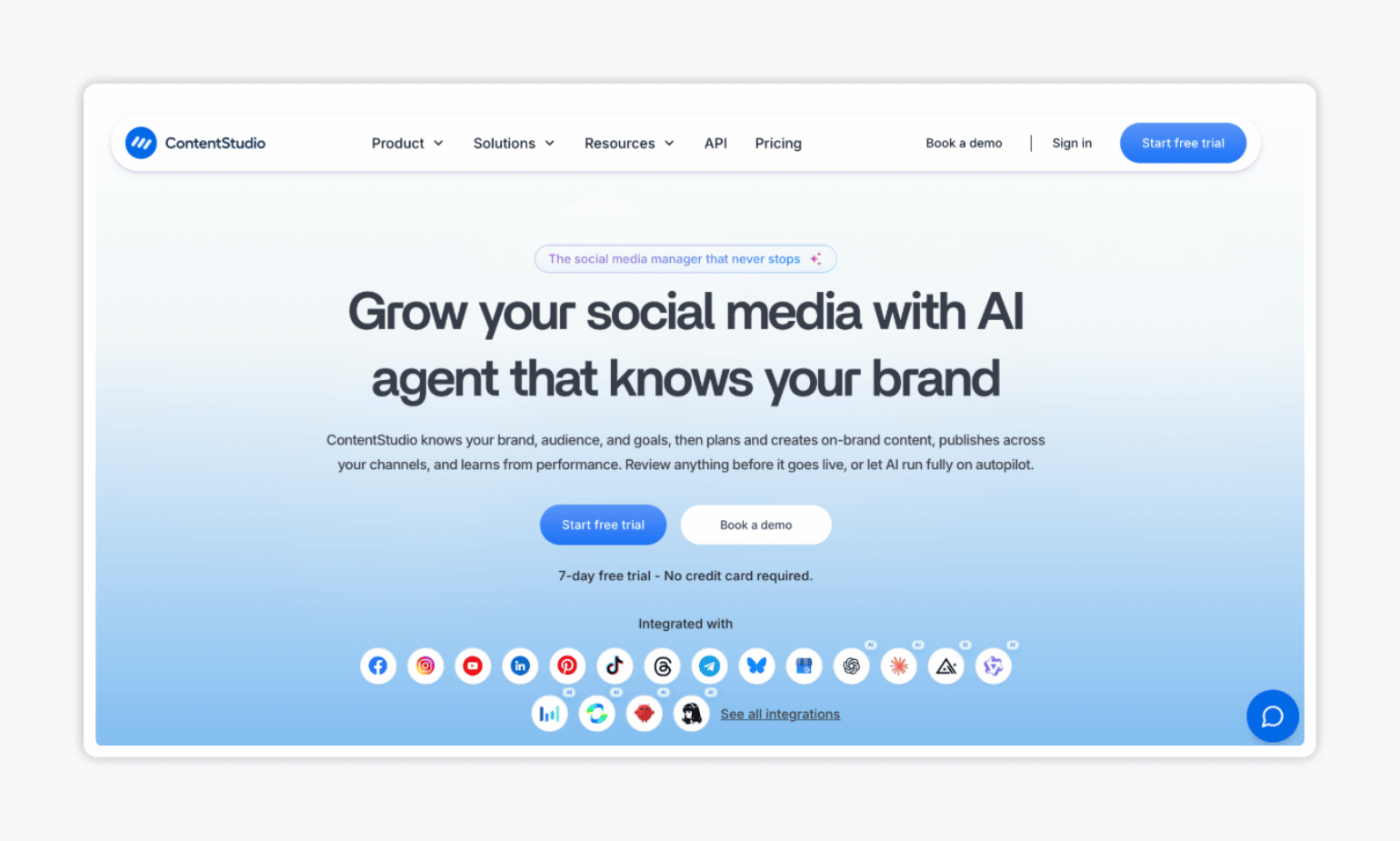
ContentStudio is a social media management platform that helps marketing teams discover trending content, create posts with AI, schedule across multiple channels, and track performance. Its AI Studio supports text, image, and video generation, while automation tools help teams recycle evergreen content and publish posts in bulk.
If you’re considering switching from Planable because you spend too much time finding content ideas or manually scheduling recurring posts, ContentStudio could be a better fit. Its Advanced plan includes RSS-based publishing, bulk scheduling, and automated content recycling, giving teams more ways to keep their social calendars filled without constantly starting from scratch.
Pros and cons:
| Pros ✅ | Cons ❌ |
| Built-in social inbox for managing comments and messages. | Social listening and full white-label customization cost extra. |
| Canva and VistaCreate integrations for importing creative assets. | AI text, image, and video generation are limited by plan-specific credits. |
| Multilingual interface for marketing teams working across different regions. |
💰 ContentStudio pricing: Standard starts at $19/month (five social accounts), Advanced at $49 (10 accounts), and Agency Unlimited at $99 (25 accounts), billed annually. There’s also a 7-day free trial available.
💬 What users think about ContentStudio:
“The service is easy to use, highly intuitive, and packed with a wide range of features. I’m especially impressed by the ability to thoroughly plan posts, analyze content performance, and automate tasks that used to take up so much time. The interface is extremely user-friendly, making it a pleasure to work with.” – Elpida H.
6. SocialPilot: Best for Teams Managing Multiple Social Media Accounts at Scale
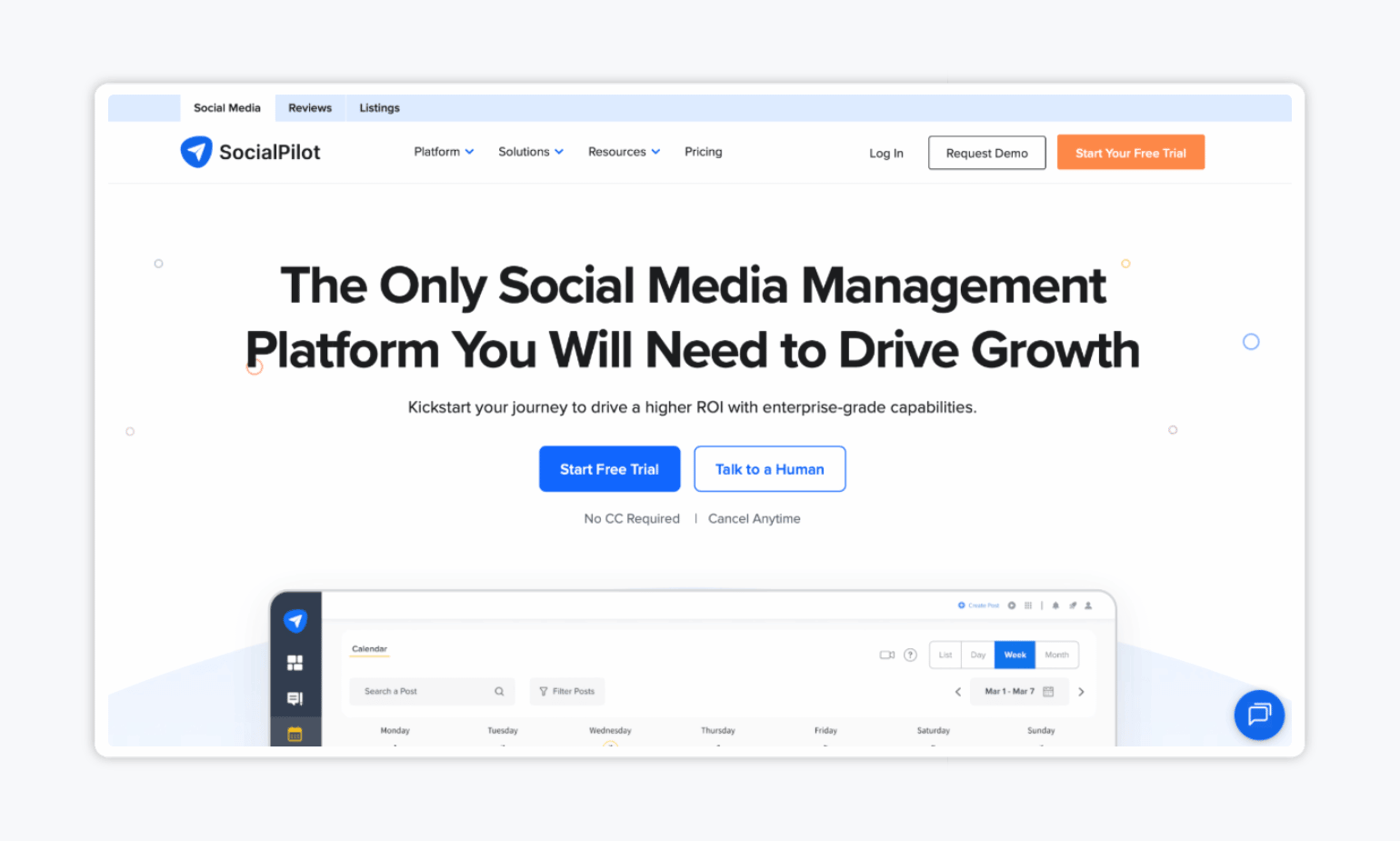
To round out our list of Planable alternatives, we have SocialPilot – a social media management platform built for teams handling high volumes of content across multiple accounts. It combines scheduling, analytics, team collaboration, and a social inbox, with features like a drag-and-drop calendar and bulk publishing.
SocialPilot is particularly useful when you’re managing a busy publishing calendar across multiple social accounts. Unlike Planable’s per-workspace post limits, SocialPilot lets teams schedule content without monthly post caps, while its Premium plan adds bulk scheduling for up to 500 posts at once.
Pros and cons:
| Pros ✅ | Cons ❌ |
| Built-in content library for organizing and reusing posts. | AI credits and social account limits vary by plan. |
| Smart Queues and recurring posts for maintaining consistent publishing schedules. | Advanced reporting features are limited to higher-tier plans. |
| RSS feed scheduling for automatically sharing content from blogs and websites. |
SocialPilot pricing: Essentials starts at $25.50/month (7 accounts), Standard at $42.50 (15 accounts, analytics, and team collaboration), Premium at $85 (25 accounts, bulk scheduling, and client approvals), and Ultimate at $170 (50 accounts and unlimited users), billed annually. There’s also a 14-day free trial.
💬 What users think about SocialPilot:
“I like how SocialPilot saves us the hassle of going into each platform individually to schedule posts by putting everything on one platform for us. It also saves us time since we don’t have to schedule posts manually on different platforms, and it allows us to automatically publish blogs, which is great for getting more mileage out of the content we’re already creating.” – Katie H.
Take Your Pick
Quite a few options, huh? While you’re certainly spoiled for choice, the best Planable alternative ultimately depends on your priorities.
Buffer is great for straightforward scheduling, while Hootsuite and Sprout Social offer more advanced analytics and customer engagement tools. ContentStudio is worth considering for AI-powered content creation, and SocialPilot is a solid choice for managing high-volume publishing.
But if your biggest challenge is getting marketing content reviewed and approved by the right people, look no further than Gain. With Gain, you can manage approvals for social posts, PDFs, videos, design files, and documents in one place while keeping a clear record of every revision, comment, and sign-off.