Do you have a Google Business Profile and wish you were more consistent about posting there? Google’s own scheduling options are basic: there’s no content calendar, no previews, and no way to route posts past a client or manager first. That is where a dedicated Google Business Profile scheduler can help.
In this guide, we’ll compare 5 of the best tools available in 2026, with options suited to different teams, workflows, and budgets.
For each tool, we will cover:
- The best use case
- Key features
- Starting price
What Is a Google Business Profile Scheduler?
A Google Business Profile scheduler is a tool that lets you plan, schedule, and automatically publish content to your Google Business Profile, including updates, offers, events, and photos. Instead of logging into your profile every time you want to post something, you build out your content in advance on a calendar, set the date and time, and the tool publishes it for you.
📖 Related Read: 6 Google My Business Post Ideas Better Than “We’re Open!”
Why Should You Use a Google Business Profile Scheduler?
Google lets you schedule individual posts, but that’s pretty much it. There’s no calendar view, and you can’t route your posts through approval workflows. You also can’t manage your GBP content alongside the rest of your social channels.
However, if you use a dedicated Google Business Profile scheduler, you can:
- Maintain a consistent posting schedule. Regular activity signals to both Google and customers that your business is active, which supports your local search visibility.
- Save time through advance planning. Batch a month of updates, offers, and events in one sitting instead of logging in every few days.
- Catch mistakes before they go live. Previews, team reviews, and approval workflows mean typos and off-brand posts get caught before customers see them.
5 Best Google Business Profile Schedulers at a Glance
| Tool | Best for | Key feature |
|---|---|---|
| RecurPost | Local businesses that reuse evergreen content and post to many locations | Evergreen libraries that recycle content automatically |
| Social Champ | Budget-conscious teams that schedule GBP posts in bulk | CSV bulk upload for queuing weeks of posts at once |
| Gain | Marketing teams that need their content approved before it goes live | Automated content approval workflows |
| Planable | Teams that plan content visually | Post previews with comments right on the content |
| Metricool | Marketers who want scheduling and analytics in one place | GBP analytics and custom reports |
1. RecurPost: Best for Recycling Evergreen Content Across Locations
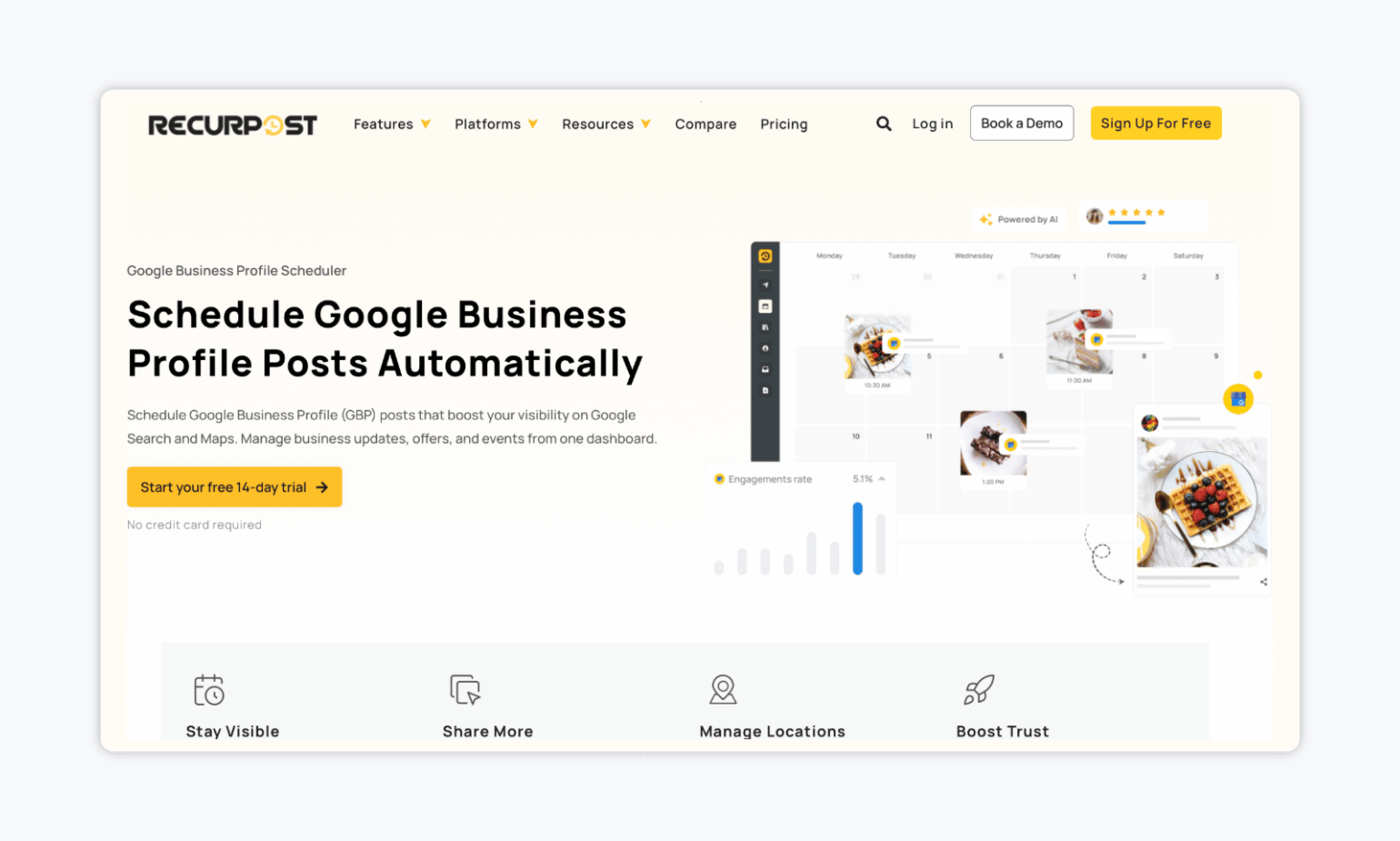
RecurPost is a social media scheduler that keeps your Google Business Profile active without the daily work. You can schedule updates, offers, and events from one dashboard, manage multiple locations at once, and set your best evergreen posts to repeat automatically. It also pulls in reviews and analytics, so you can track views, clicks, and calls from the same place.
✨ Key features:
- Visual drag-and-drop calendar with evergreen post recycling, bulk CSV upload, and AI-suggested best posting times
- Multi-location management that allows you to assign posts to specific branches, save templates for common updates, and switch between profiles in a click
- Ability to add CTA buttons, such as Call Now, Learn More, Sign Up, Book, or Order Online, on posts
💰 Starting price: $7.50/month (Starter, 2 social accounts) when billed annually.
💬 What users say about RecurPost:
“I use RecurPost for social media management and appreciate its ability for multi-page posting and automation. I find the DM automation feature very helpful to connect with leads.” – Ghanshyam D. via G2
2. Social Champ: Best for Bulk Scheduling on a Budget
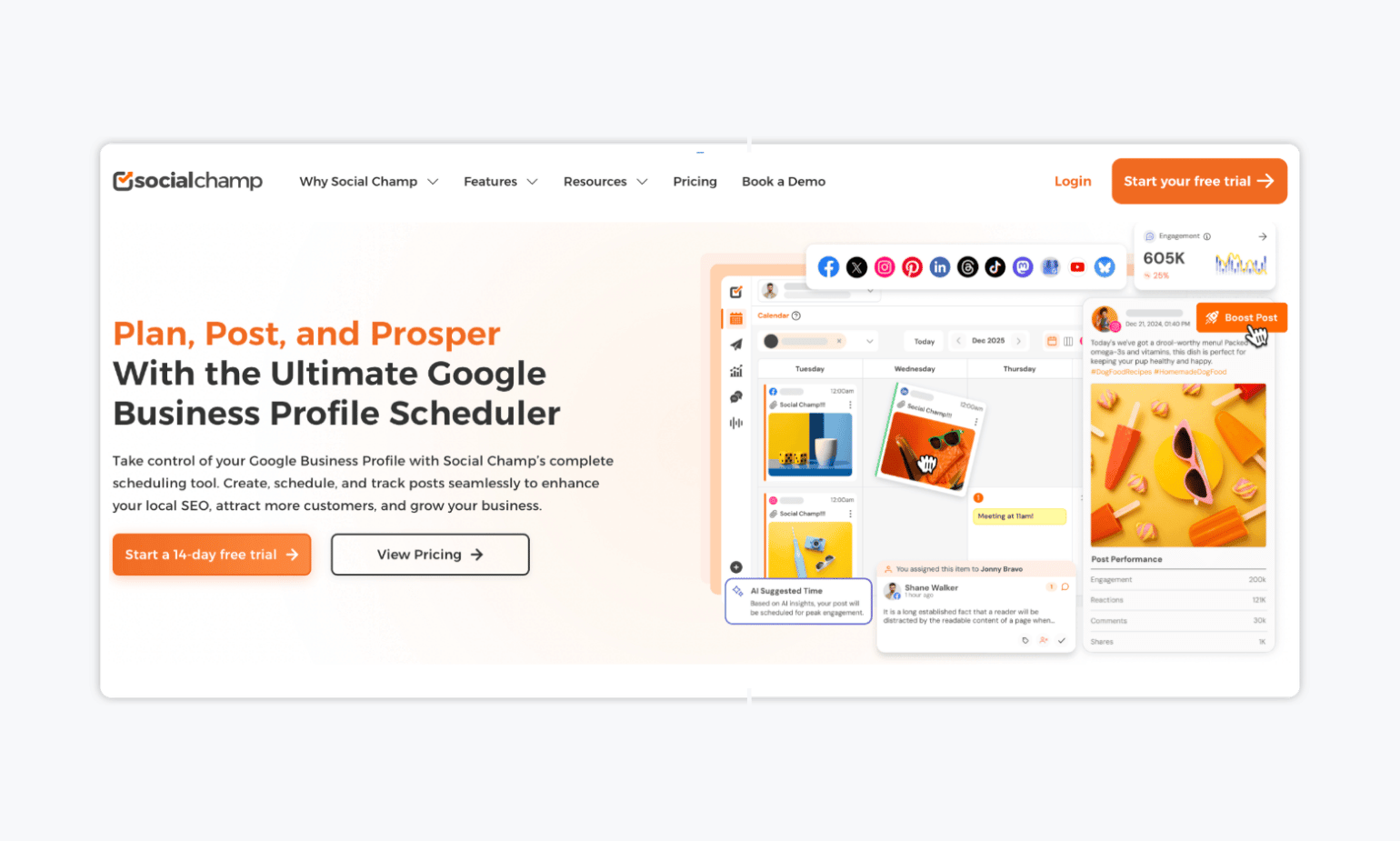
Next up, we have Social Champ, an all-in-one social media manager with a dedicated Google Business Profile scheduler built in. You can plan and schedule GBP posts ahead of time, upload them in bulk via CSV, and edit or reschedule anything before it goes live. It also covers the rest of the job, from responding to reviews through its Engage feature to tracking post performance with detailed analytics.
✨ Key features:
- Schedules GBP posts ahead of time with custom CTA buttons, plus editing and rescheduling anytime before they go live
- Bulk CSV upload to queue multiple posts at once
- Ability to review responses from a single dashboard via Engage, with white-label performance reports for clients
💰 Starting price: Free limited plan. Bundled plans start at $23/month billed annually (Standard, 6 social accounts, 2 users), with a pay-per-profile option from $4/profile/month.
💬 What users say about Social Champ:
“I love how simple and easy-to-use Social Champ is. Scheduling posts is super convenient, and the multi-platform support makes it effortless to manage all my social media accounts in one place.” – Abdul G. via G2
3. Gain: Best for Marketing Teams Who Need Their Content Approved Before It Goes Live
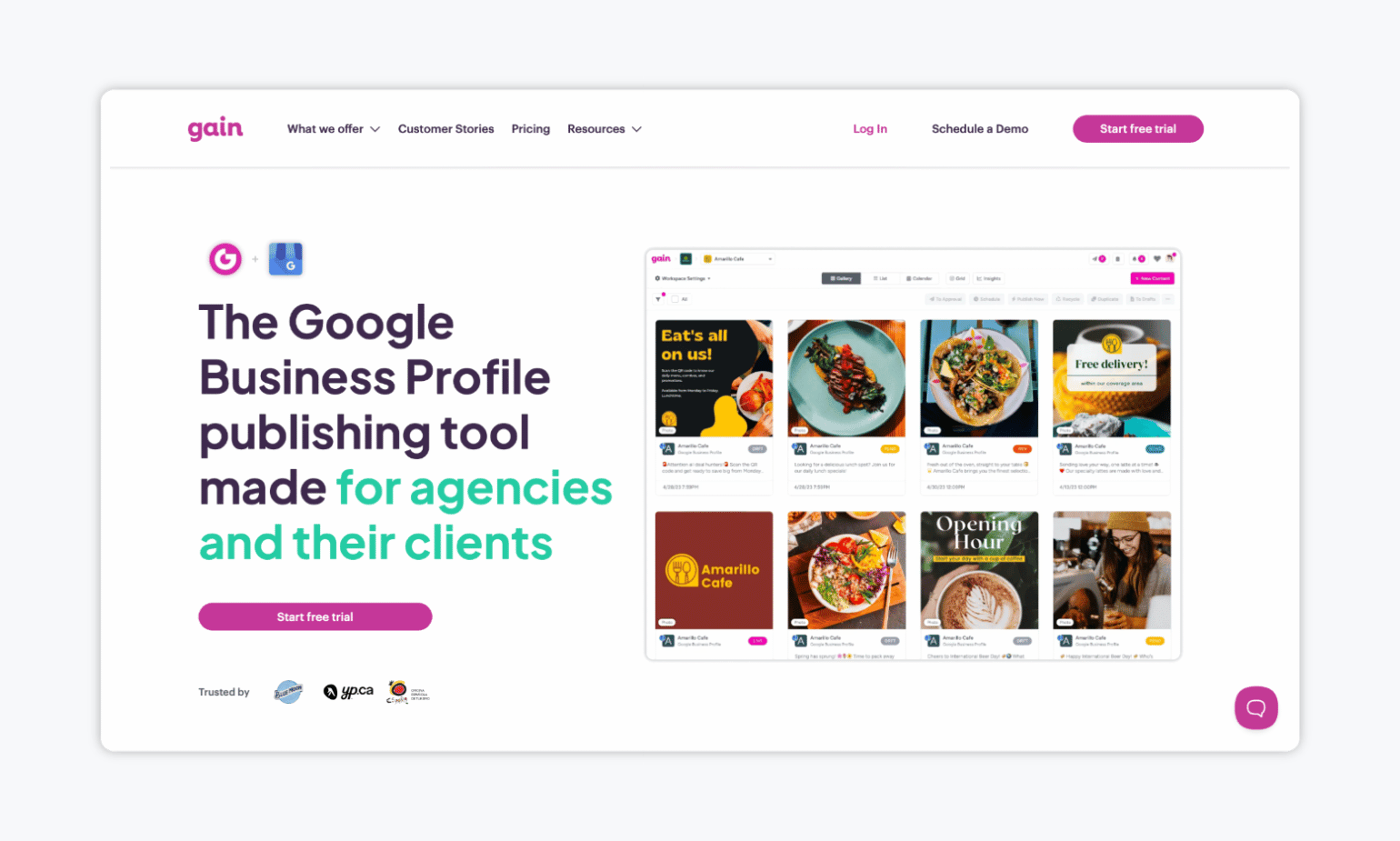
If you’re looking for a Google Business Profile scheduler that allows you to get every post approved before it goes live, Gain is the tool for the job. Built for marketing teams and agencies, Gain lets you create GBP posts in a dynamic editor that shows exactly how they’ll look once published, then routes them through the approval workflow you define. Clients sign off with one click, no password or account needed, and every piece of feedback is tracked in one place. Once the final approval comes in, Gain schedules and publishes the post automatically.
✨ Key features:
- Dynamic post previews that show exactly how your What’s New posts will look on Google Business Profile, plus a built-in image editor with GBP cropping presets
- Customizable approval workflows with unlimited rounds, approvers, and automatic reminders on every plan
- Shared content calendar with tasks, mentions, and content tags to keep teams and clients aligned
💰 Starting price: $99/month when billed annually with 3 team members, 6 workspaces, unlimited reviewers, and unlimited approval workflows.
💬 What users say about Gain:
“It’s super easy to set up and use and our clients love the approval workflow feature! We can connect all the platforms we need. And it’s affordable.” – Sarah A. via G2
4. Planable: Best for Visual Planning
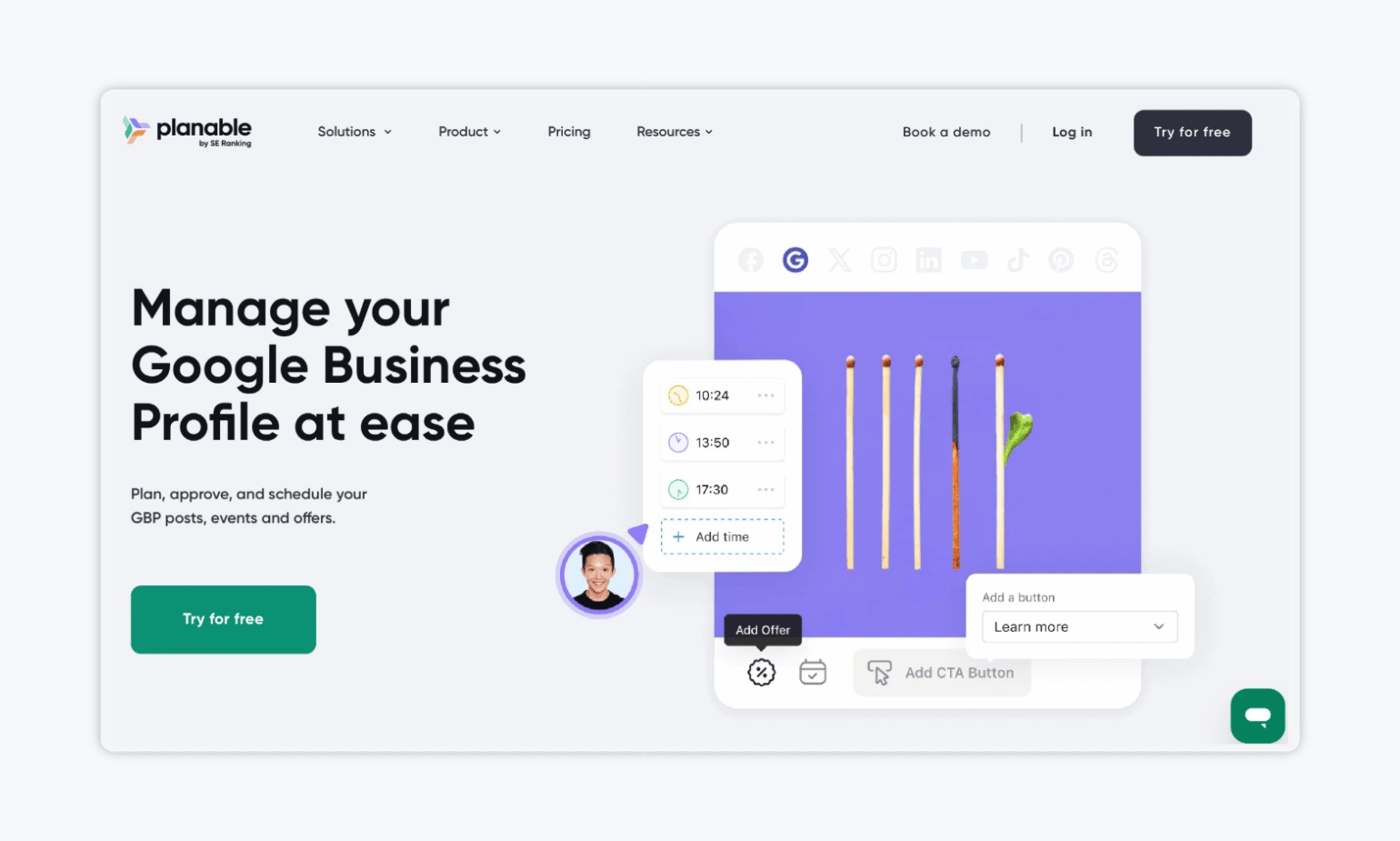
Planable is a social media collaboration tool that lets you plan, approve, and schedule your Google Business Profile posts, events, and offers. You plan everything in a visual calendar where you can see the status of each post and drag and drop to adjust the schedule. It’s a solid fit if you’re a multi-location brand, since you can create a post once and tweak it per location or platform.
✨ Key features:
- Visual content calendar with post statuses and drag-and-drop scheduling
- Supports GBP posts, offers, and events, with custom CTA buttons and details
- Allows for multi-location publishing
💰 Starting price: A limited free plan available. Paid plans start at $33/month when billed annually.
💬 What users say about Planable:
“What I like best about Planable is how clearly I can see everything I’ve planned. The layout makes it easy to understand my content at a glance, which really helps me stay organized and calm.” – Kira S. via G2
5. Metricool: Best for Publishing Plus Analytics
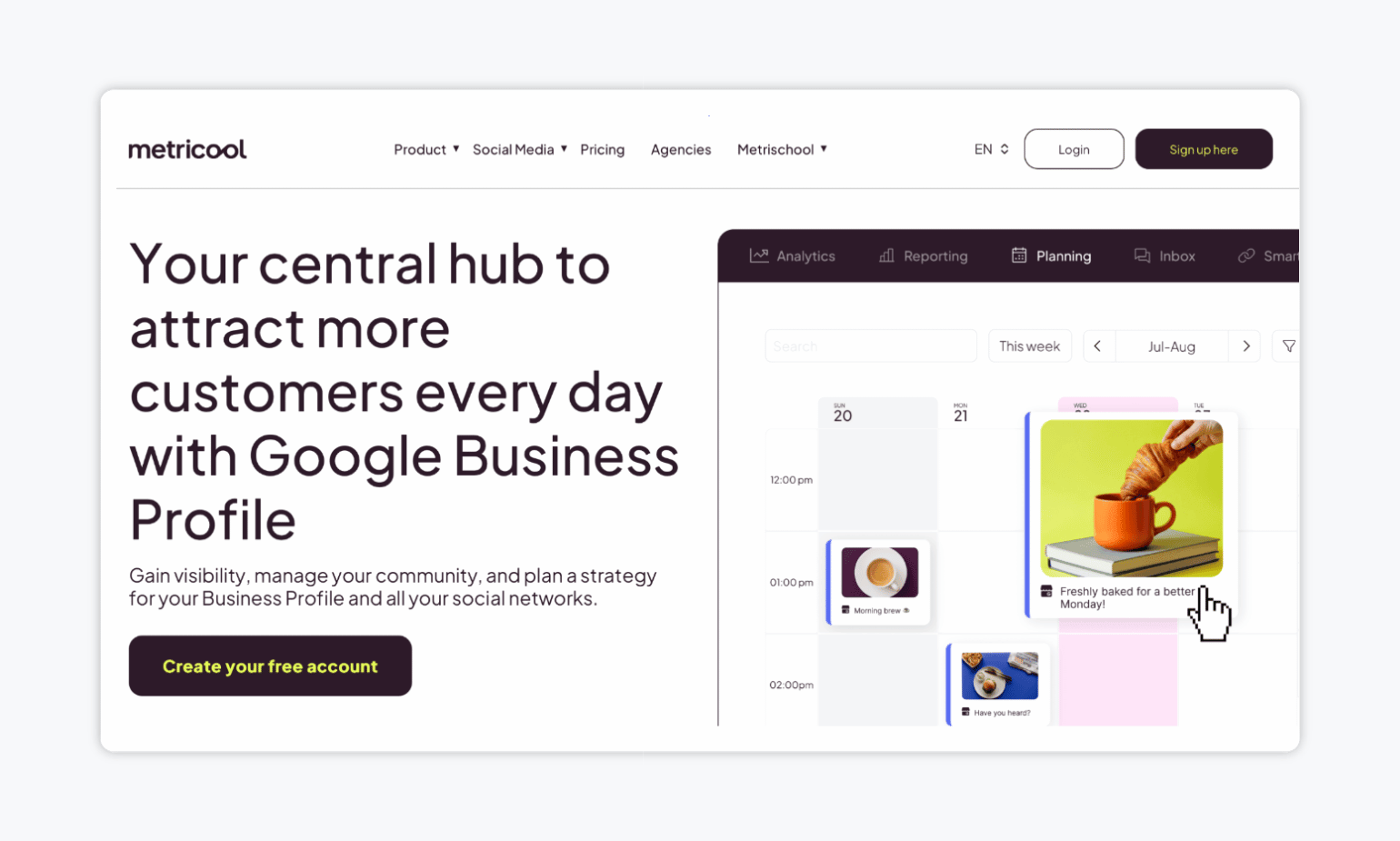
If you’re looking for a Google Business Profile scheduler that offers analytics, look no further than Metricool. It gives you the analytics to see whether that effort is paying off: how customers find your profile, what actions they take, and how each post performs.
With Metricool, you can also handle reviews from the same dashboard, allowing you to respond to customers without bouncing between tabs.
✨ Key features:
- Schedules GBP posts, offers, and events from a unified planner covering all your social channels
- Tracks how customers find your profile and what actions they take
- Builds custom reports in minutes as PDF or PPT, with automated sending and Looker Studio integration
💰 Starting price: Free plan (1 brand). Paid plans start at $20/month when billed annually.
💬 What users say about Metricool:
“As far as social media schedulers go, Metricool feels pretty standard overall. I do like that my team can manage all of our social accounts in one place, including multiple Instagram accounts. The link shortener is enormously helpful. The metrics dashboard is useful as well, since it gives us insight into our analytics and makes it easier to understand how our accounts are performing.” – A verified user via G2.
FAQs
Yes. Google Business Profile now includes a basic “Schedule this post” option that lets you pick a publish date and time, and even set posts to repeat. What it doesn’t offer is a content calendar, previews, approval workflows, or cross-network publishing, which is where third-party schedulers come in.
Most schedulers support all three main Google Business Profile post types: updates, offers (with start and end dates), and events (with dates, times, and details). You can typically add photos and CTA buttons like Call Now, Book, or Learn More to any of them.
There’s no correct answer when it comes to frequency. However, you should aim for at least one post per week. Consistent activity signals to Google that your business is active, keeps your profile current for potential customers, and gives you regular chances to surface offers and events.
What’s Your Pick?
There are plenty of Google Business Profile schedulers on the market, each designed to solve a slightly different problem. If you’re budget-conscious, go for something like Social Champ as its per-profile pricing keeps costs low as you grow.
If you want to reuse evergreen content, RecurPost will keep your profile active on autopilot. Planable suits teams that want to plan visually and collaborate on every post, while Metricool is the choice when analytics matter as much as publishing.
However, if your biggest bottleneck is collecting stakeholder feedback on your content, then look no further than Gain.