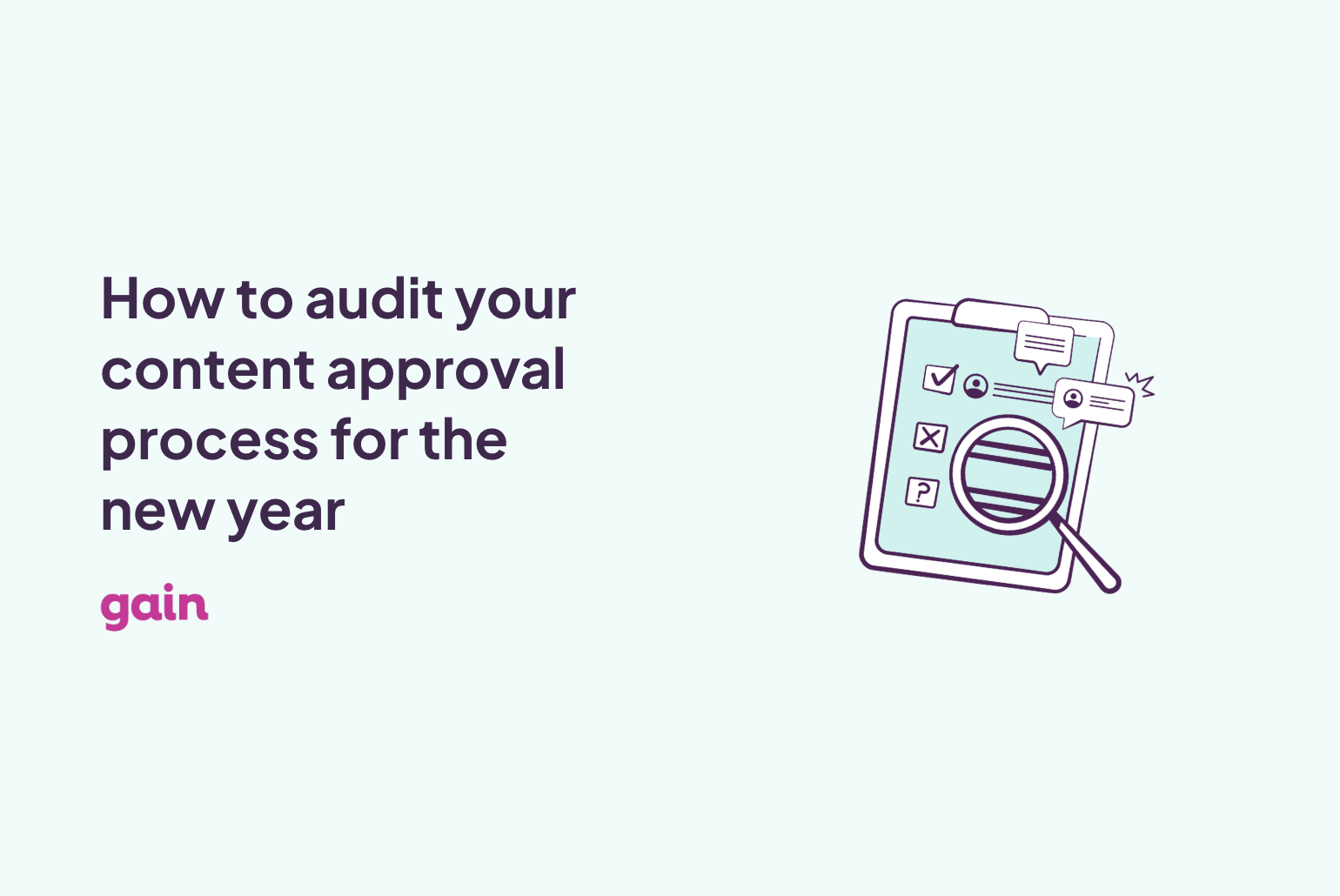
Your content approval process probably grew by accident: a Slack thread here, an email chain there, a spreadsheet somewhere else. The end of the year is the best moment to check whether it still works, because you have twelve months of real campaigns to look back on and a new calendar about to start.
This audit should take you about an hour. You answer ten questions, score each one, and end with a list of what to fix first. You don’t need special software to run it. If you can gather 10 recent pieces of content and ask your team a few questions, you can do it.
The questions fall into three groups: where approvals happen (tools), how long they take (speed), and whether you can prove what was approved (records).
The 10-question content audit
Pull ten recent pieces of content from the past year, a mix of social posts, files, and web pages if you make all three. Use them as your sample, and answer each question below from what actually happened, not from how the process is supposed to work.
Tools: where do approvals happen?
- How many tools hold approvals? List every place someone can say “approved”: email, Slack, a proofing tool, a scheduler, comments in a doc. Red flag: more than two, or nobody on the team can list them all.
- Does every content type follow the same path? Check whether social posts, PDFs, videos, and landing pages each have their own process. Red flag: a separate process for each type.
- Can outside reviewers approve without friction? Clients and legal often sit outside your team. Red flag: approvals stall waiting for a login, or arrive as an email reply that someone has to copy somewhere else.
Speed: how long does sign-off take?
- What is the time from submitted to approved? Measure it for your ten pieces and take the middle value. Red flag: it’s longer than your own turnaround rule, or you don’t have one.
- How many review rounds does a piece go through? Count each time content goes back for changes. Red flag: most pieces need three or more rounds before they’re approved.
- Where does content wait longest? Note which stage or which person holds items the longest. Red flag: one approver is the bottleneck on most pieces.
- Do approvers know when content is waiting for them? Red flag: someone chases reviewers by hand every week.
Records: can you prove what was approved?
- Can you find last year’s approval for a given piece? Pick three pieces from January and time how long it takes to find the approval. Red flag: it takes more than five minutes, or you can’t find it.
- Does the record show who approved, when, and which version? Red flag: the approval is a thumbs-up in a chat or on a version that was later edited.
- Is each client or brand kept separate? Red flag: every client’s content sits in one pile, or too many people can see work they have no reason to see.
Score it
Give each question 2 points if it is solid, 1 if it works but takes effort, and 0 if it hit the red flag. Out of 20, 16 or more means the process is healthy. Between 10 and 15, fix the three lowest-scoring questions first. Under 10, the process is costing you time and risk every week, so start with the record questions (8 to 10), because those are the hardest to repair after the fact.
What to fix first
Most approval process audits point to the same three fixes. Start with the one your lowest scores point to. If your scores don’t settle it, go in the following order, because each one makes the next easier.
- Put approvals in one place. Pick a single home for approvals and retire the rest. Once every piece of content is approved in the same spot, questions 1 and 2 fix themselves, and you can measure questions 4 to 6 without digging through inboxes.
- Set a turnaround rule and a clear approval path. Decide who approves what, in what order, and how many days each stage gets. Write it down per content type. Tip: a short rule everyone follows beats a detailed one nobody reads.
- Keep a record you can find. Every approval should show who signed off, when, and on which version. Keep it organized by client or brand so you can answer “did anyone approve this?” in a minute, not an afternoon.
How Gain helps with each fix
Approvals are what Gain is built for, so here’s how it helps with each fix.

- One place for approvals. Social posts, files, documents, and web pages go through the same approval flow, so you stop digging through a scheduler, a proofing tool, and a feedback tool to find where something was approved. Here’s why emails, landing pages, and PDFs need the same approval process as social posts.
- Approval flows that match your rules. Build multi-step approval workflows with the rounds and reviewers you set up. Plans start at $99/month and include unlimited approval workflows and unlimited reviewers, so adding a legal or client step never increases your bill.
- Outside reviewers without setup. External approvers get a magic login in the email notification they receive when they have content to approve, so clients and legal can review without needing to set anything up first. For more, see our steps for a client-friendly content review process.
- A record that is easy to find. Gain keeps a time-stamped, versioned activity history for each piece of content, and you can download the feedback and approval history when someone asks for it. Here’s why audit logs matter.
- Workspaces per client or brand. Keep each client’s or brand’s content, reviewers, and history separate. Every plan includes unlimited workspaces. For more on keeping client and brand content organized, see our guide to organizing marketing materials and assets.
If you need deep analytics, design editing, or highly detailed markup, you may still need a dedicated tool for those. You can then bring everything together in Gain at the approval stage.
If you want to see how this works on your own content, you can see how Gain works.
Know who approved what, and when ✅
A content approval process that works answers three questions fast: where did this get approved, how long did it take, and can we prove it. If your audit shows you can’t answer one of them, that is your first fix for 2027.
Gain keeps approvals for social posts, files, documents, and web pages in one flow with one time-stamped record. Try Gain free and set up your first approval workflow before the new year.